




01. Edit your form online
Type text, add images, blackout confidential details, add comments, highlights and more.

Type text, add images, blackout confidential details, add comments, highlights and more.

Draw your signature, type it, upload its image, or use your mobile device as a signature pad.

Send it via email, link, or fax. You can also download it, export it or print it out.

Start using our platform today for free to streamline your document editing and completion process!
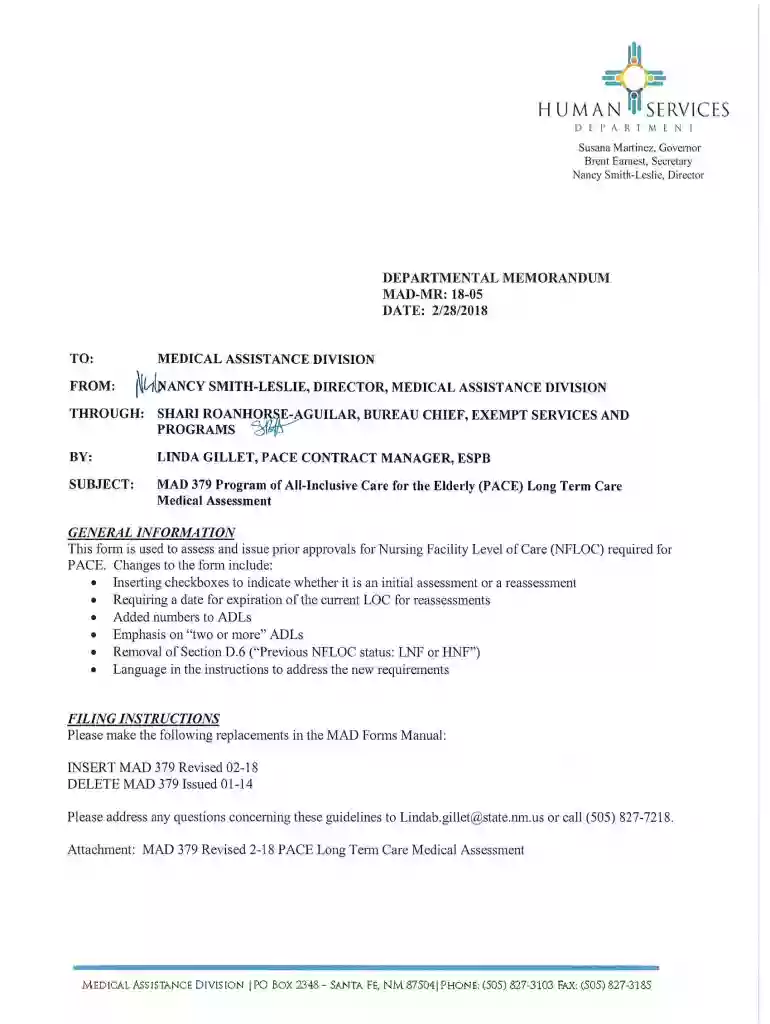
We've got more versions of the 2018 NM MAD 379 form. Select the right 2018 NM MAD 379 version from the list and start editing it straight away!
Sure, it is possible with DocHub. This secure and compliant online service features a phone-based signing option. When you log in to your DocHub account and add your 2018 NM MAD 379 to our editor, complete all blank fields and utilize the Sign feature on the top barf. Click on Create your signature and choose Phone from the available options. Here, you scan a QR code using your smartphone and draw your signature on your phone display, as you usually do when approving physical papers. If you access DocHub right from your mobile device, you can eSign your form by drawing your eSignature, uploading its picture, or simply with a typed name.
If you are using Chrome, there are two easy ways to edit your 2018 NM MAD 379 online. First, go to the DocHub website, add your file, and edit it utilizing our toolbar. You can also set up our Chrome extension and edit any document by dragging and dropping it in your web browser tab.
At DocHub, your data security is our priority. We follow HIPAA, SOC2, GDPR, and other standards, so you can work on your documents with confidence.
2018. Antimicrobial resistance of Enterococcus faecium strains Goncalves, M.A.D., N.M. Bello, S.S. Dritz, M.D. Tokach, J.M. DeRouchey, J.C.Read more
Free crowd-sourced Model Railroad database and collection management system for Marklin other model train and accessory manufacturers.


