
Get any PDF form from the DocHub library of ready-made templates - Page 1354
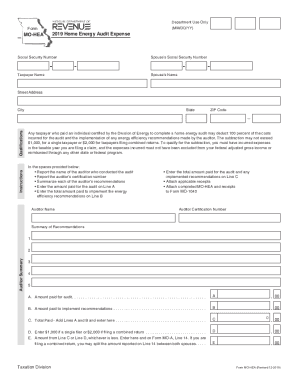
How to resetclear Microsoft forms if it reached the ...
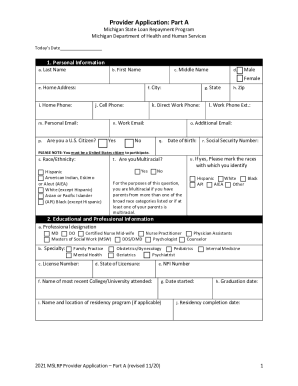
Provider Application, Part A Form, 2021 - State of Michigan
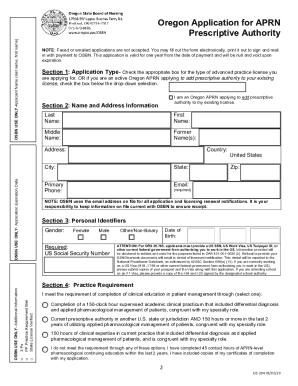
Apply for an Oregon RN, LPN, or APRN License - State of Oregon
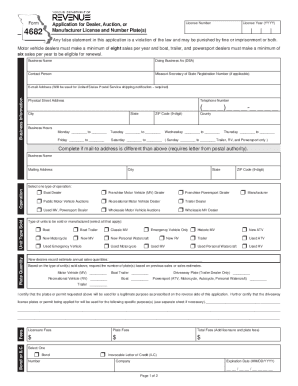
Missouri 4682 revenue

Form environmental compliance audit

Animal Blastomycosis Case Report Form - Minnesota Dept. of Health. Animal Blastomycosis Case report form to submit to Minnesota Dept. of Health.
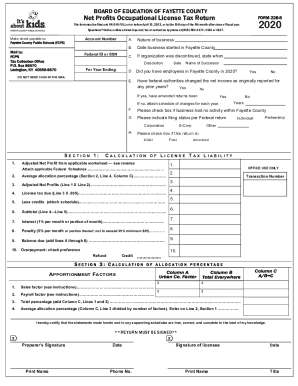
Form 228 s
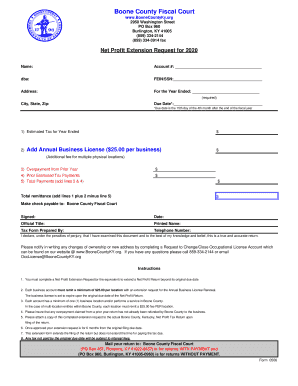
Kentucky extension request
Kentucky tax year form

Missouri 4669 form

Kentucky form income tax
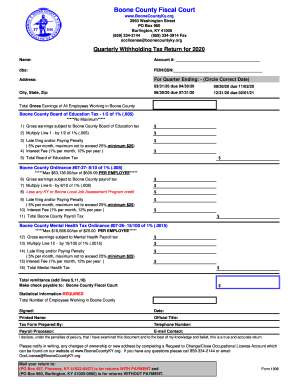
2020 ky return

Form 1937 missouri

Voucher revenue kentucky
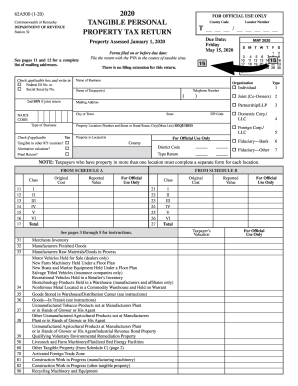
2020 ky form
Form net profit
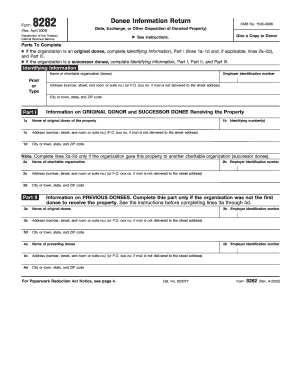
8282
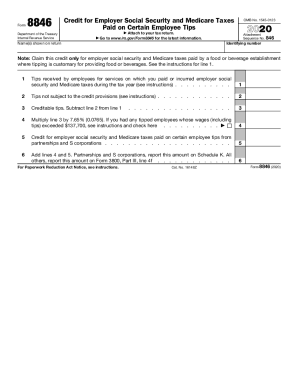
Irs form 8846

K 1099k
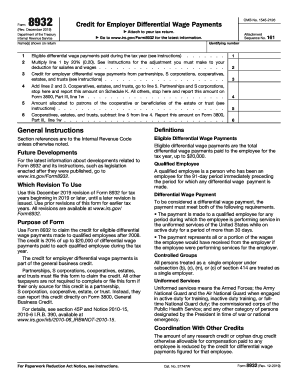
8932
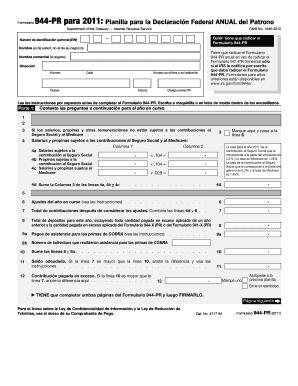
2019 944
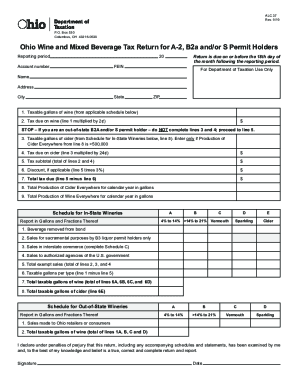
Form ALC37 "Ohio Wine and Mixed Beverage Tax Return for a ...

Ky 42a740 form

1586 form
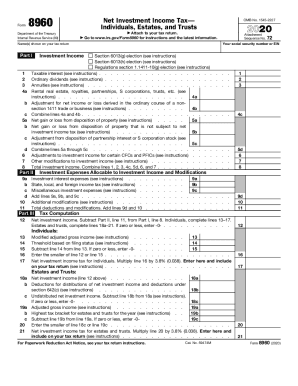
8960 form tax
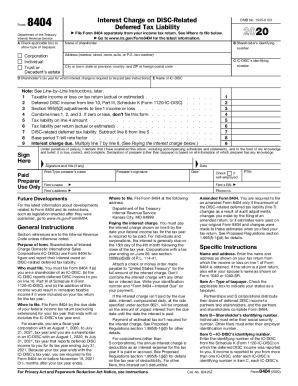
2020 tax calculator
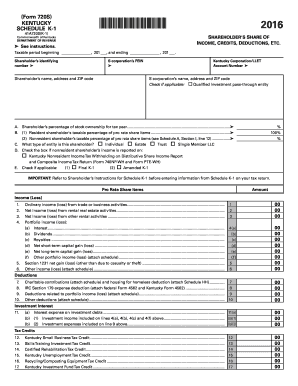
Ky k 1 form
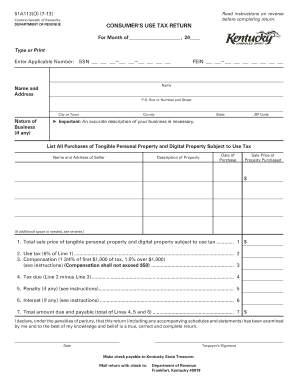
Ky use tax form
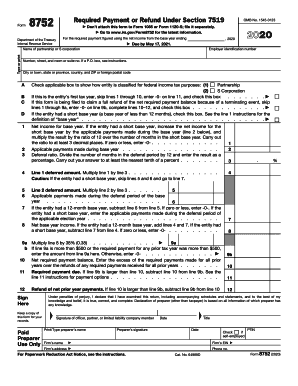
Tax tables 1040

Publication 5412-G (SP) (5-2020) - Internal Revenue Service
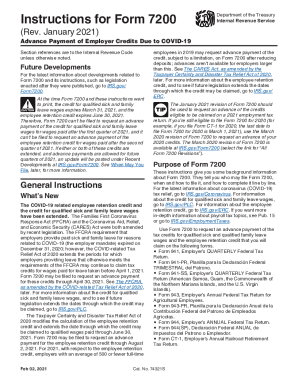
Instructions 7200 form pdf
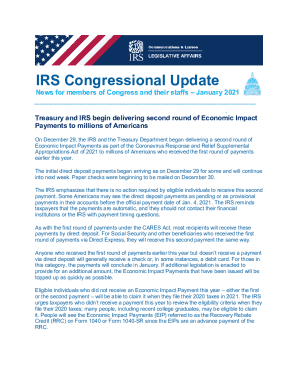
Irs publication

Form 990 pf instructions
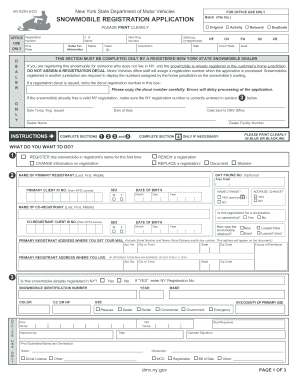
Mv82sn
Complete this form in its entirety and return to any DMV customer service center, mail to DMV at the address above, or fax to (804) 367-1384

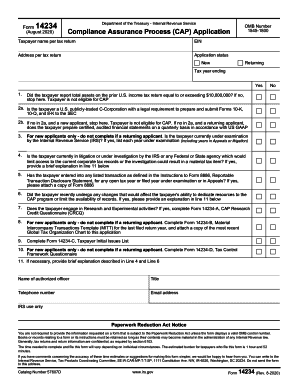
Form 14234-B (Rev. 8-2020). Material Intercompany Transactions Template (MITT)

Mo 1065

Get the free Irs-pdf Internal Revenue Service - DocHub.com
Statement of estimated state revenue impact-S.B. 597
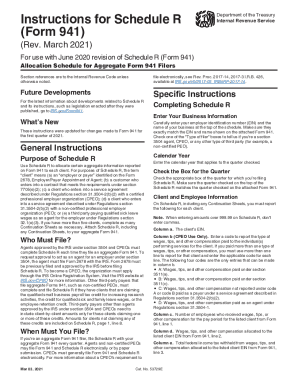
Instruction 941 form filers

Illinois tow truck plates
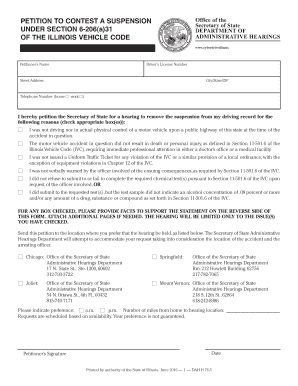
Dah 206 31 form

Oh bmv 3771
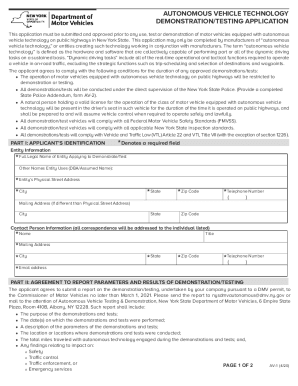
Av 1 form
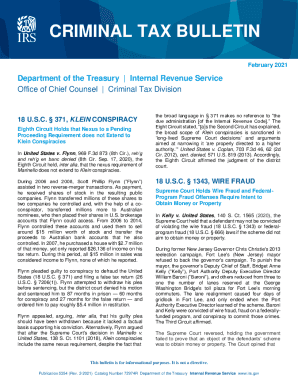
PDF Publication 5354 (Rev. 9-2020) - Internal Revenue Service
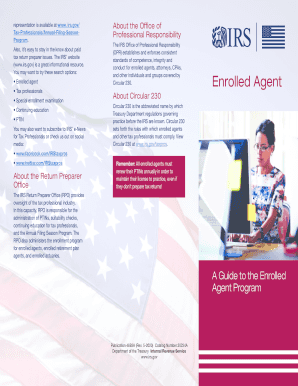
4693a

1693 ssa form
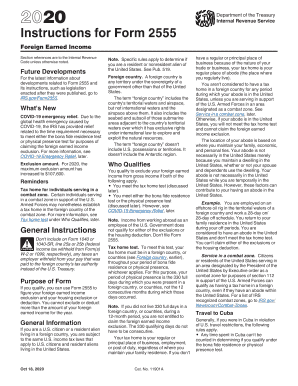
Irs instructions 2555

Fillable Online Note-Taking Process and Responsibilities ...

Oc 400 form
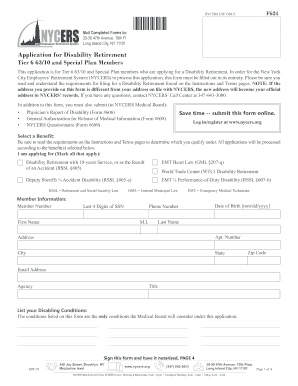
Application for Disability Retirement - Tier 6 63/10 and Special ...
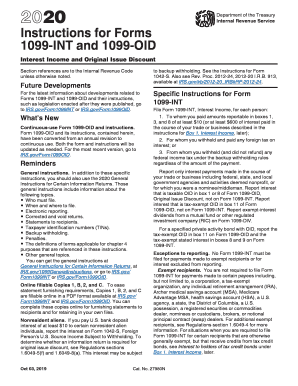
You form oid
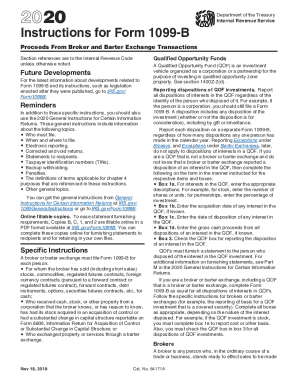
B 1099b form
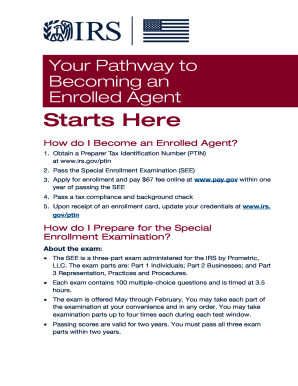
Publication 5279 (5-2017).Your Pathway to Becoming an Enrolled Agent Starts Here
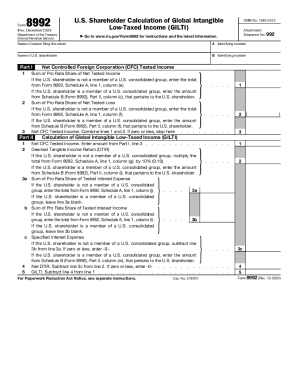
8992 form
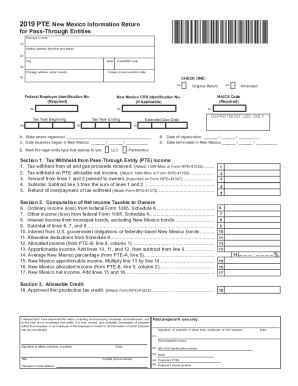
New Mexico Form S-Corp INS (Obsolete) (Instructions for ...
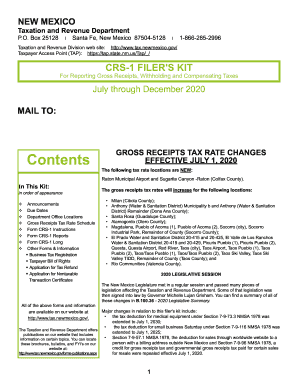
New mexico crs 1 form
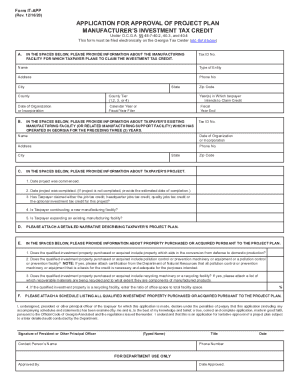
Form IT -CONSOL 09/14) - Georgia Department of Revenue
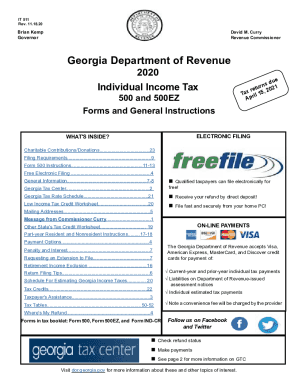
Georgia income tax forms
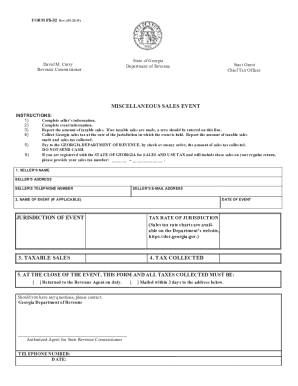
Ga miscellaneous
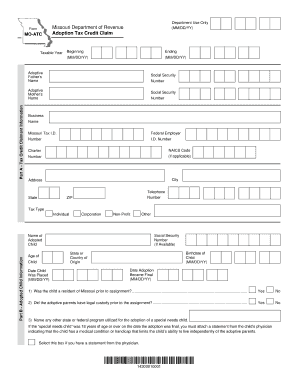
Is it real dor mo forms MO

Massachusetts m tax form
Ifta massachusetts fuel
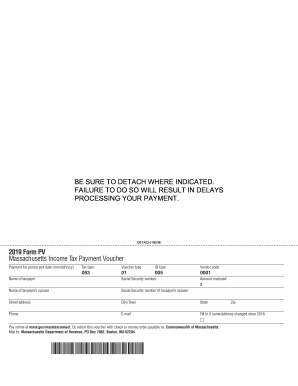
Massachusetts tax voucher
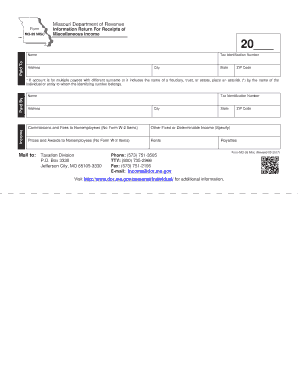
Mo 99 misc
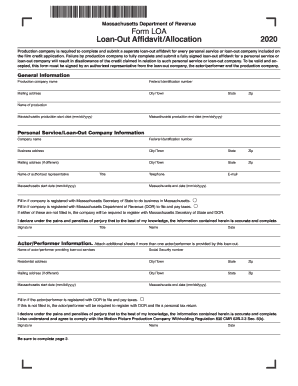
Massachusetts loa
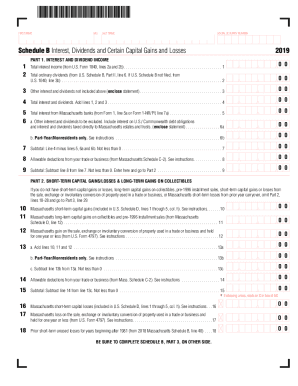
2019 massachusetts schedule b
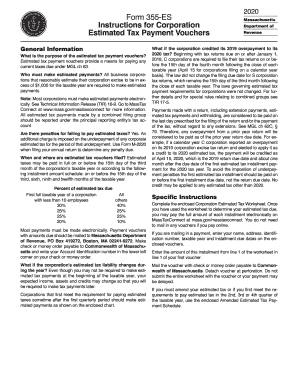
Ma 355 tax form

Form tsa app pdf
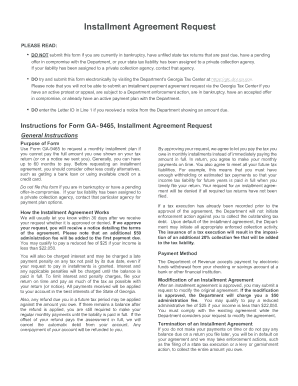
Georgia tax payment plan
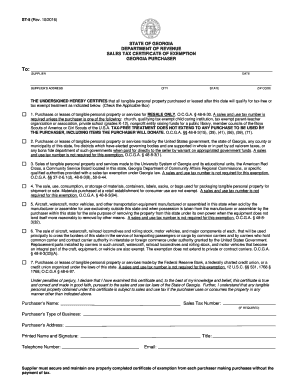
St5 form ga

Massachusetts ec
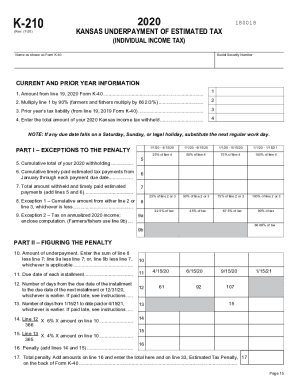
K 210
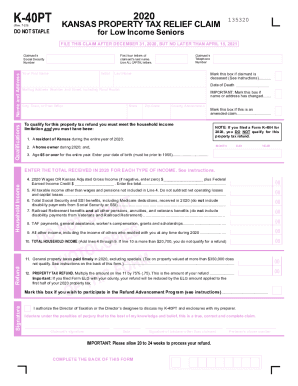
K 40pt
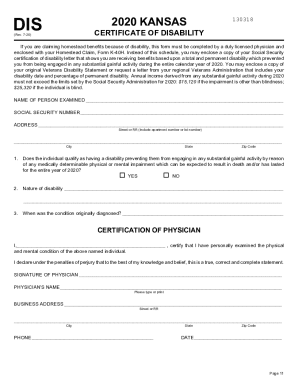
Kansas Certificate of Disability - One Stop, Every Tax Form
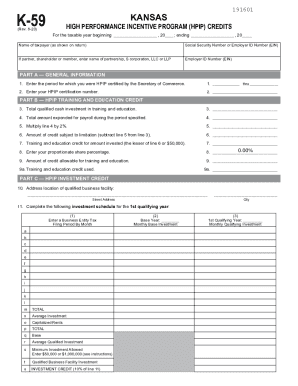
K-59 Kansas High Performance Incentive Program (HPIP ...
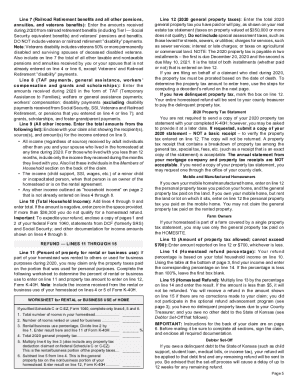
Ks homestead refund
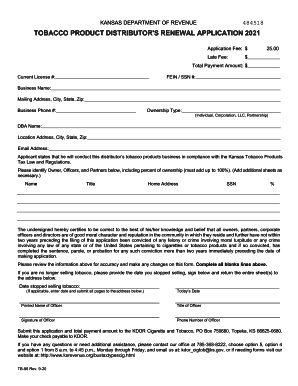
Kansas tobacco renewal
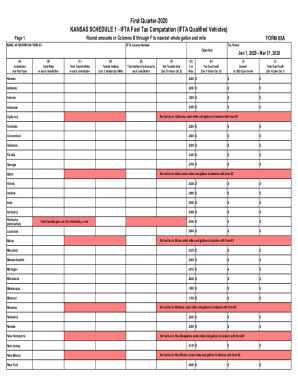
Kansas 85a

Abc 890
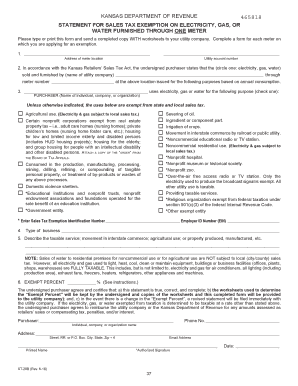
St 28b

St 8b
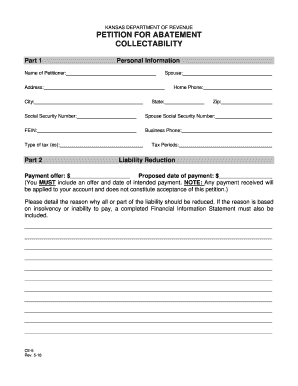
CE-5 Petition for Abatement - Collectability for Businesses Rev. 5-18. Petition for Abatement

Ri sales permit renewal
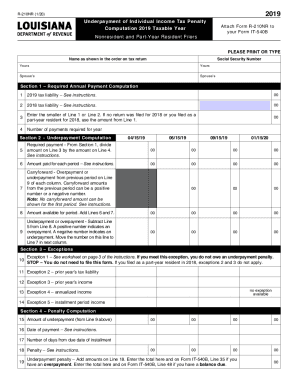
Printable 2020 Louisiana Form R-210NR (Nonresident and Part-Year Resident Underpayment Penalty Computation Worksheet)

Ma w4p
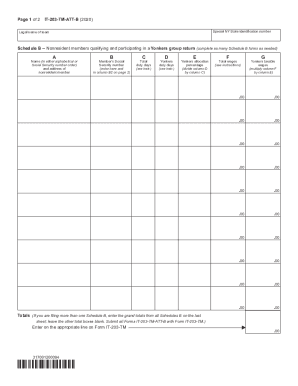
New York Form IT-201 (Individual Income Tax Return) - 2020 ...Special Specifications (US Customary) - NYSDOT HomeNew York Form IT-201 (Individual Income Tax Return) - 2020 ...
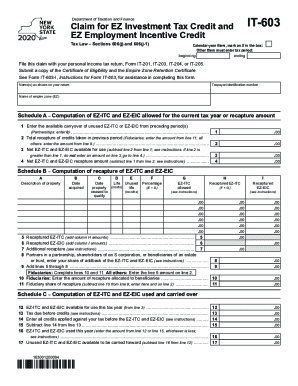
Form IT-603 "Claim for Ez Investment Tax Credit and Ez ...
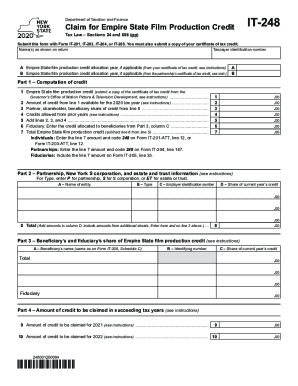
It 248
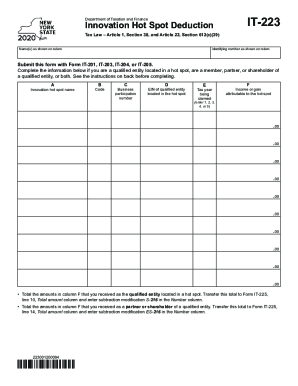
It 223
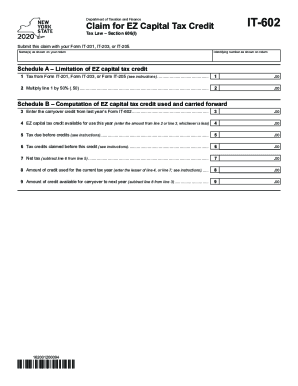
Printable 2020 New York Form IT-602 (Claim for EZ Capital Tax Credit.)

219 form

It 607
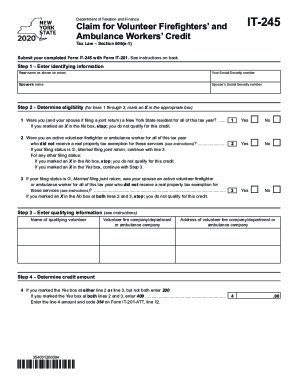
It245

It225
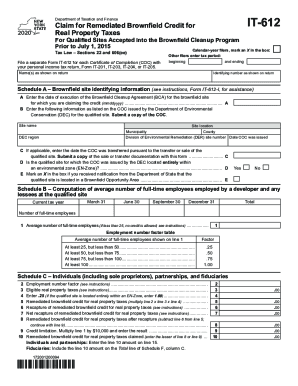
Foreign Tax Credit - Internal Revenue Service
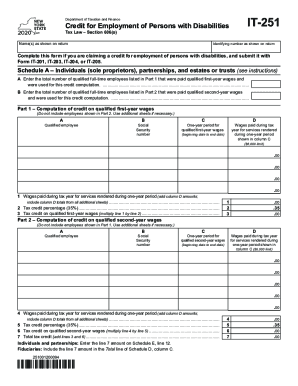
It251

Ny 239 form
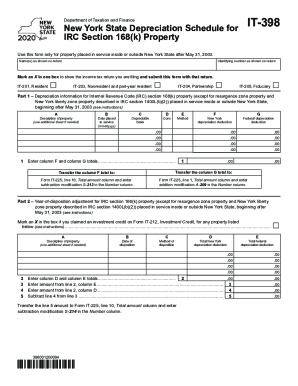
2020 it 398

It611
Benefit from the DocHub online library of fillable PDF forms
Searching the PDF forms doesn't have to be a tedious and time-consuming process. With the DocHub online library, it has become easier to find the fillable PDF forms and modify them in your browser. The service allows you to adjust the document to your needs using powerful editing tools.
You can use online document editing features to modify almost any type of document with ease. You just need to find the template of your choice, open it in the editor, and use the toolbar to make the necessary corrections.
Follow this guide to get your document done with DocHub:
- Find the PDF template you need.
- Click the Get Form button to open the file in the editor.
- Use the toolbar to fill out and edit the document.
- Easily add and highlight text, insert images, checkmarks, and symbols.
- Drop new fillable fields, and rearrange or delete pages from your file.
- Save changes and download your record.
DocHub empowers everyone to streamline document editing, signing, and distribution, and form completion. Create an account and benefit from our well-organized PDF Forms library and comprehensive editor.