




01. Edit your tier 6 nys teacher retirement online
Type text, add images, blackout confidential details, add comments, highlights and more.

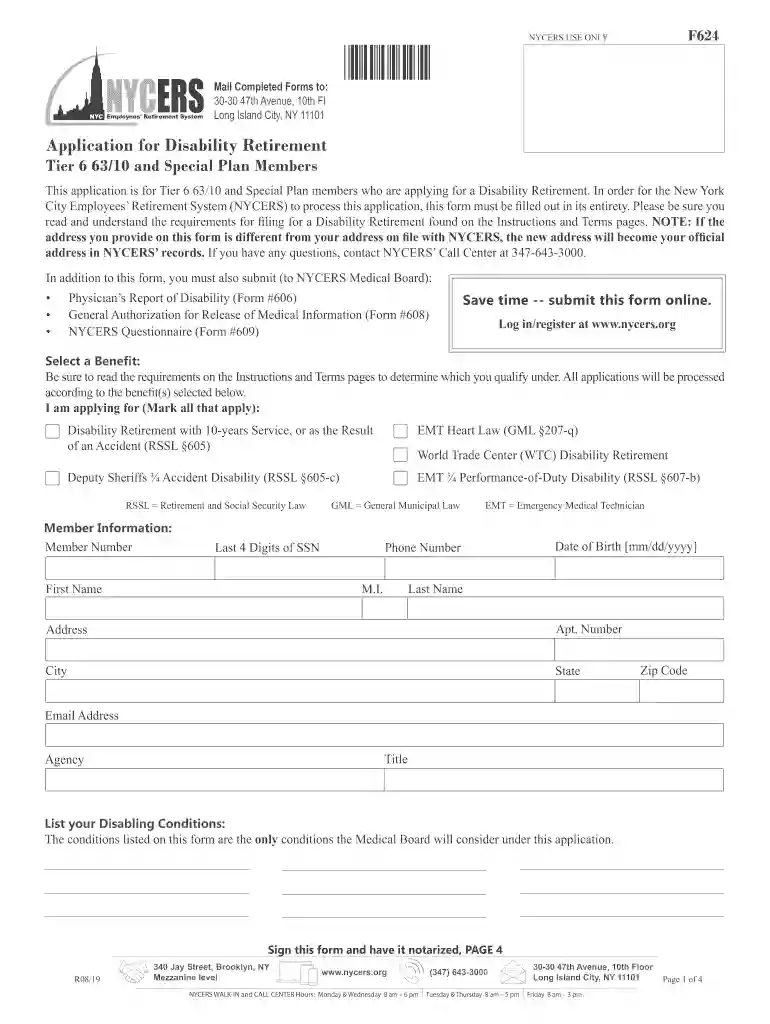
Type text, add images, blackout confidential details, add comments, highlights and more.

Draw your signature, type it, upload its image, or use your mobile device as a signature pad.

Send nycers tier 6 via email, link, or fax. You can also download it, export it or print it out.

Start using our platform today to streamline your application process for free!
We've got more versions of the tier 6 nys teacher retirement form. Select the right tier 6 nys teacher retirement version from the list and start editing it straight away!
If you often deal with documents kept in your Google Drive, DocHub is a perfect option for you to easily and quickly complete, modify, and approve them. This editor integrates well with Google apps, so you can export your nycers tier 6 changes 2022 from your Google Drive to the editor without downloading and re-uploading it. Right-click on your file, choose Open With → DocHub PDF Sign and Edit. In our editor, add and assign Signature Fields for all parties involved, then click on the Menu button above → Send → choose how you want to share your paperwork.
You need only a web connection and a web browser to fill out your nys tier 6 retirement by using an iOS phone. Open the DocHub website and authenticate. Then, add your document or choose it from the list in your dashboard. Then use our editing tools to fill out your form and save all your changes. You can also send it to a dedicated recipient straight away.
At DocHub, your data security is our priority. We follow HIPAA, SOC2, GDPR, and other standards, so you can work on your documents with confidence.
TRS is a defined benefit plan and benefits are based on age, final average salary and years of employment. Vested after 5 years of total credited service.Read more
Most Tier 6 members are eligible for a service retirement benefit at age 63, or they can choose to retire as early as age 55 with a reduced benefit.Read more


