




Here's how it works

01. Edit your environmental audit checklist online
Type text, add images, blackout confidential details, add comments, highlights and more.

02. Sign it in a few clicks
Draw your signature, type it, upload its image, or use your mobile device as a signature pad.

03. Share your form with others
Send environmental legal compliance audit checklist via email, link, or fax. You can also download it, export it or print it out.
How to use or fill out form environmental compliance audit with our platform

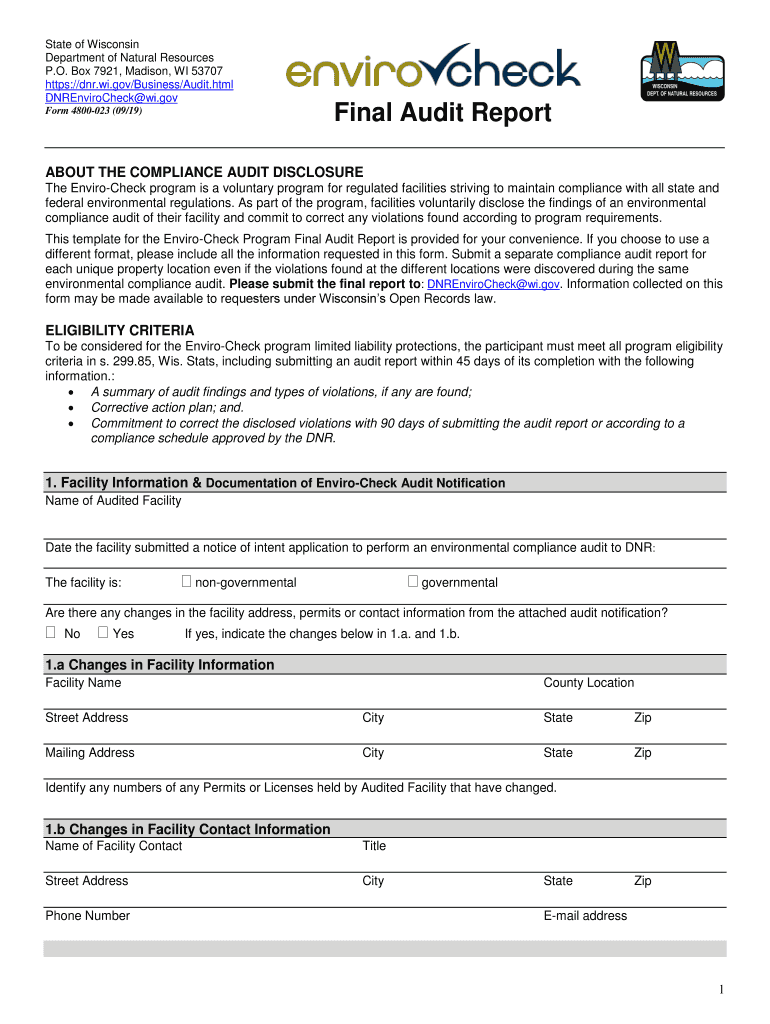
- Click ‘Get Form’ to open the environmental compliance audit in the editor.
- Begin by filling out the 'Facility Information' section. Enter the name of the audited facility and select whether it is governmental or non-governmental. If there are changes in address or contact information, indicate them in sections 1.a and 1.b.
- In the 'Environmental Compliance Audit Information' section, provide details about the audit, including who conducted it and when it was completed. Ensure that this aligns with your original notification.
- For 'Violation Disclosure Information', use Table A to categorize each violation found during the audit. Specify types of violations and related environmental regulations.
- Complete sections regarding resolution strategies for violations, detailing corrective actions and timelines for both immediate (within 90 days) and extended (over 90 days) corrections.
- Finally, fill out the 'Contact Information & Signature' section, ensuring all information is accurate before signing and dating the document.
Start using our platform today to streamline your environmental compliance audit process for free!
Fill out form environmental compliance audit online
It's free
It's free
See more form environmental compliance audit versions
We've got more versions of the form environmental compliance audit form. Select the right form environmental compliance audit version from the list and start editing it straight away!
Security and compliance
At DocHub, your data security is our priority. We follow HIPAA, SOC2, GDPR, and other standards, so you can work on your documents with confidence.
Learn more


Related forms

Cic medical claim form
The document is a proposal form for CIC Life Assurance, detailing the application process for various life insurance pro ...
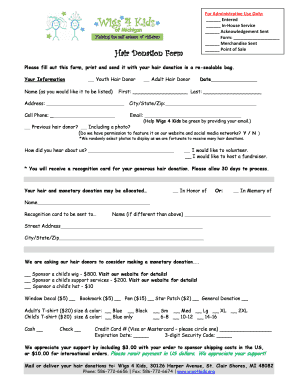
Wigs4kids donation
The document is a Hair Donation Form for Wigs 4 Kids, requesting individuals to fill out their personal information and ...

Dealer Vehicle Transfer Authorization letter - omvic on
The document is a Dealer Authorization Letter addressed to the Driver and Vehicle Licence Issuing Office, which authoriz ...

Orea form 301
The document is a Consent to Service of Process form for non-resident real estate appraiser applicants and licensees in ...

Af form 357 pdf fillable
The document is a web-optimized version of a Family Care Certification form for members of the Air Force, detailing thei ...