
Get any PDF form from the DocHub library of ready-made templates - Page 1112
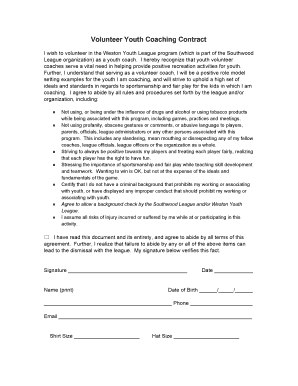
Volunteer Youth Coaching Contract
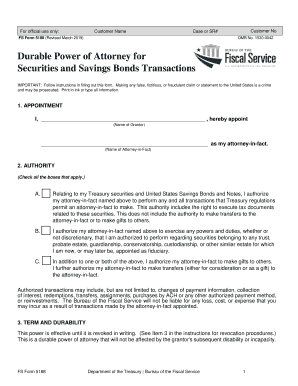
Fs form 5188
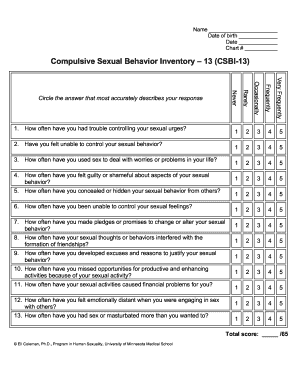
Csbi 13
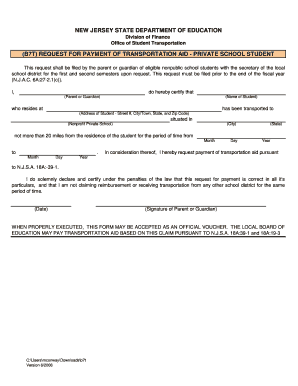
B7t form
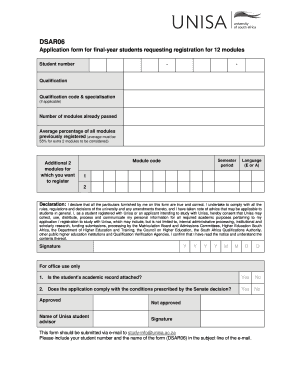
Dsar06 form unisa 2021

1199 job application form
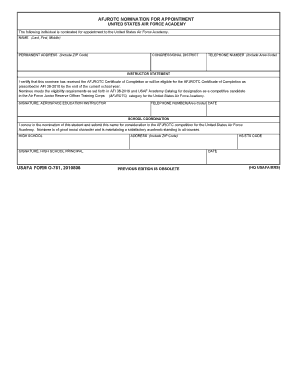
Usafa form o-761, 2010806 afjrotc nomination for - Air Force Academy

Santa ana business license application pdf
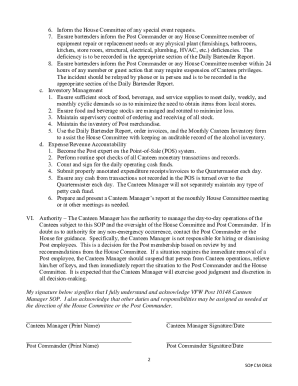
Vfw canteen manager job description
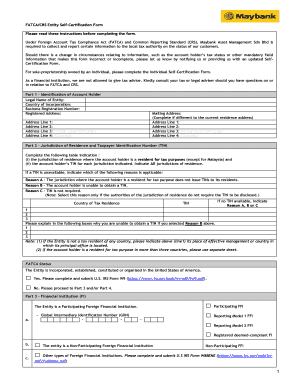
FATCA CRS Entity Self-Certification Form

Pro edge water testing

403( b ) 457 SEPARATION OF SERVICE - Aspire Financial Services
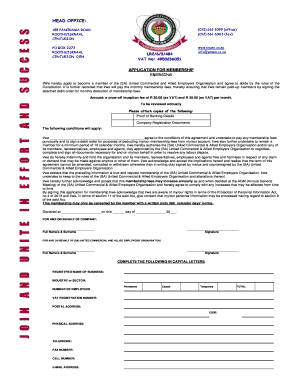
Saueo

Fast track application as an enrolled nurse, registered nurse or midwife - AFTR-40 Form

Employee fun fact sheet

Costco flu shot appointment

Washington writ ejectment

Glaxosmith kline patient assistance printable form application
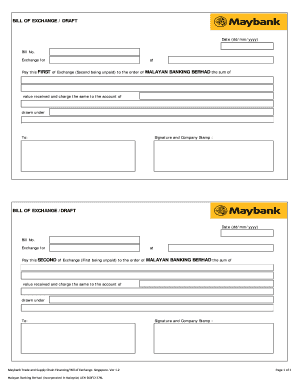
Bank draft maybank
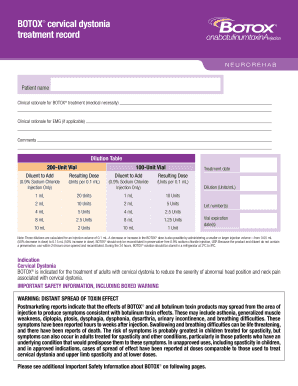
Cervical dystonia
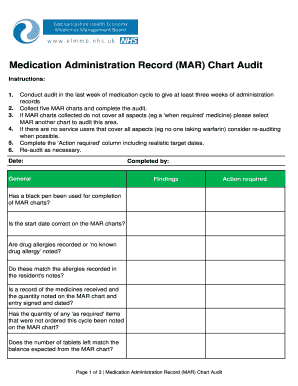
Medication Administration Record (MAR) Chart Audit - NEW Devon CCG

Nj counterclaim form
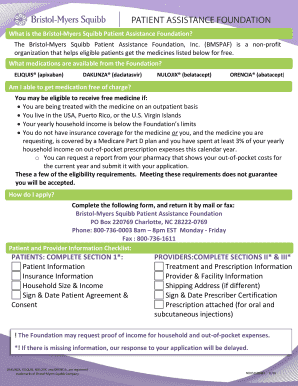
Bristol myers squibb patient assistance form
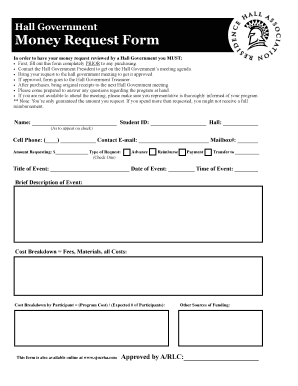
Western union money order customer request form pdf

Yellow card application form
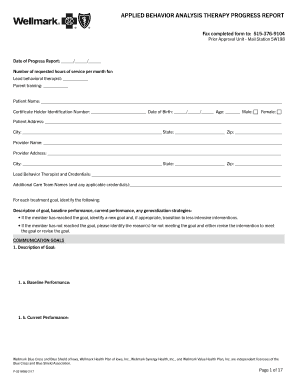
Aba progress report template
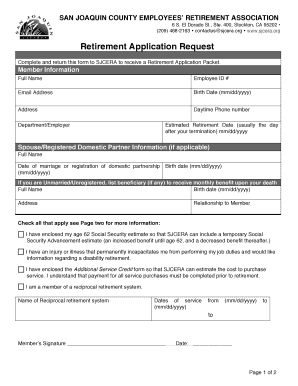
Application for retirement form
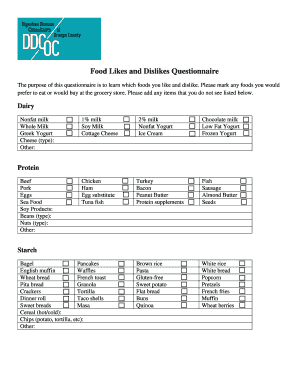
Food likes and dislikes questionnaire

C lim download
Forms - Sparrow Health System
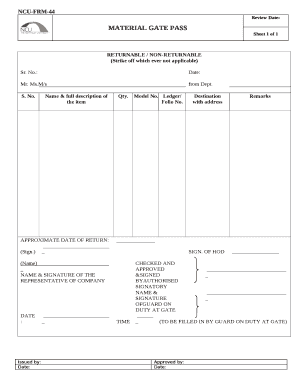
Material gate pass format in word
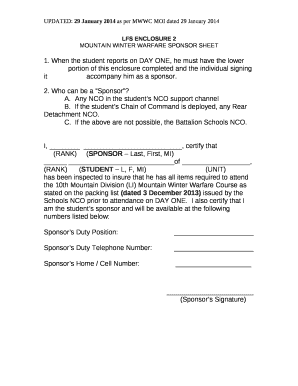
Lfs 100 army

DERMATOLOGY NON- SPECIALTY ENROLLMENT FORM

Ingress letter sample

Rp07 form

Situation report template word
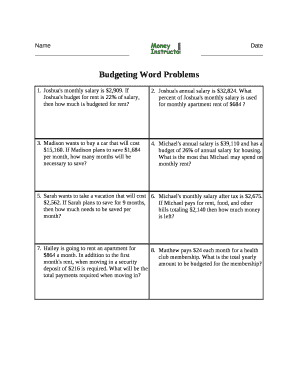
Budgeting word problems worksheets
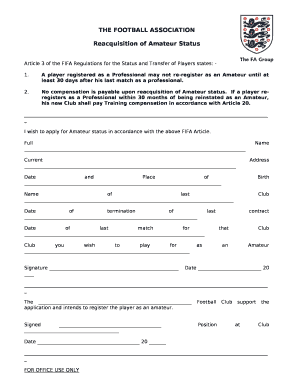
Reacquisition of amateur status form
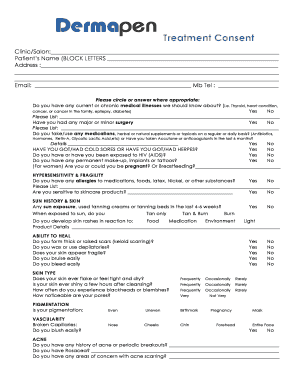
Dermapen consent form

9 PLAYER NETTA ROTATION
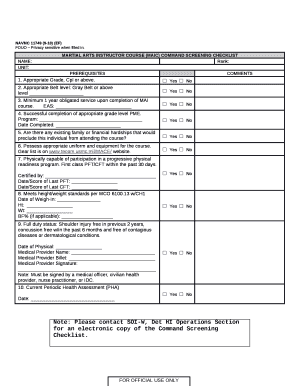
Navmc 11749
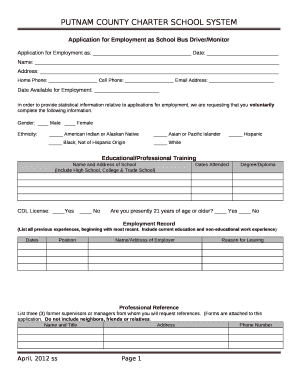
Application for Employment as School Bus Driver Monitor
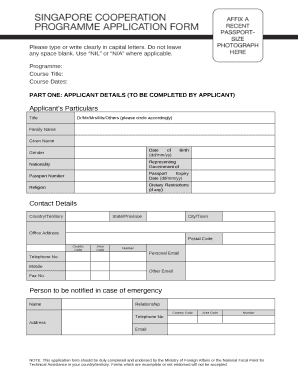
Nil contract template
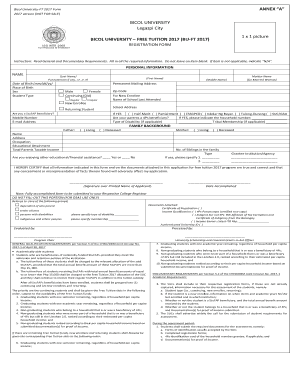
4ps registration form 2022

TEXAS ALL LINES ADJUSTER PRE-LICENSING COURSE
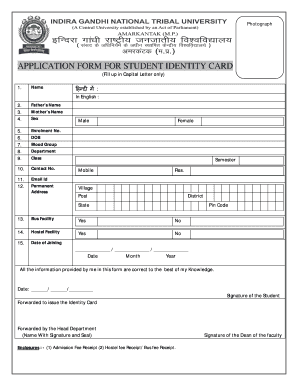
Id card application form

Form WRA-SRR
Pc1843
Hot Water Temperature Log
Vasectomy paperwork
Parent Permission Equipment Check Out Form
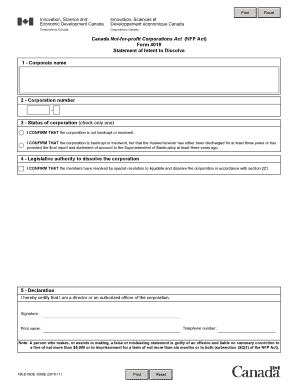
Form 4019
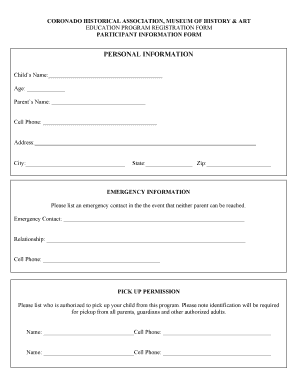
Education Program Waiver - Coronado Museum of History and Art
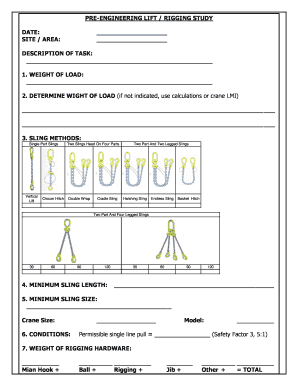
Rigging study template

Texas gamefowl breeders association
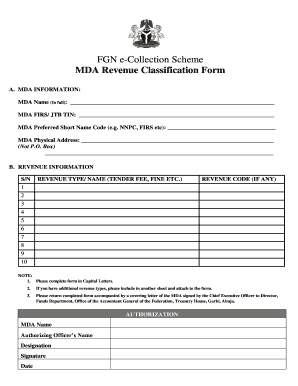
Fgn e collection mda registration user enrolment form pdf

Celebrity special needs form
Tnb autopay form

Early access agreement

Self Report Excuse Note doc
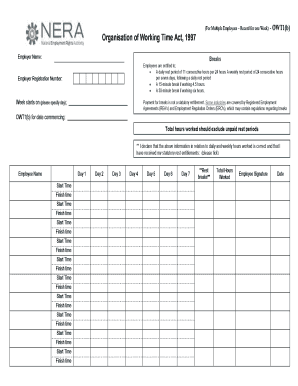
For Multiple Employees Record for one Week - Enda Lewis and

Virginia Alcohol Safety Action Program
G7 schb quarterly return
Police case file pdf
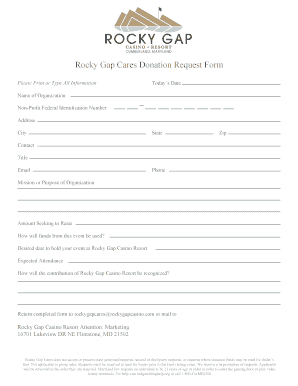
Gap donation request form
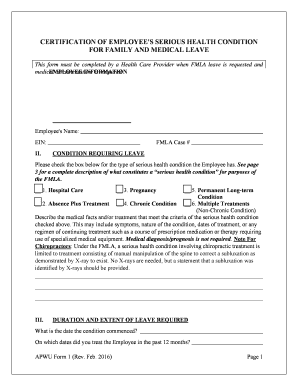
Apwu form health
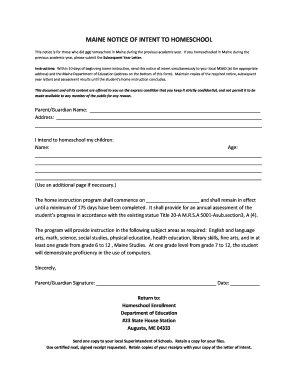
Maine homeschool letter of intent
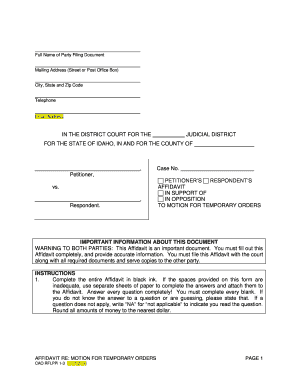
Motion for temporary orders idaho

Download - Gas Boiler Service Agreement - Foley Mechanical

Food establishment permit nova scotia

Window cleaning experts

Body beast pdf

Schedule Z Additional Information Required for Net Metering Service

Responsible Driver Program
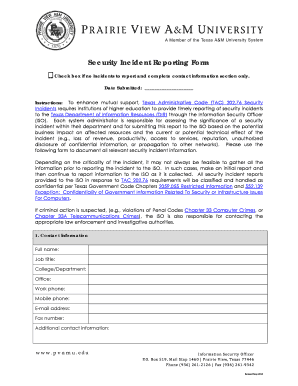
Security reporting form
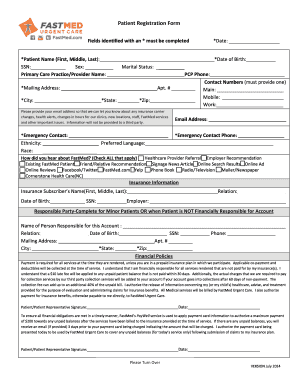
Patient Registration Form - FastMed Urgent Care

Camp Hi Rental Agreement and Waiver Camp Hi Canoe Livery
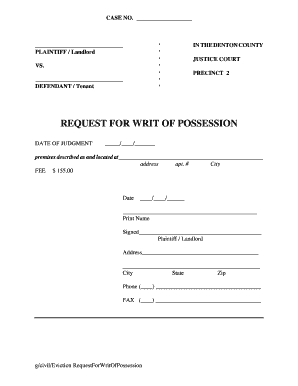
Writ of possession texas pdf

Certificate of Fictitious Name - Cleveland County, OK
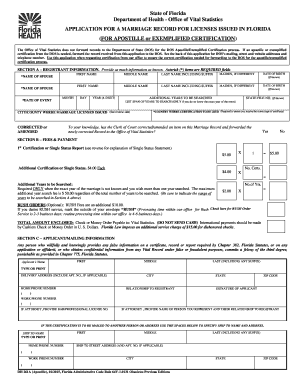
Florida marriage license application pdf
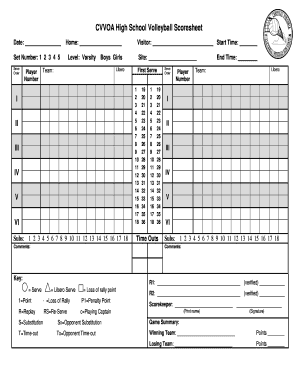
Volleyball score sheet
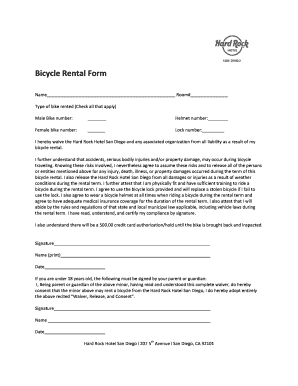
Bike rental form
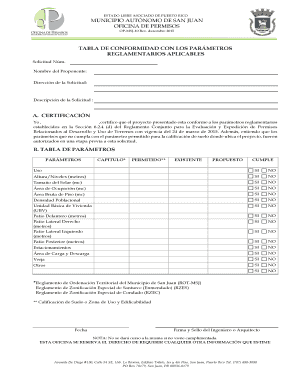
ESTADO LIBRE ASOCIADO DE PUERTO RICO MUNICIPIO AUT NOMO DE SAN JUAN OFICINA DE PERMISOS OP-MSJ-10 Re
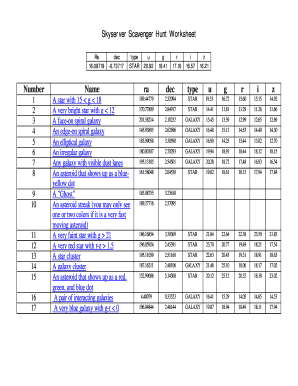
Skyserver Scavenger Hunt Worksheet

BOP fact finder - Individual ISU Paragon
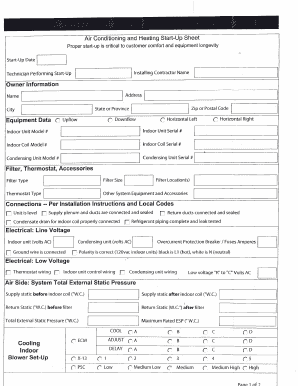
Hvac start up sheets pdf
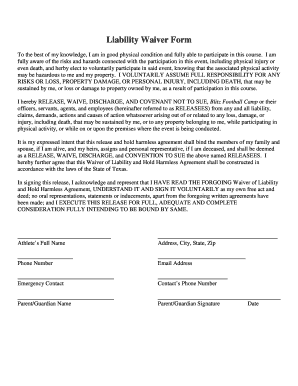
Football camp waiver form
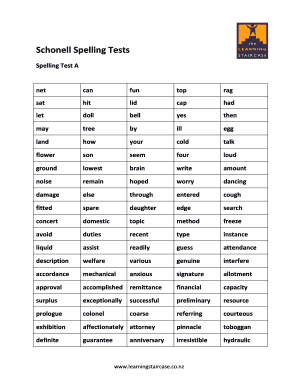
Schonell spelling test

Pastor Recommendation Form - Calvin Christian School - calvinschool
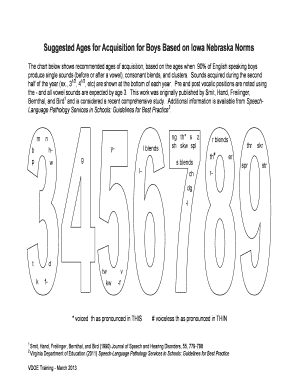
Iowa nebraska articulation norms
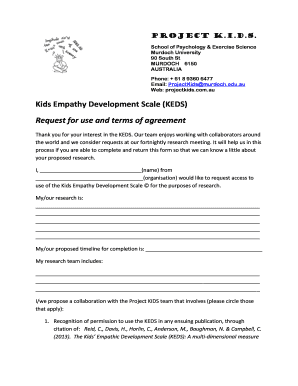
Kids' empathic development scale keds
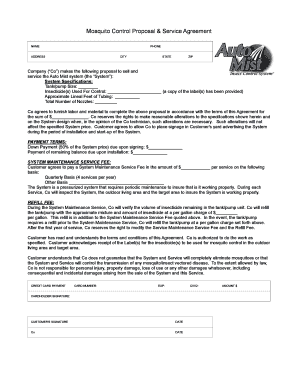
Mosquito Control Proposal & Service Agreement - Auto Mist system

Celebrity form
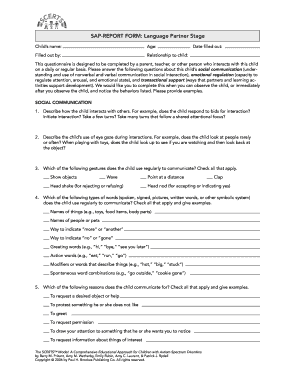
SAP-REPORT FORM Language Partner Stage

Jersey mikes order online
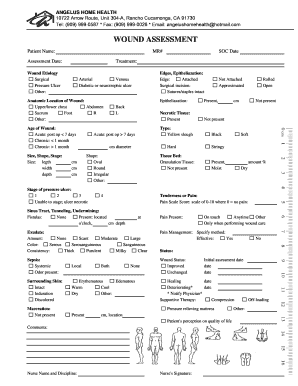
Wound Assessment - ANGELUS HOME HEALTH - Home - angelushomehealth

Pet report card pdf
Ssat middle level practice test pdf

Form WAPA103 200311 hardcopy versiondoc - wapa asn

Owner Surrender Dog Information Date: 1 - lawrencehumane
Benefit from the DocHub online library of fillable PDF forms
Searching the PDF forms doesn't have to be a tedious and time-consuming process. With the DocHub online library, it has become easier to find the fillable PDF forms and modify them in your browser. The service allows you to adjust the document to your needs using powerful editing tools.
You can use online document editing features to modify almost any type of document with ease. You just need to find the template of your choice, open it in the editor, and use the toolbar to make the necessary corrections.
Follow this guide to get your document done with DocHub:
- Find the PDF template you need.
- Click the Get Form button to open the file in the editor.
- Use the toolbar to fill out and edit the document.
- Easily add and highlight text, insert images, checkmarks, and symbols.
- Drop new fillable fields, and rearrange or delete pages from your file.
- Save changes and download your record.
DocHub empowers everyone to streamline document editing, signing, and distribution, and form completion. Create an account and benefit from our well-organized PDF Forms library and comprehensive editor.