
Get any PDF form from the DocHub library of ready-made templates - Page 1086
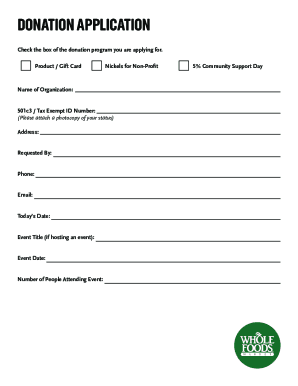
Whole foods donation request
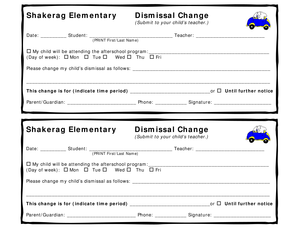
Elementary dismissal change form

Creative arts grade 6 exam papers

GENERAL LIABILITY INCIDENT REPORT - mpie
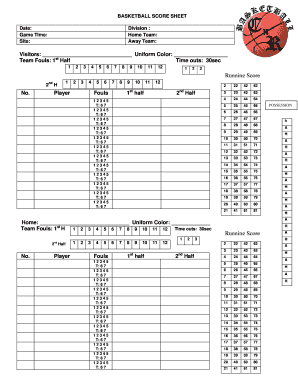
BASKETBALL SCORE SHEET - cnrbasketball
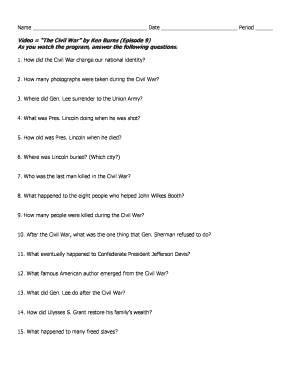
Ken burns civil war episode 9
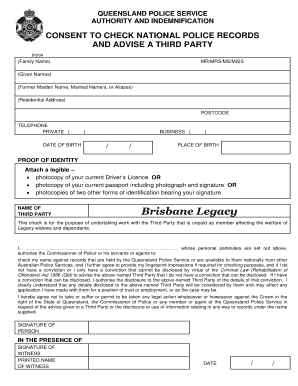
QUEENSLAND POLICE SERVICE - Legacy Australia
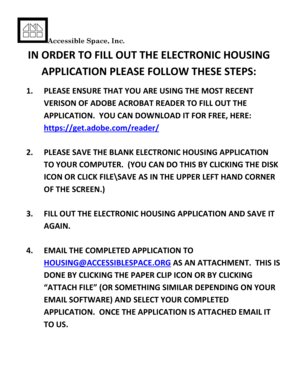
Accessible space housing application
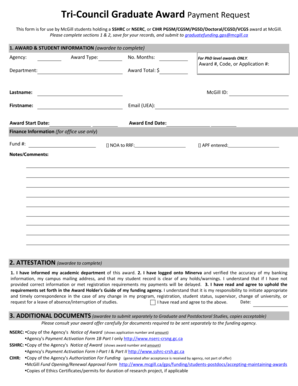
Tri-Council Graduate Award Payment Request - mcgillca

Histograms and dot plots worksheet answer key
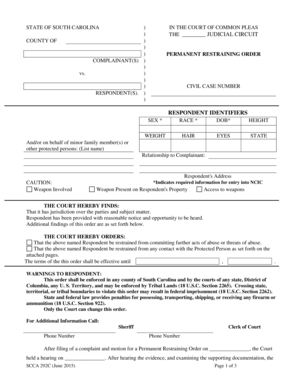
Permanent restraining order sc
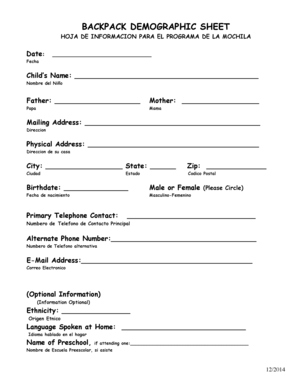
Demographic sheet
Marus dental chair manual

Grading certificate

Solas form
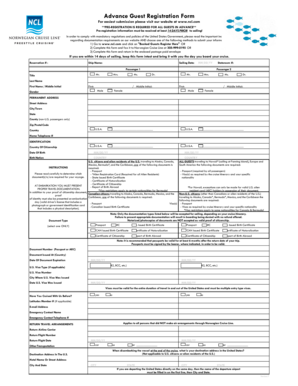
Advance Guest Registration Form - Norwegian Cruise Line

Bpst assessment pdf
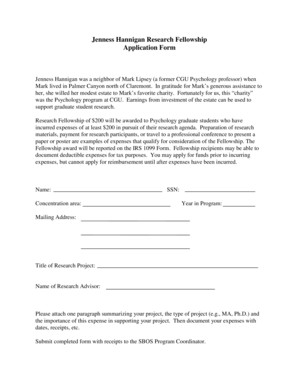
Jenness Hannigan Research Fellowship Application Form - cgu

No trespassing letter template virginia

SRNA PRIVATE DUTY FORM - Kentucky - kbn ky
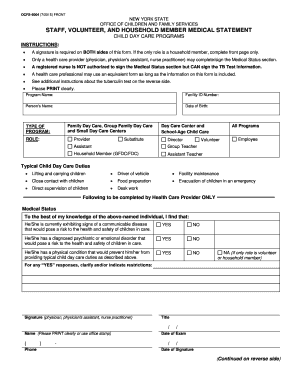
Ocfs 6004
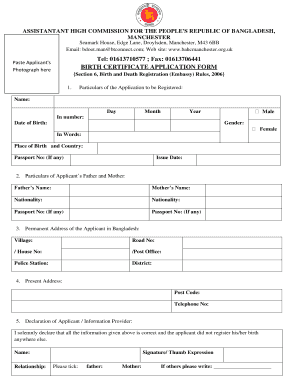
Birth certificate application form pdf
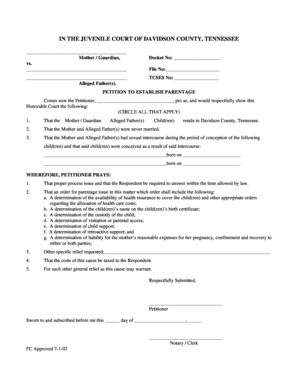
Petition to establish paternity tennessee form

Doh 4443
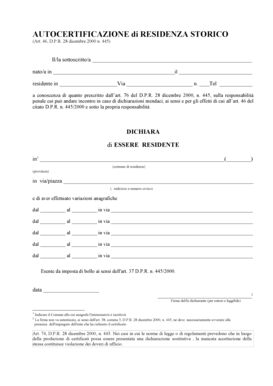
Autocertificazione di residenza storico pdf
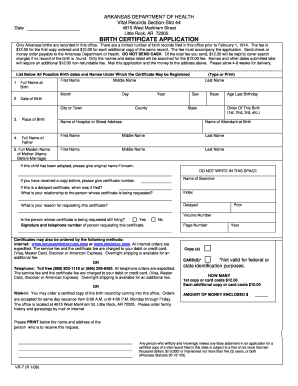
BIRTH CERTIFICATE APPLICATION - Arkansas Department of - humanservices arkansas
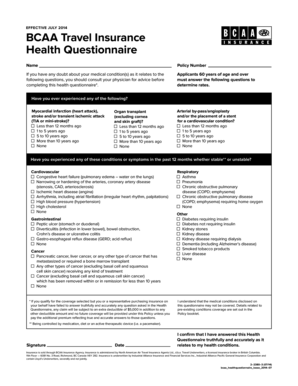
Bcaa travel insurance medical questionnaire
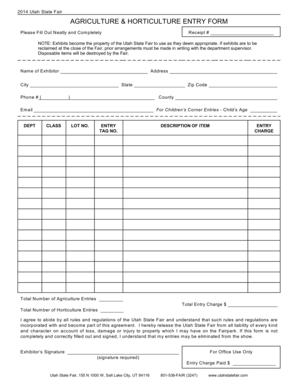
Printable entry form - Utah State Fair

Part 130 certification surrogate's court
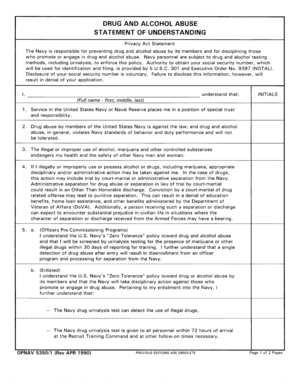
Opnav 5350 1
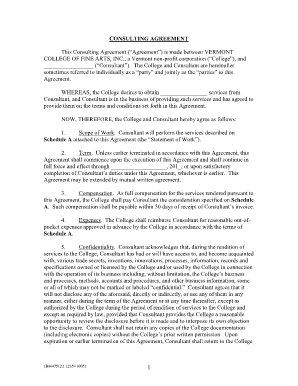
Consulting Agreement Template - Amazon Web Services

Mc 228
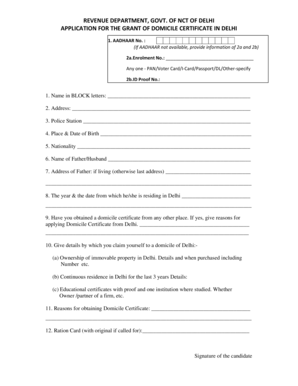
Domicile certificate delhi offline
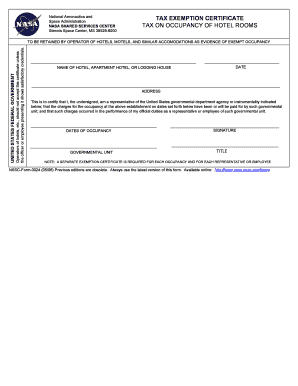
California hotel tax exempt form pdf
Mt 10 form louisiana
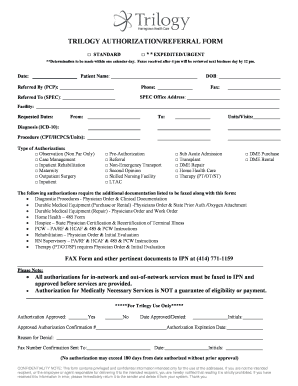
Referral Form - Trilogy Health Insurance

Personal Self-Assessment Scale PSAS - Its OK to Die
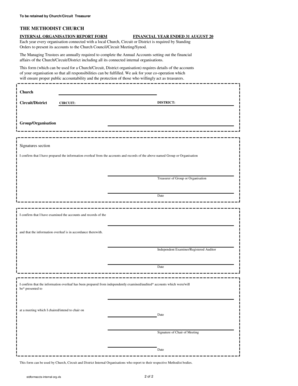
Methodist church internal organisations report form
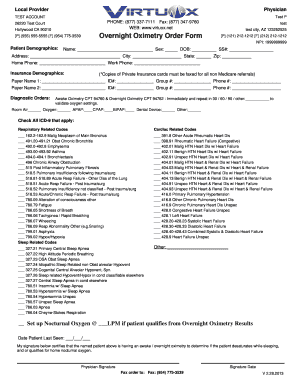
Virtuox overnight oximetry order form

Personal project proposal
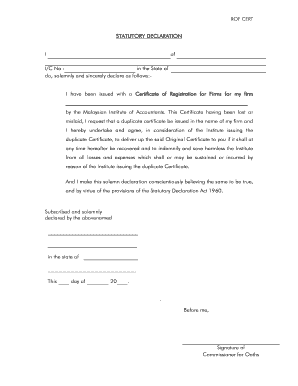
Statutory declaration
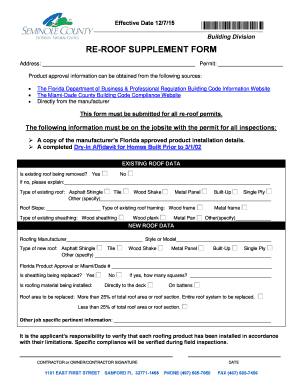
Roofing supplement form
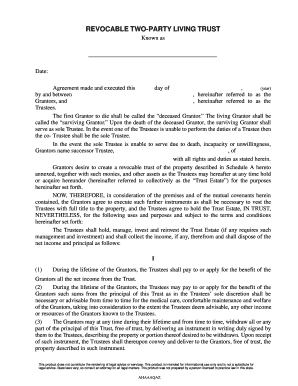
Revocable Two-Party Living Trust software guide
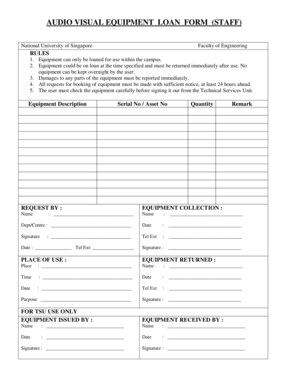
Audio visual equipment loan form staff - Faculty of Engineering - eng nus edu
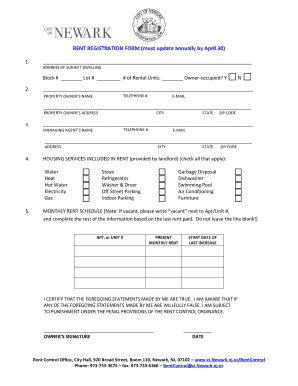
Rent Registration Form - City of Newark, New Jersey - ci newark nj
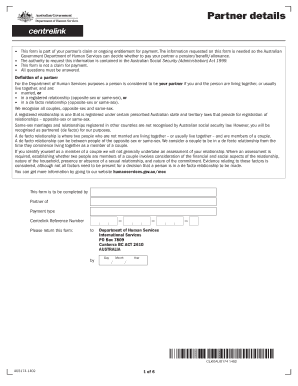
Partner details form
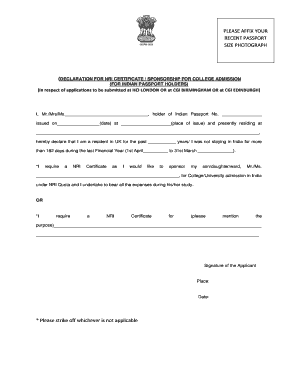
Nri sponsorship certificate sample
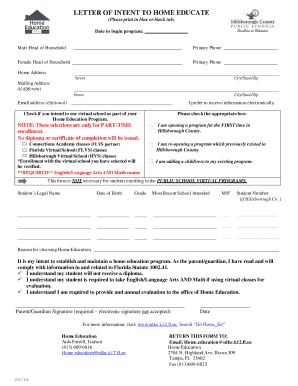
Letter of intent to home educate - Hillsborough County Schools
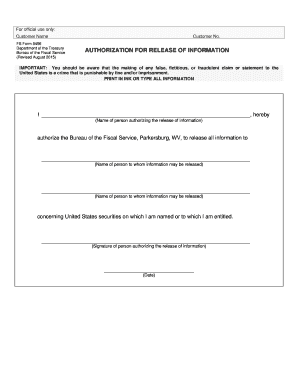
FS Form 5456 - treasurydirect
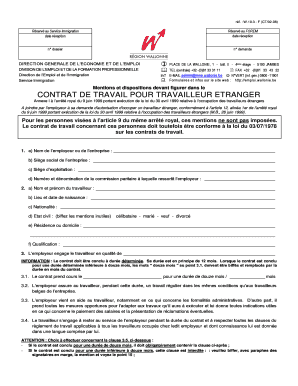
CONTRAT DE TRAVAIL POUR TRAVAILLEUR ETRANGER - emploi wallonie
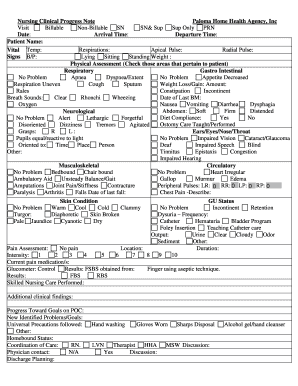
Progress note
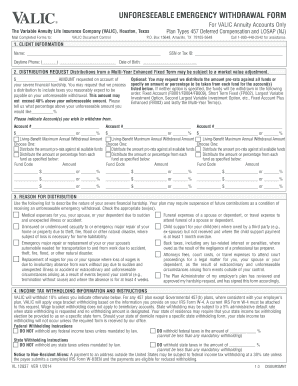
Valic unforeseeable emergency withdrawal form
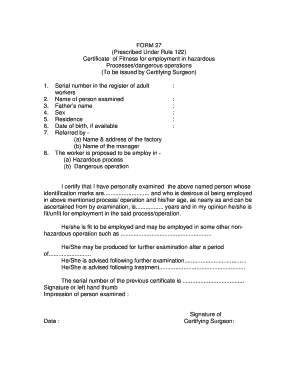
Form 27 certificate of fitness rule 95
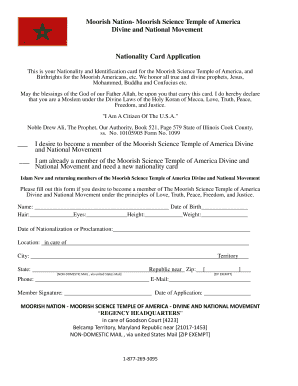
Moorish science temple of america nationality card
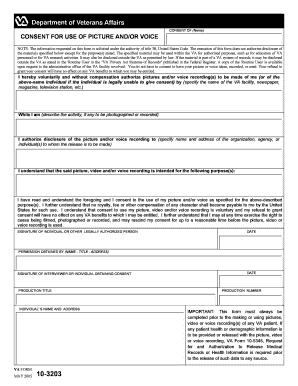
Va form 10 3203
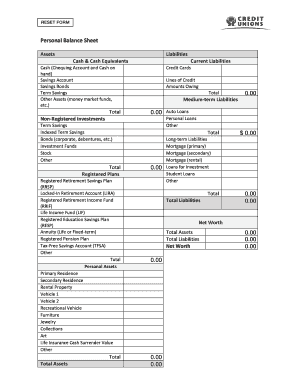
Sample personal balance sheet - SE Keyword - Website-Box - focusedonme

CEU Fax Cover Sheet 919-882-8787 - CCI Online - cci-online
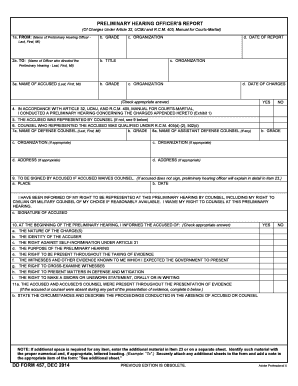
Dd form 457
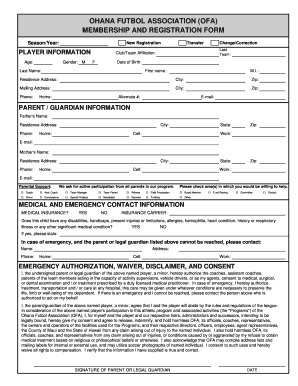
OFA Player Registration Form - ohanafutbol
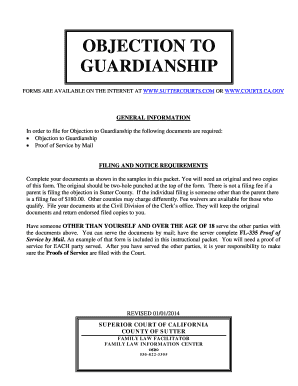
Sample objection to guardianship

ICFP-FORM-owner's certificate-1 xls
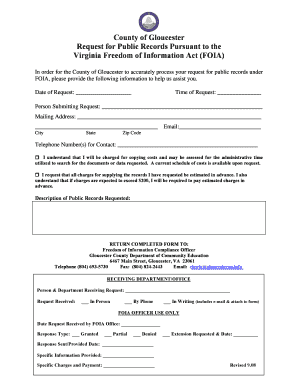
FOIA request form - Gloucester County Virginia
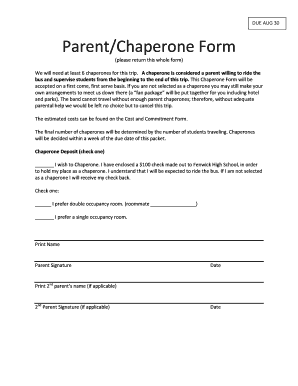
Chaperone form
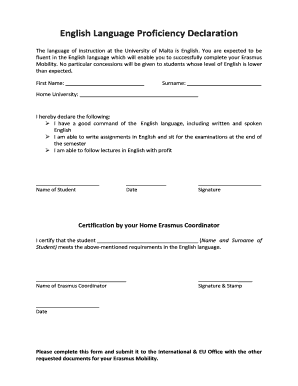
English proficiency declaration
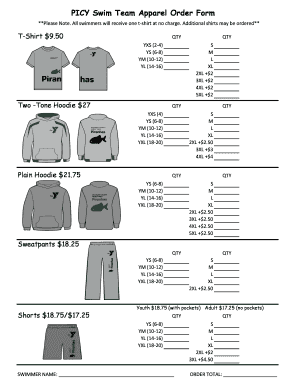
PICY Swim Team Apparel Order Form - ymcacolumbus
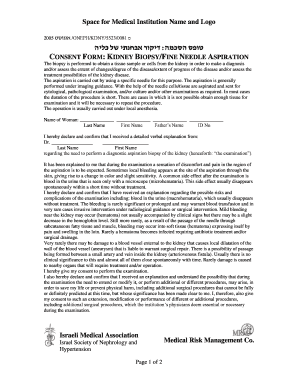
Husband consent for tubal ligation sample letter
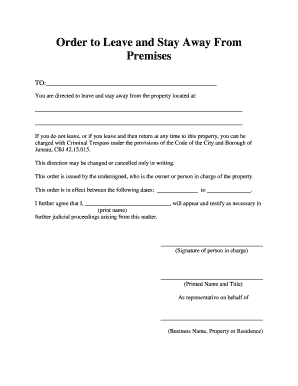
Stay away order

PHYSICIAN ORDER FORM OUTPATIENT RADIOLOGY - botsford

Waiver of liability statement

School Instrument Rental Agreement - Niemann & Sons Music
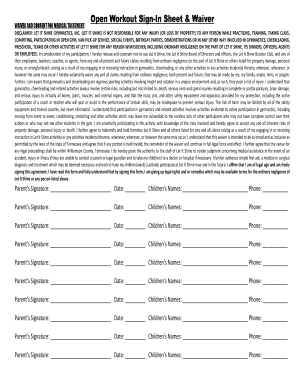
Open Workout Sign-In Sheet amp bWaiverb - Let It Shine Gymnastics
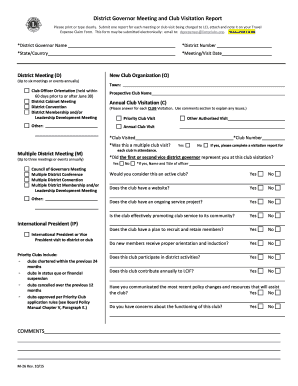
District Governor Meeting and Club Visitation Report - lionsclubs
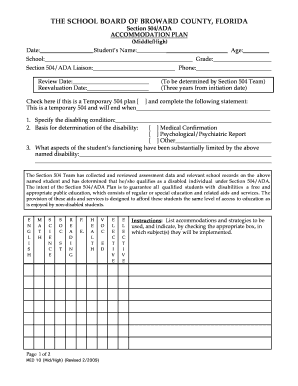
504 plan florida form
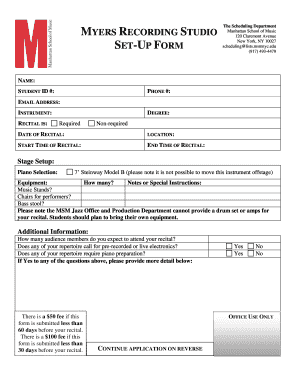
Recording studio log sheet template
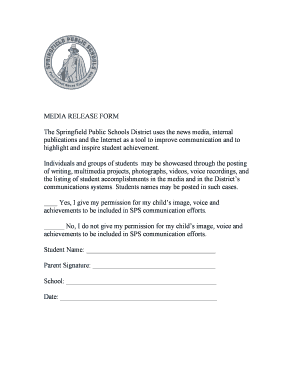
MEDIA RELEASE FORM The Springfield Public Schools District
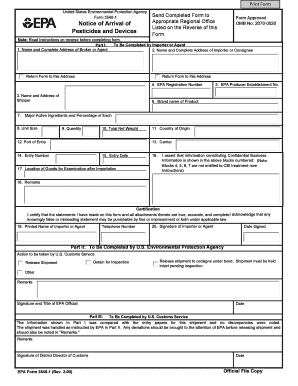
Arrival notice template
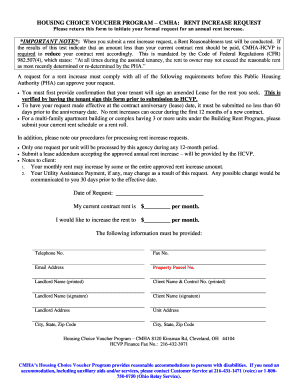
Cmha rent increase form
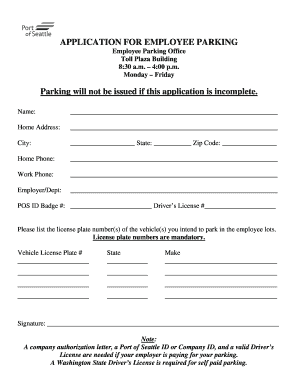
APPLICATION FOR EMPLOYEE PARKING Parking - Port of Seattle - portseattle
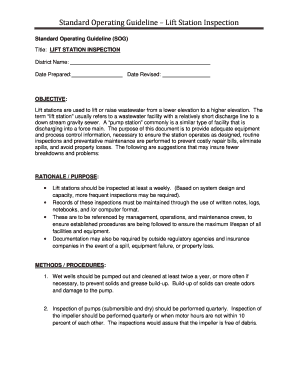
Standard Operating Guideline Lift Station Inspection
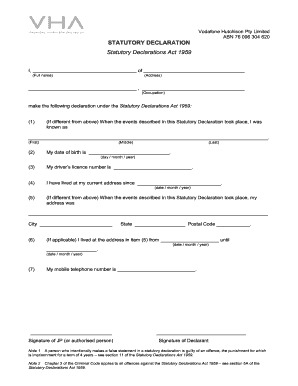
Vodafone identity fraud
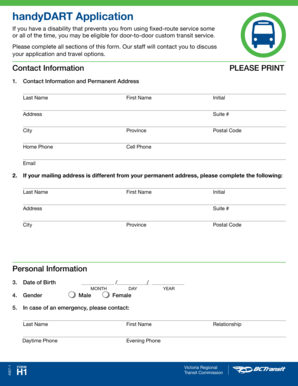
HandyDART Application
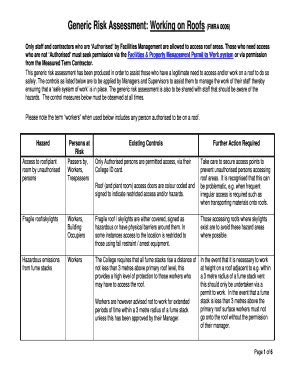
Roofing risk assessment

This form - Broward Health - browardhealth
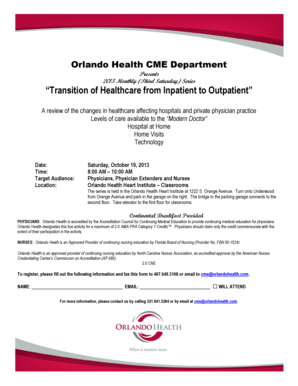
Orlando health doctors note

Cw8a

PTC Food Pantry Request Form (PDF) - Pulaski Technical College - pulaskitech
Client Companion Guide for MultiPlan Direct EDI Clients
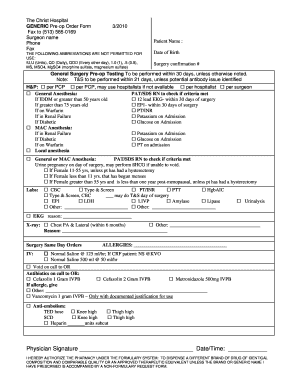
GENERIC PRE-OP ORDER FORM 1003 DOC TNB49E-revbnew
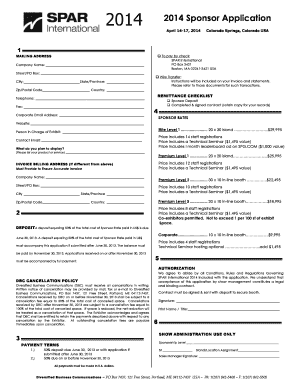
Spar sponsorship request

Ssn affidavit illinois
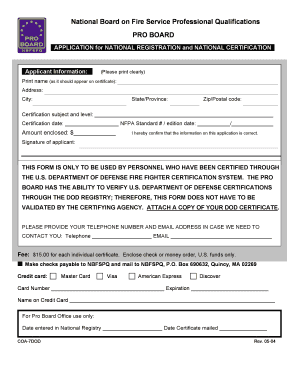
Pro board application

Basketball referee evaluation form
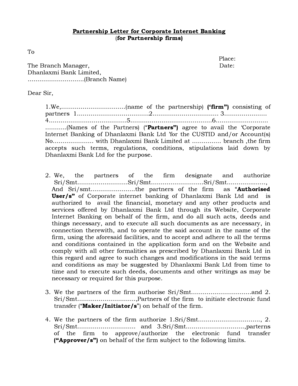
Cos 37 partnership letter
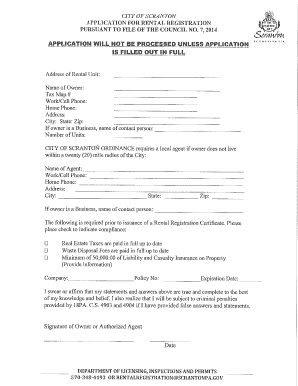
Application for Rental Registration - Scranton, PA - scrantonpa

Form 1419 thai
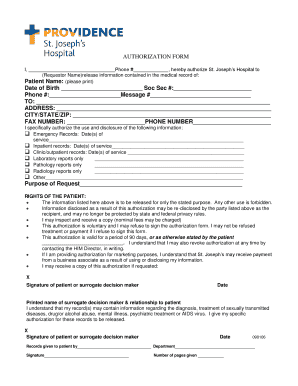
Request for Medical Records Request form - Providence Washington
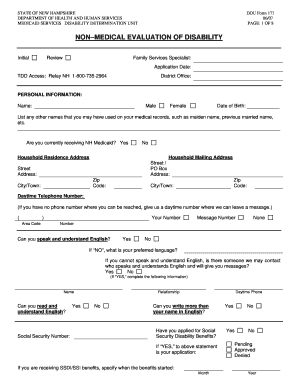
Form 177
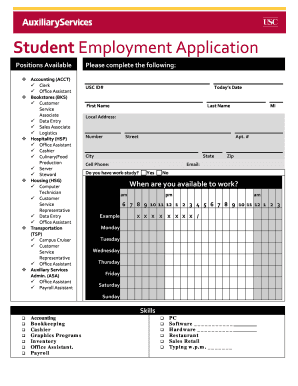
Usc student employment application
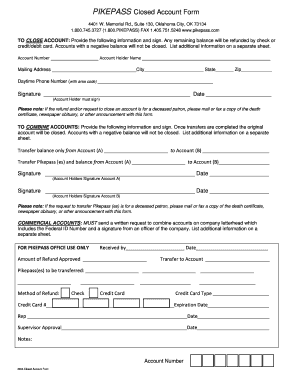
How to close pikepass account

Contractor authorization letter
Benefit from the DocHub online library of fillable PDF forms
Searching the PDF forms doesn't have to be a tedious and time-consuming process. With the DocHub online library, it has become easier to find the fillable PDF forms and modify them in your browser. The service allows you to adjust the document to your needs using powerful editing tools.
You can use online document editing features to modify almost any type of document with ease. You just need to find the template of your choice, open it in the editor, and use the toolbar to make the necessary corrections.
Follow this guide to get your document done with DocHub:
- Find the PDF template you need.
- Click the Get Form button to open the file in the editor.
- Use the toolbar to fill out and edit the document.
- Easily add and highlight text, insert images, checkmarks, and symbols.
- Drop new fillable fields, and rearrange or delete pages from your file.
- Save changes and download your record.
DocHub empowers everyone to streamline document editing, signing, and distribution, and form completion. Create an account and benefit from our well-organized PDF Forms library and comprehensive editor.