
Get any PDF form from the DocHub library of ready-made templates - Page 1085

Aoivs
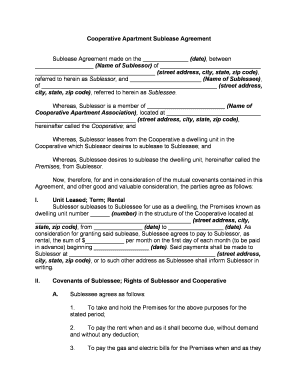
Cooperative agreement
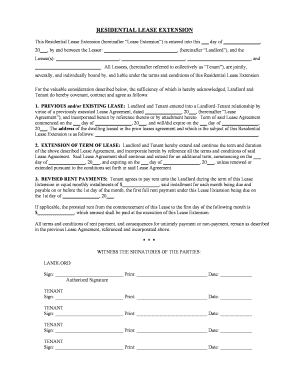
New jersey lease extension
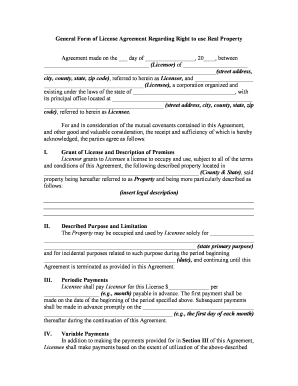
License property
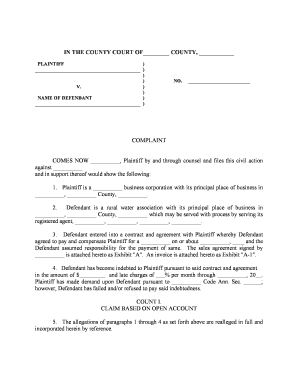
Complaint
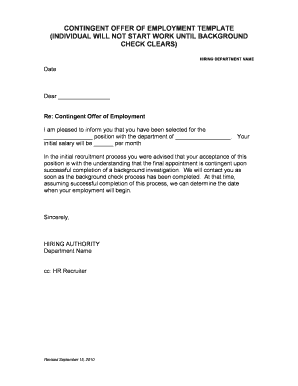
Contingency letter of employment
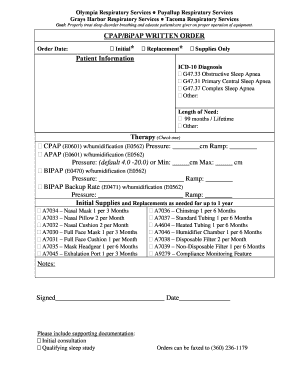
CPAP Order Form - Lampert
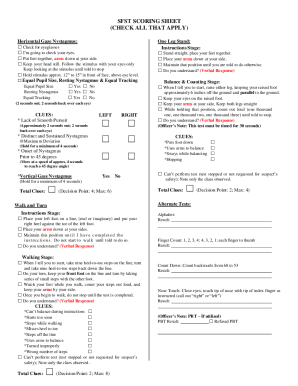
Tx sfst
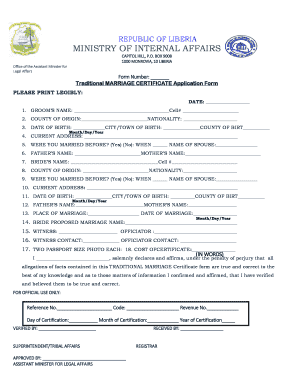
Liberia marriage certificate

Service dogs rock

2014 NC NC-TOPPS Mental Health and Substance Abuse Adult (Ages 18 and up) Update Interview
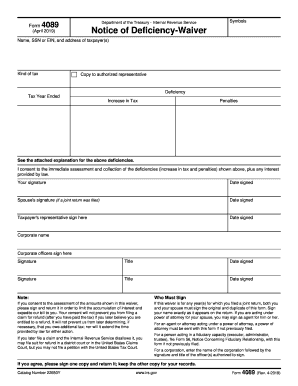
Form 5564 notice of deficiency waiver

Mcgraw hill algebra 1 2018 textbook pdf

Stylist pull request form

Aoc 199

Orientation sign in sheet template

Sick pay form
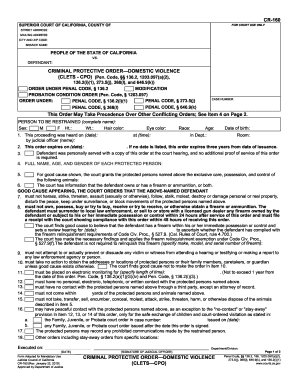
California criminal protective
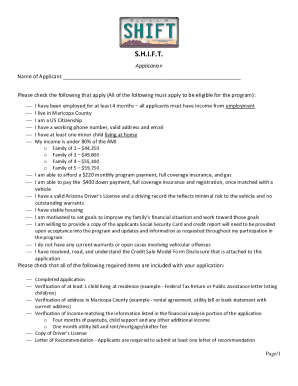
Shift program az

Msukaligwa local municipality vacancies
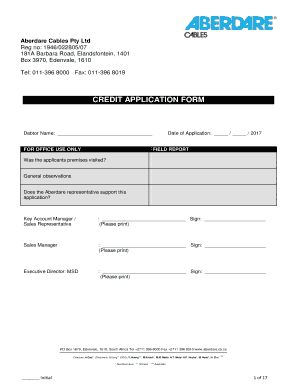
Aberdare cables job application forms
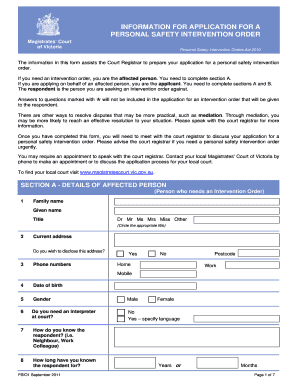
PSIO1 - Information Form for PSIO doc

Uwhealth org financial assistance

Scholastic record
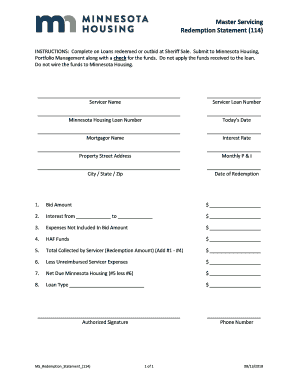
Redemption statement sample
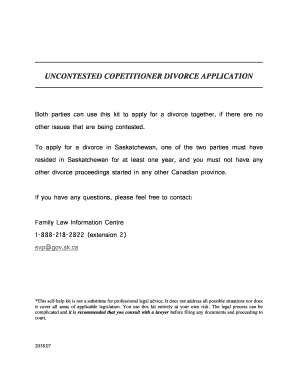
Saskatchewan divorce kit
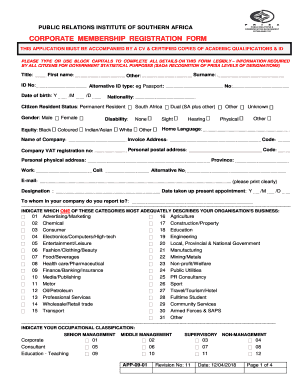
Prisa registration
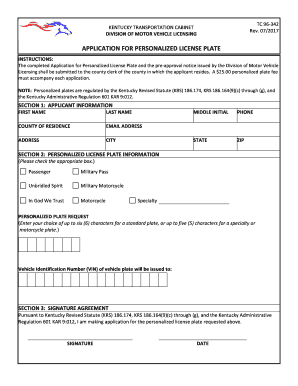
Ky tc 96 184
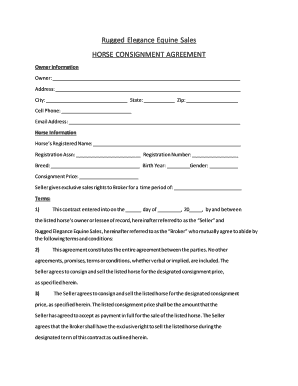
Horse consignment contract
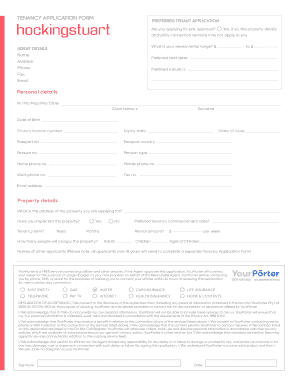
Hockingstuart application form

Medical certificate for arms license
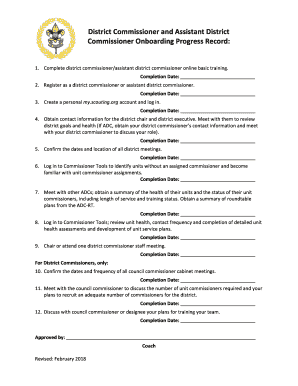
Bsa onboarding
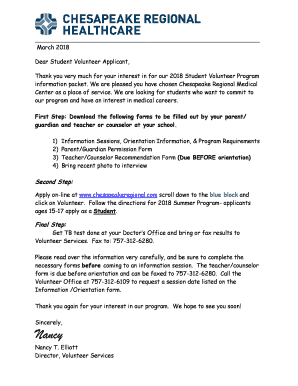
Chesapeakeregional
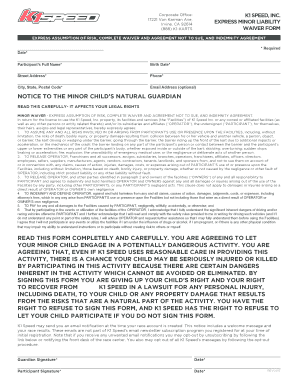
K1 speed waiver pdf
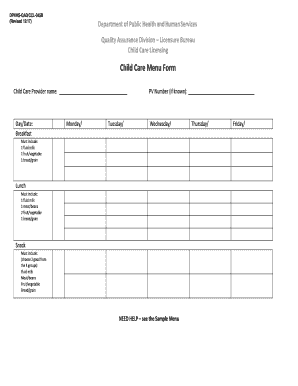
Daycare menu template
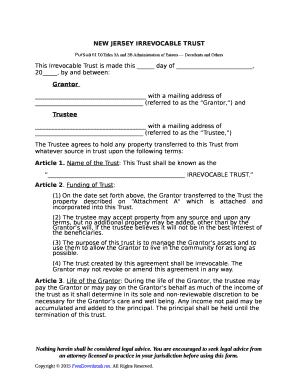
NEW JERSEY IRREVOCABLE TRUST
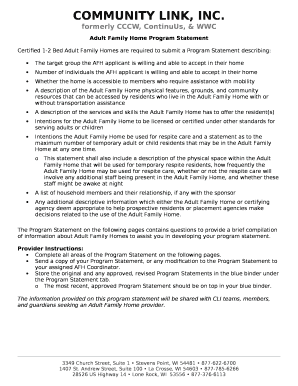
Program statement
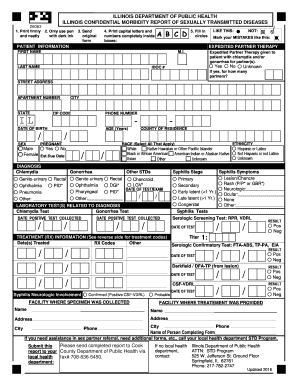
Idph std reporting form
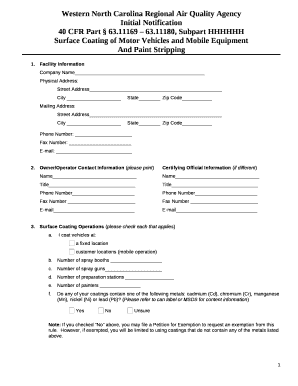
40 CFR Part 63
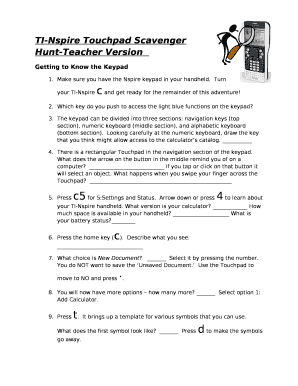
Getting to know your ti nspire a scavenger hunt answer key
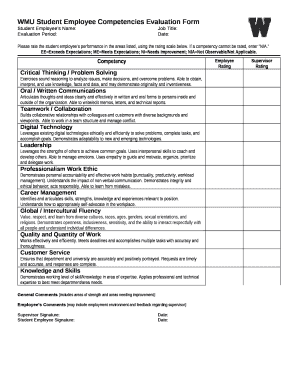
Competency assessment template word

SINGLE-SOURCING JUSTIFICATION APPROVAL FORM

Deer processing order forms
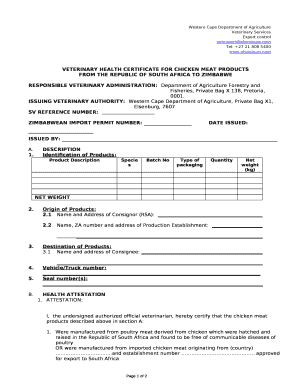
VETERINARY HEALTH CERTIFICATE FOR CHICKEN MEAT PRODUCTS
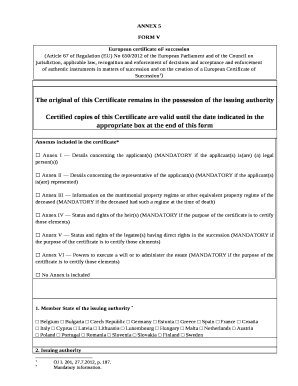
European certificate of succession form

Aba service contract
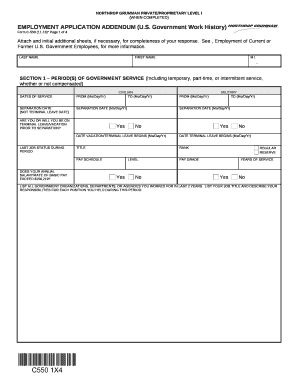
C 550 form
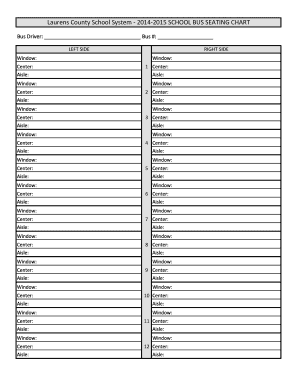
Bus seating chart template
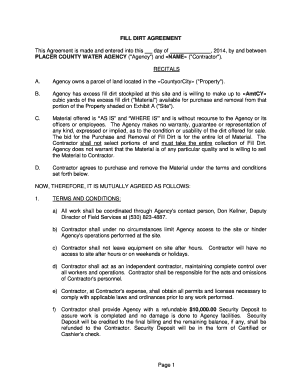
FILL DIRT AGREEMENT
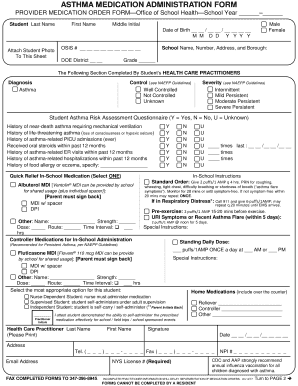
Asthma medication administration form

Anesthesia and CPR Consent Form
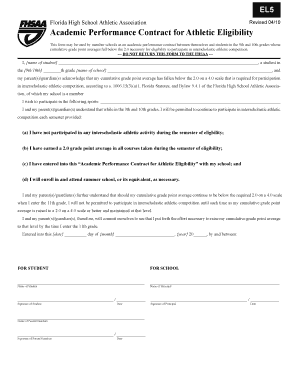
Fhsaa el5

JD-1771: Petition for Removal of Firearms Restriction - Juvenile
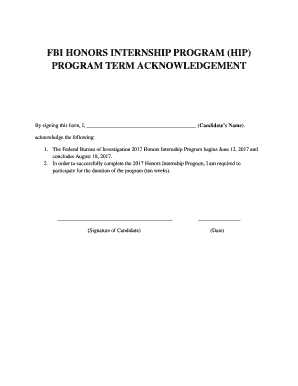
Program term acknowledgement form
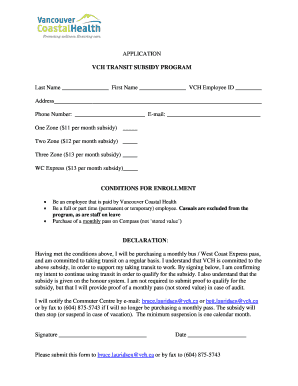
Vch transit subsidy program
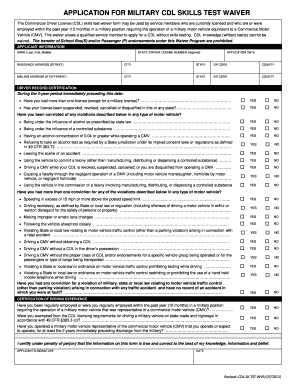
Military cdl waiver georgia
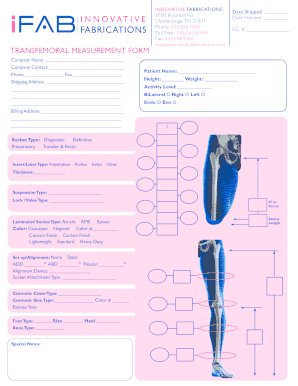
Transfemoran measurement
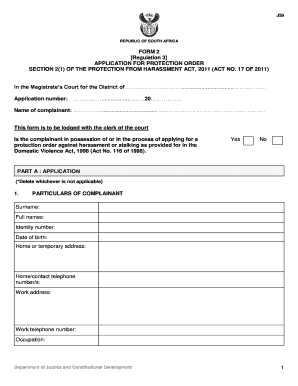
J59 form

Campbell county occupational license

Ept aviation training
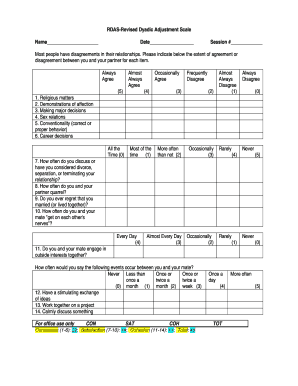
Revised dyadic adjustment scale
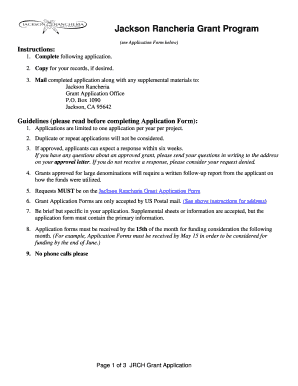
Download a Donation Application Form - Jackson Rancheria Casino
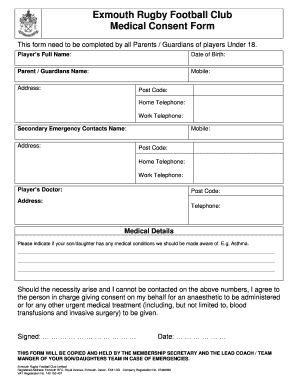
Player medical form
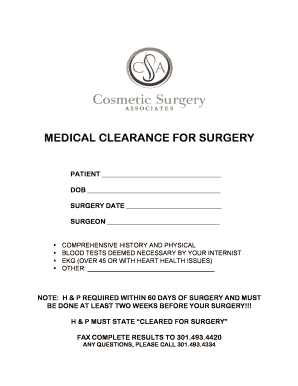
Medical clearance for surgery
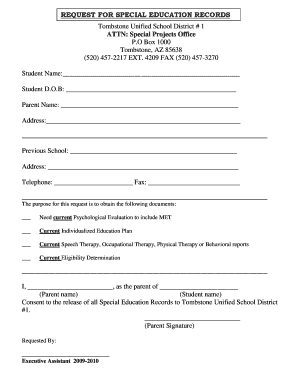
Special education records request form

MOTOR VEHICLE DRIVER 'S Certification of Violations Annual
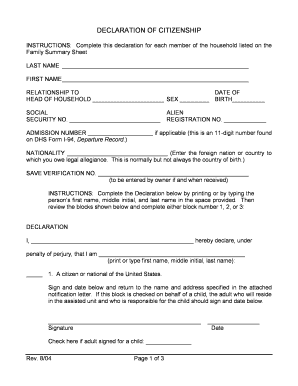
Declaration of citizenship form
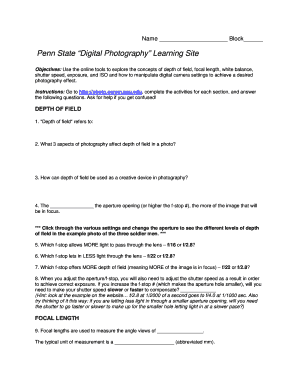
Penn State Digital Photography Learning Site

ANNUAL COMMERCIAL ACCOUNTABILITY REGISTRATION FORM

Soccer player profile template word

Work availability schedule
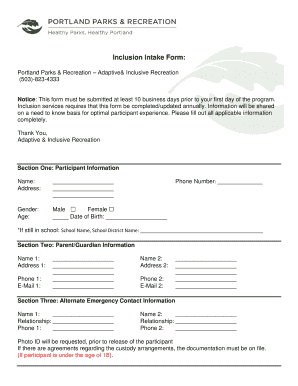
Inclusion Intake Form: Portland Parks and
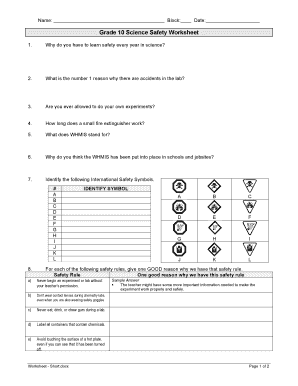
Grade 10 Science Safety Worksheet - Wikispaces
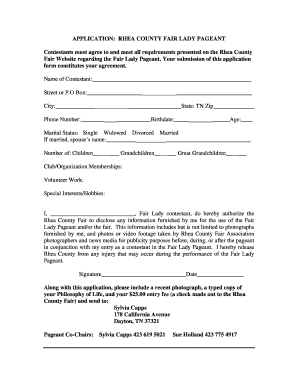
APPLICATION RHEA COUNTY FAIR LADY PAGEANT

Barrel racing sponsorship applications 2022
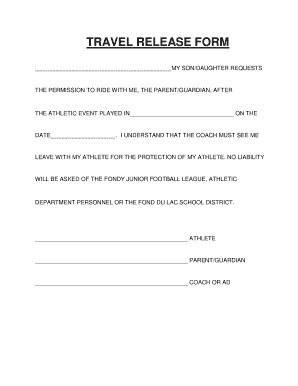
Travel release form
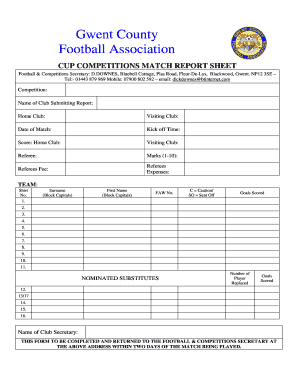
Football match report template

Rtrockets
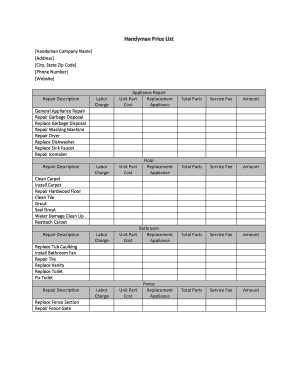
Handyman Price List Handyman Company Name Address City, State Zip Code Phone Number Website Applianc

Probation completion form

BTenancyb Application - McLaren Real Estate

AUTOMATIC DRAFT AUTHORIZATION FORM - bfirstwbborgb

CRIMINAL HISTORY CONSENT FORM PROCESSED BY CHAMBLEE POLICE

K U L J E T U S S O P I M U S - skalfi

WARRANTY CLAIM FORM - Woodmans Parts Plus
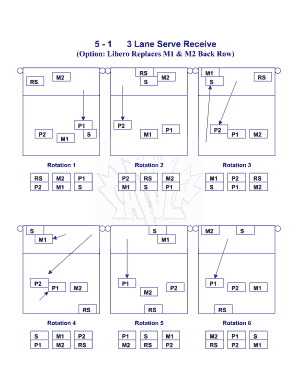
3 Lane Serve Receive
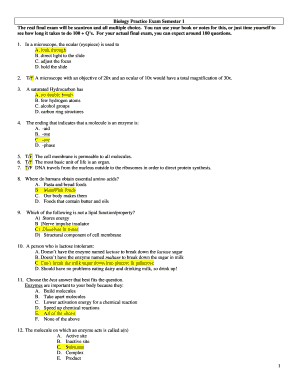
Biology final exam pdf
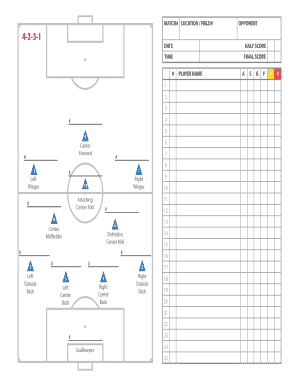
Brant wojack

Corsage Order Form Homecoming 2015

Ablls pdf download
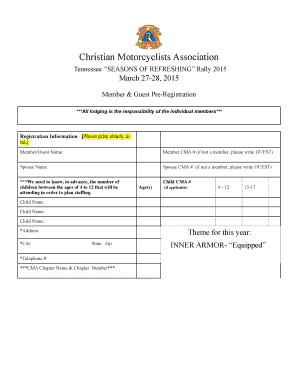
SOR Pre-registration Form 2015
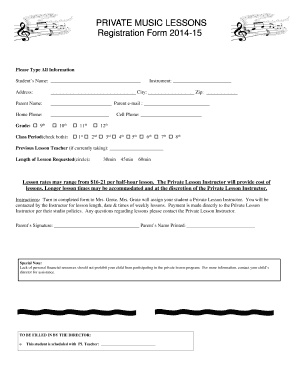
PRIVATE MUSIC LESSONS Registration Form 2014-15
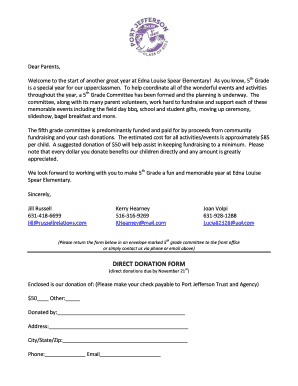
Fifth Grade Committee Direct Donation Letter - Port Jefferson School - portjeff k12 ny

Govan mbeki municipality application form

Job shadowing template
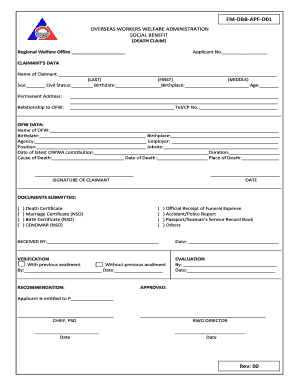
OVERSEAS WORKERS WELFARE ADMINISTRATION SOCIAL BENEFIT
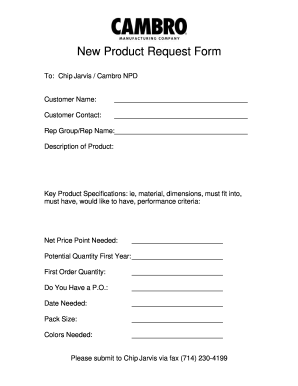
New product request form template

Bill of rights pdf
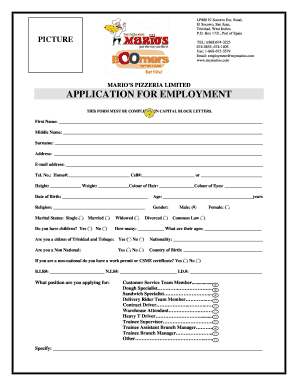
Mario's application form

Taco tico
Benefit from the DocHub online library of fillable PDF forms
Searching the PDF forms doesn't have to be a tedious and time-consuming process. With the DocHub online library, it has become easier to find the fillable PDF forms and modify them in your browser. The service allows you to adjust the document to your needs using powerful editing tools.
You can use online document editing features to modify almost any type of document with ease. You just need to find the template of your choice, open it in the editor, and use the toolbar to make the necessary corrections.
Follow this guide to get your document done with DocHub:
- Find the PDF template you need.
- Click the Get Form button to open the file in the editor.
- Use the toolbar to fill out and edit the document.
- Easily add and highlight text, insert images, checkmarks, and symbols.
- Drop new fillable fields, and rearrange or delete pages from your file.
- Save changes and download your record.
DocHub empowers everyone to streamline document editing, signing, and distribution, and form completion. Create an account and benefit from our well-organized PDF Forms library and comprehensive editor.