
Get any PDF form from the DocHub library of ready-made templates - Page 1003

Complaint attorney complainant
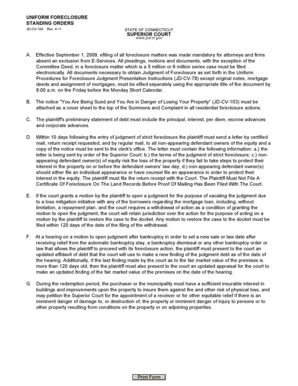
Connecticut standing orders

Procedures foreclosure matters

Connecticut execution order

Ct request leave

MC-500 Affidavit of Service of Documents 3-01 Fill-in Mental Commitment Forms

DL-116 Release Order 514 pdf fill in Childrens Proceedings Forms

Form DR-484 - Alaska Court Records - State of Alaska

Alaska p reasonable pdf
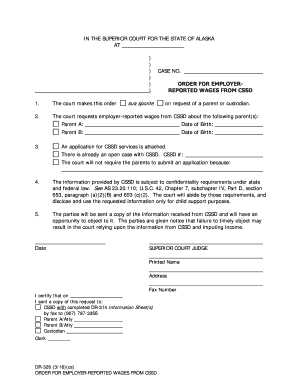
DR-326 Order for Employer-Reported Wages From CSSD

Free Alaska Revocation of a Power of Attorney Form - PDF
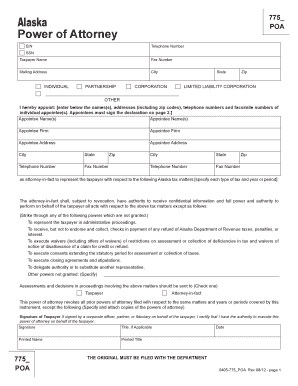
Free Alaska Tax Power of Attorney Form POA 775 - PDF
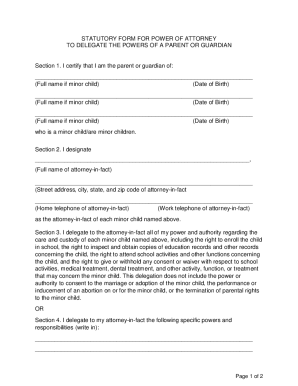
STATUTORY FORM FOR POWER OF ATTORNEY TO DELEGATE THE POWERS
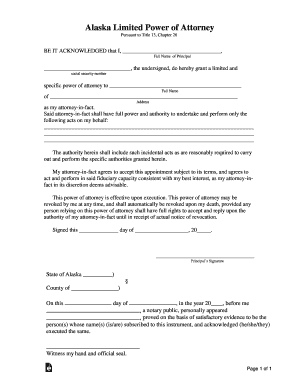
Free Alaska Limited Power of Attorney Form - PDFWord
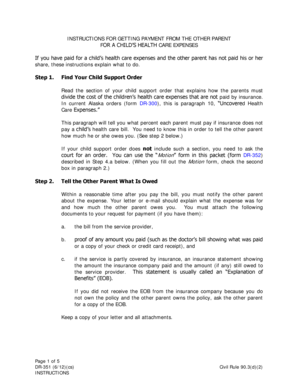
DR-351 Instructions For Requesting Reimbursemet Domestic Relations
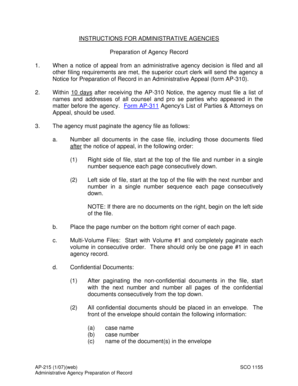
INSTRUCTIONS FOR ADMINISTRATIVE AGENCIES Preparation of Agency Record 1
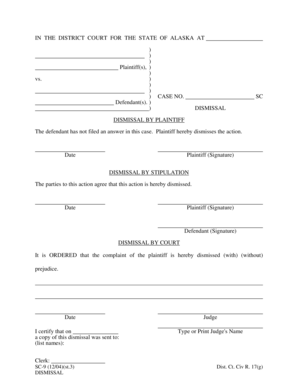
Alaska sc9
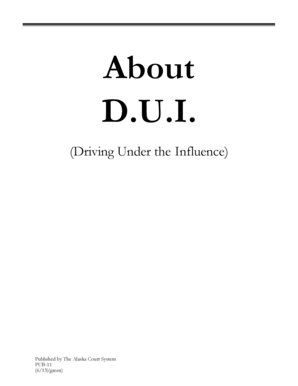
Ak driving under influence
Alaska answering form

Alaska cr 316

Ak civ 809

Civ 135

Alaska dr735

Civ certified restricted
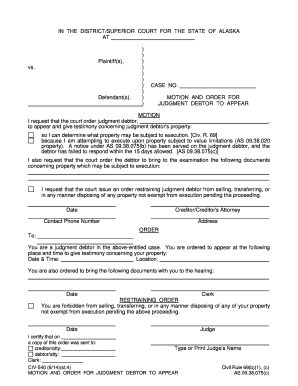
Civ 540 form
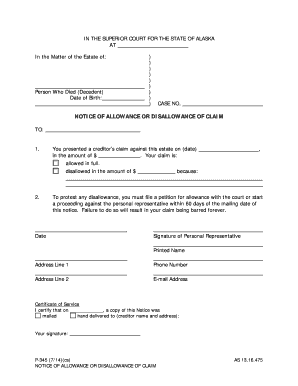
P 345 form

P 336
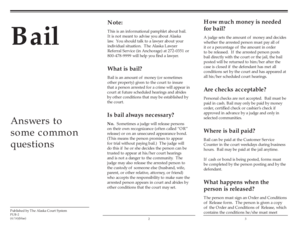
Alaska bail some
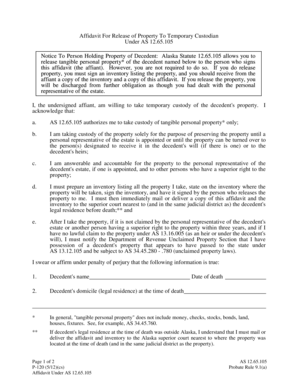
P-120 Affidavit For Release of Property To Temporary Custodian 512 Probate Forms
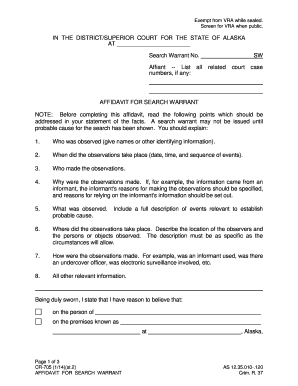
Cr 705 form
Ak court system forms
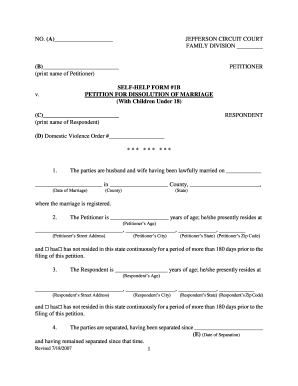
Ky self 1b dissolution

Kentucky adjustment pdf

Hawaii p scheduling

Csl239 honolulu
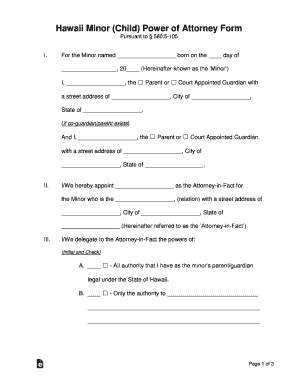
Minor child power of attorney forms hawaii

Hawaii Revocation Power of Attorney Form - Power of

How to apply for power of attorney in hawaii

Free Hawaii Limited Power of Attorney Form - PDFWord

Hearing my withdrawal get
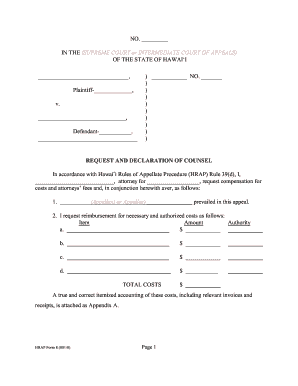
Hrap form 8
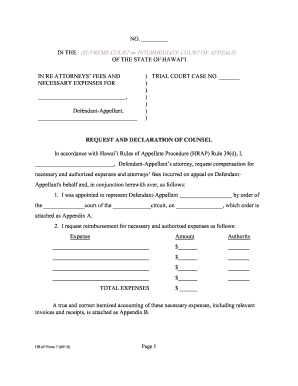
IN THE (SUPREME COURT or INTERMEDIATE COURT OF APPEALS) - courts state hi

Employee drivers permit
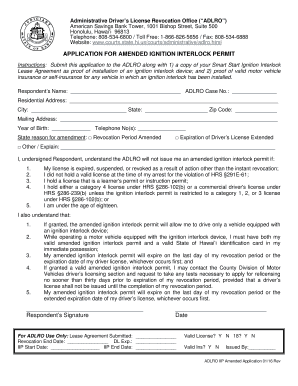
Hi amended ingnition form
Sworn statement employee
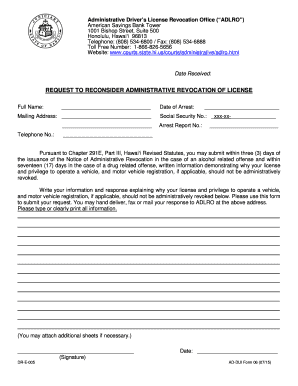
To administrative revocation
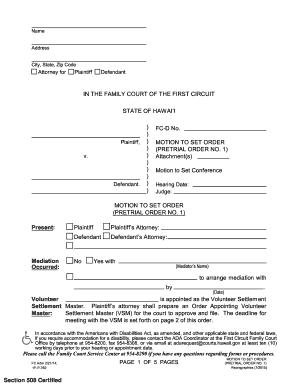
Hi motion set form
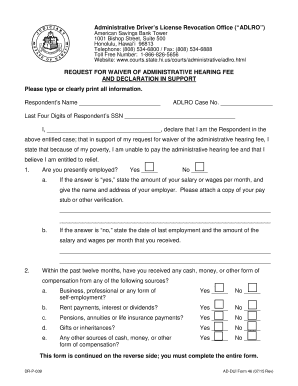
The s adlro form
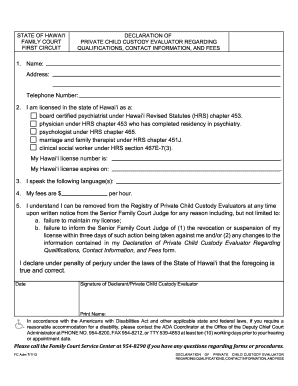
Hawaii declaration qualifications form
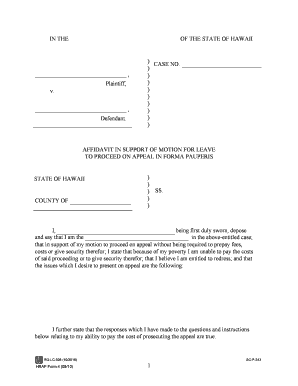
Hawaii leave appeal pauperis

Permitb hi

Authorization adlro form
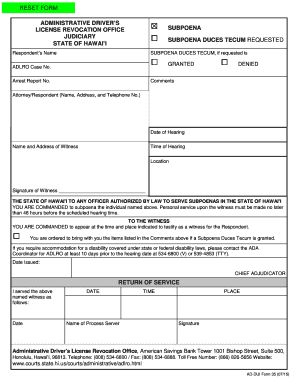
Hawai duces disability

Request remove court
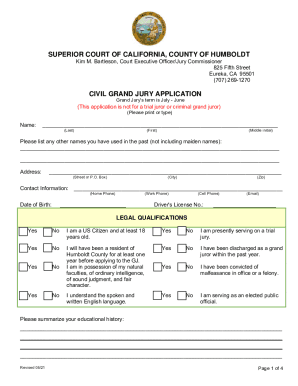
Civil Grand Jury FormsHumboldt County, CA - Official Website

Gc 400a 6 a

400 infos orden form print

640 manutencion form pdf

Dist ward accounts create

California In-Home Supportive Services Care Provider Authorization Application
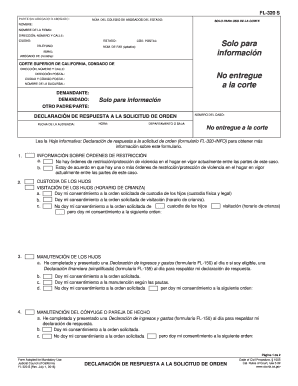
S respuesta orden superior court
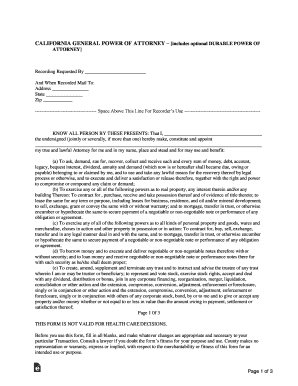
General power of attorney form for california to print

California form e disabilities
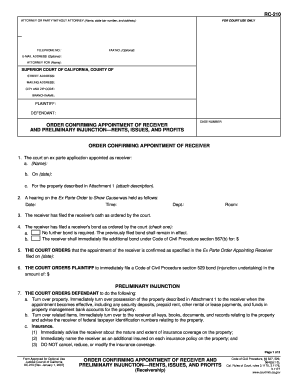
California appointment rents online

Unlawful detainer ventura county
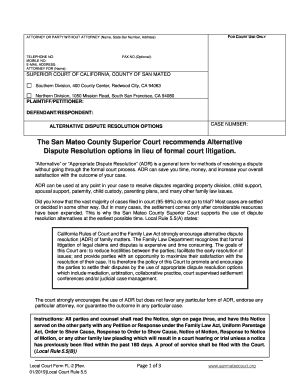
San mateo superior court adr

APPLICATION FOR ORDER WAIVING REQUIREMENT FOR BUSINESS EVALUATION; DECLARATION OF DEBTOR(S) San Jose
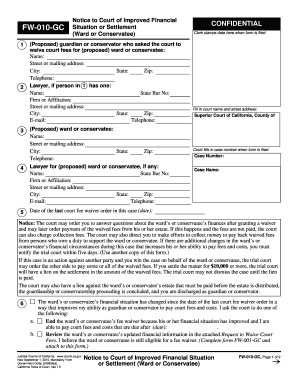
When california form notice of settlement

Memorandum form
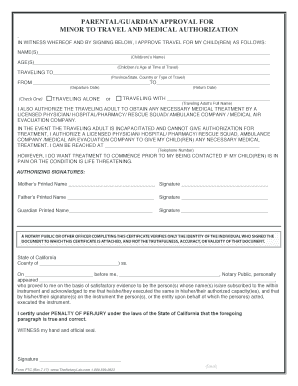
Parental guardian approval for minor to travel and medical authorization
Fillable Online wnps Monitoring graph for plant growth
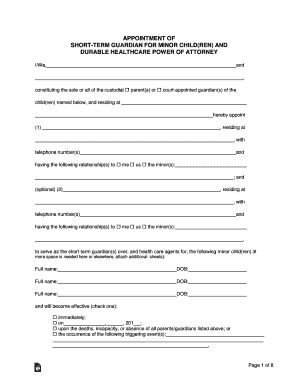
California minor child
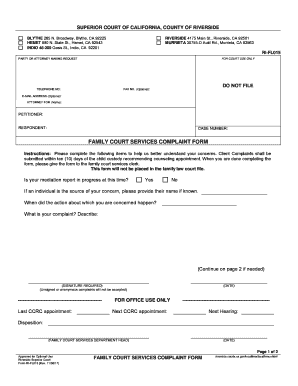
Ri court riverside county

Tr 106 form
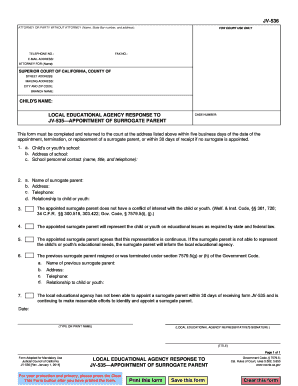
Jv 535

Id 130 report pdf
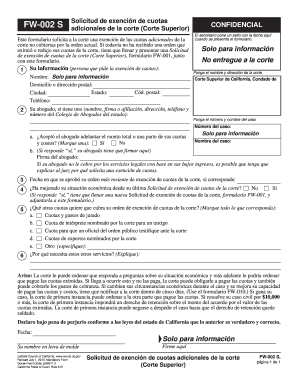
Fw additional form
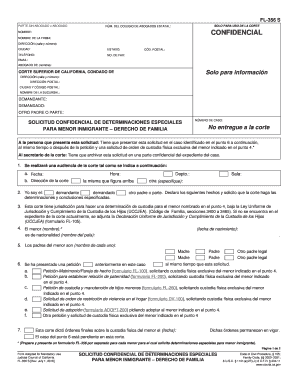
Fl 356s
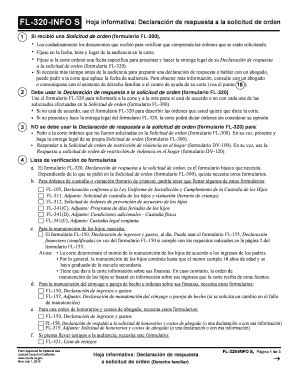
Entrega corte documentos
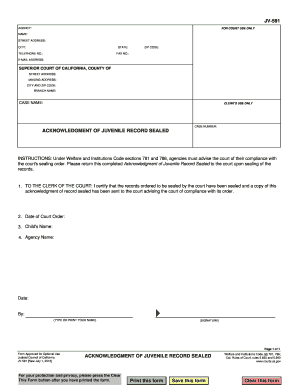
Form sealed acknowledgment sample

California fraud form
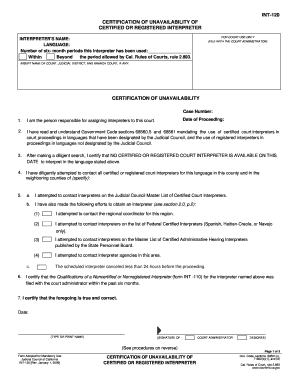
California 120 registered

Jv 535s
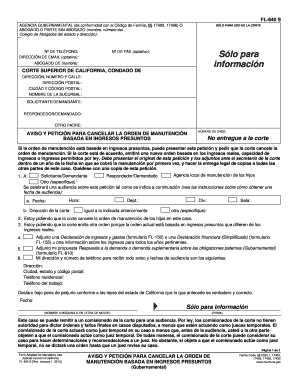
Orden basada ingresos online

California indagacion paternidad de
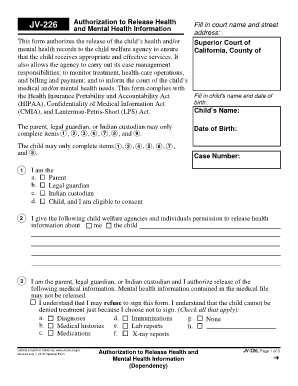
Jv 226
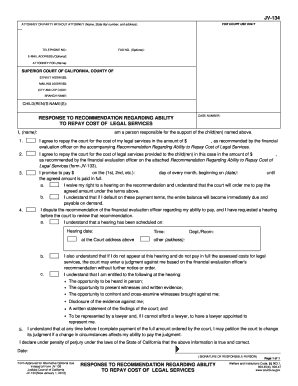
134 ability form

Settlement document
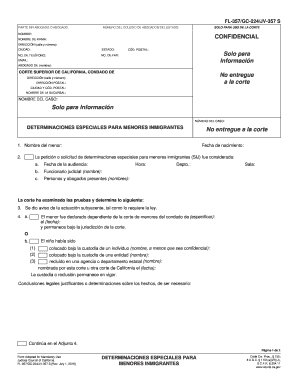
Jv357
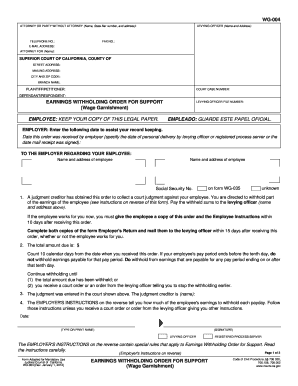
Wg 004

S lo para informaci n No entregue a la corte - California Courts - courts ca
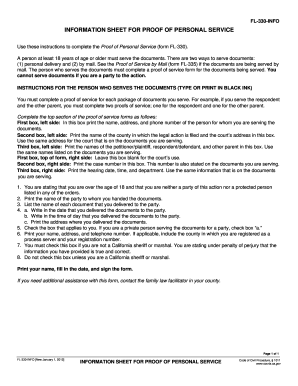
Fl 330

Jv 567

2014 california unir corte
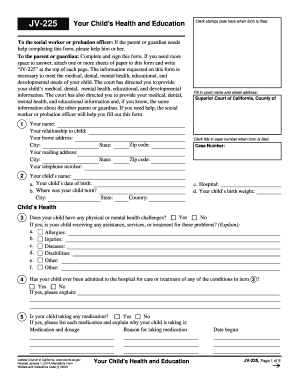
Jv 225

Fl 337 form
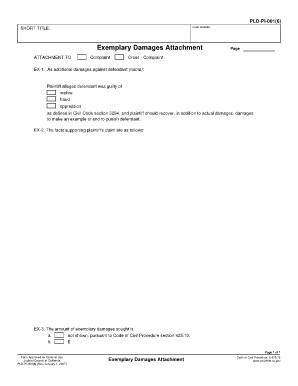
Pld pi 001 6

California child
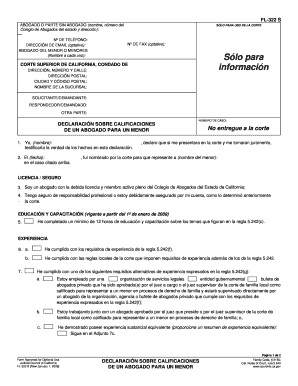
California calificaciones abogado
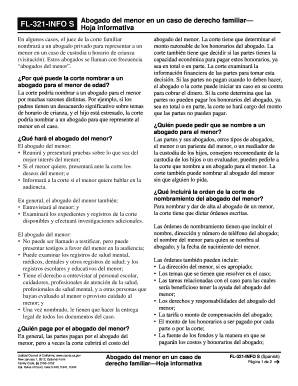
Ca menor informativa form
Benefit from the DocHub online library of fillable PDF forms
Searching the PDF forms doesn't have to be a tedious and time-consuming process. With the DocHub online library, it has become easier to find the fillable PDF forms and modify them in your browser. The service allows you to adjust the document to your needs using powerful editing tools.
You can use online document editing features to modify almost any type of document with ease. You just need to find the template of your choice, open it in the editor, and use the toolbar to make the necessary corrections.
Follow this guide to get your document done with DocHub:
- Find the PDF template you need.
- Click the Get Form button to open the file in the editor.
- Use the toolbar to fill out and edit the document.
- Easily add and highlight text, insert images, checkmarks, and symbols.
- Drop new fillable fields, and rearrange or delete pages from your file.
- Save changes and download your record.
DocHub empowers everyone to streamline document editing, signing, and distribution, and form completion. Create an account and benefit from our well-organized PDF Forms library and comprehensive editor.