
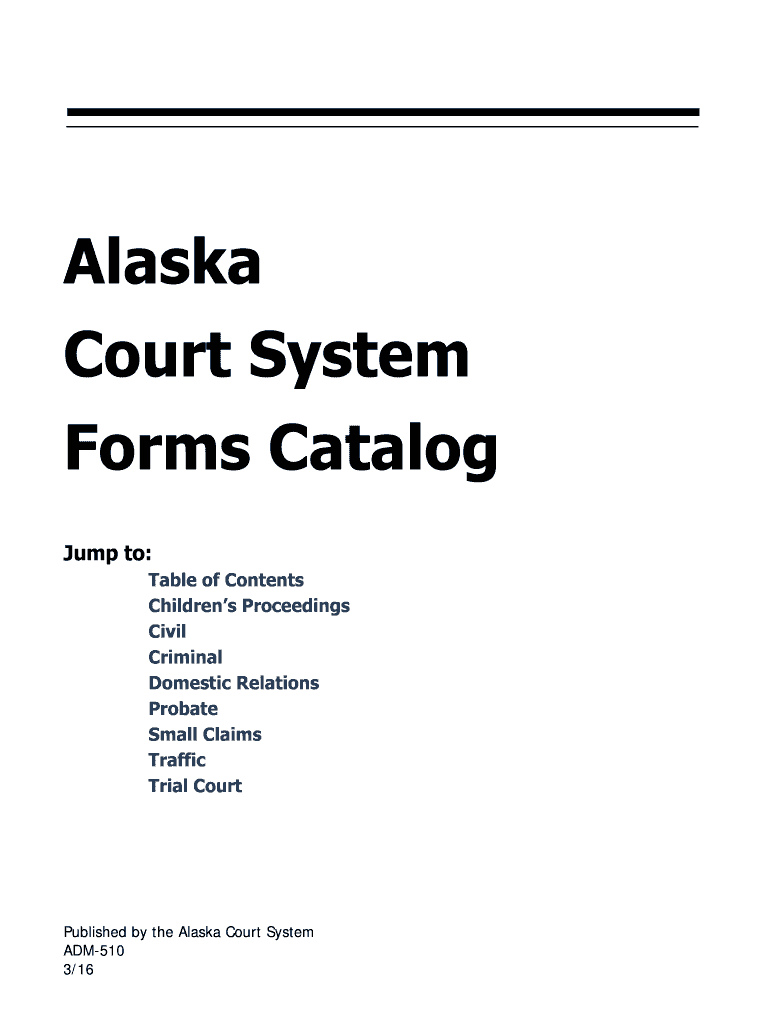




Here's how it works



How to use or fill out ak court system forms with DocHub

- Click ‘Get Form’ to open it in the editor.
- Review the form's sections carefully. Each section is designed to capture specific information relevant to your case, such as personal details, case numbers, and descriptions of the matter at hand.
- Fill in your personal information in the designated fields. Ensure accuracy to avoid delays in processing.
- Complete any additional sections that apply to your situation, such as financial disclosures or supporting documentation requests.
- Once all fields are filled out, review your entries for completeness and correctness before submitting.
- Use our platform’s signing feature if required, ensuring that all necessary parties have signed where indicated.
Start using our platform today for free to streamline your ak court system forms completion!
It's free
See more ak court system forms versions
Got questions?
How do I sign my ak court system forms on iOS?
With DocHub, you can rapidly approve your ak court system forms or any other paperwork on iOS, even without installing additional applications. You can access your DocHub account from any web-connected browser and complete and sign your document in any preferred method with just a few clicks.
What internet browser do I need to edit ak court system forms online?
If you need to edit your ak court system forms online swiftly, it does not matter what web browser you use. DocHub’s simple editing instruments are available using any internet browser. Simply open the appropriate tab in the editor, add your file, and fill it out without stress.
What are the different types of court forms?
What is the Alaska Form vs 401?
How do I get court documents in Alaska?
Security and compliance
At DocHub, your data security is our priority. We follow HIPAA, SOC2, GDPR, and other standards, so you can work on your documents with confidence.
Learn more


