




01. Edit your civ 620 online
Type text, add images, blackout confidential details, add comments, highlights and more.

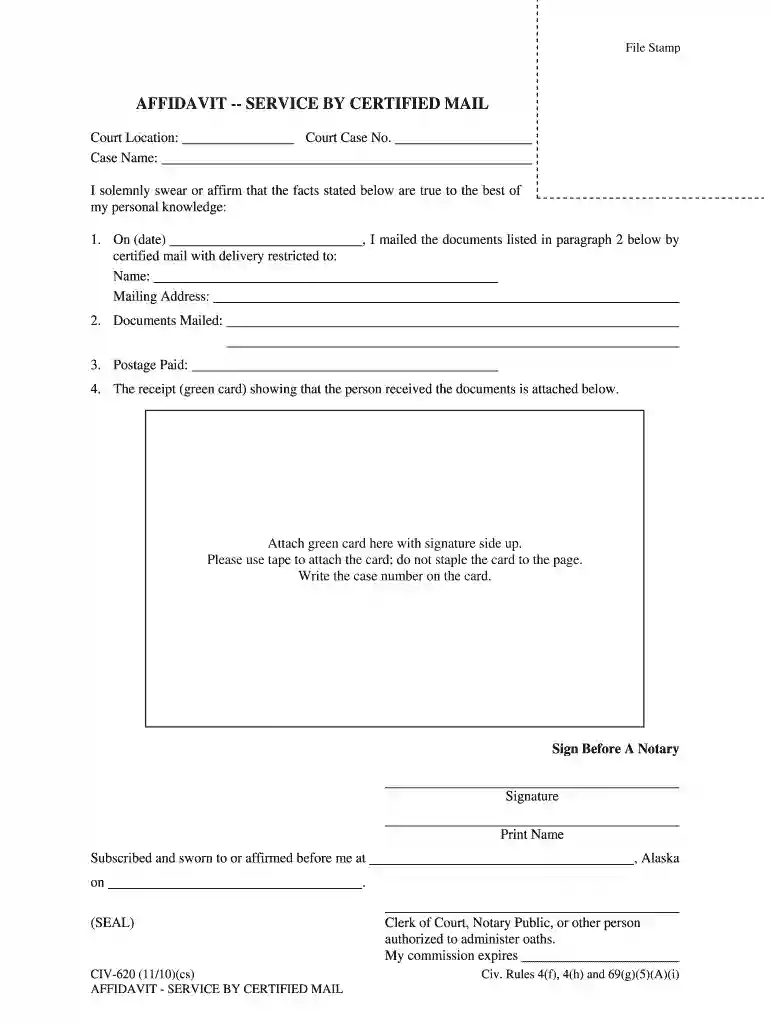
Type text, add images, blackout confidential details, add comments, highlights and more.

Draw your signature, type it, upload its image, or use your mobile device as a signature pad.

Send affidavit mailed alaska via email, link, or fax. You can also download it, export it or print it out.

Start using our platform today to streamline your document editing and signing process for free!
We've got more versions of the civ 620 form. Select the right civ 620 version from the list and start editing it straight away!
| Versions | Form popularity | Fillable & printable |
|---|---|---|
| 2010 | 4.8 Satisfied (140 Votes) |
Sure, electronically drawing your signature is appropriate, but only if you utilize a tool that complies with industry regulations and policies. Consider DocHub, which ensures eSignature validity under ESIGN and UETA requirements. All you need to eSign your civ 620 is an account with DocHub and an internet connection. Once you open your document in our editor, click Sign and choose the Draw tool.
With DocHub, you have several convenient ways to edit your civ certified restricted online. You can drag and drop the form and modify it straight at the DocHub site or use our browser extension to fill out your form right away. On top of that, you can modify your PDF on your smartphone, as DocHub works with all the available mobile platforms.
At DocHub, your data security is our priority. We follow HIPAA, SOC2, GDPR, and other standards, so you can work on your documents with confidence.
mail.] a. I sent the notice to the debtor at the debtors last known address located at: (1) by certified mail, restricted delivery, return receipt requested,Read more
by O Goldfeld 1999 Cited by 6 Civ. P. 81(a)(3). Subpoenas are utilized in both civil and criminal cases. This Note only discusses subpoenas in civil actions.Read more
(a) Controlled substances shall at all times be properly safeguarded and securely kept at the address on file with the Drug Enforcement Administration and whichRead more


