




01. Edit your de 2501 part b online
Type text, add images, blackout confidential details, add comments, highlights and more.

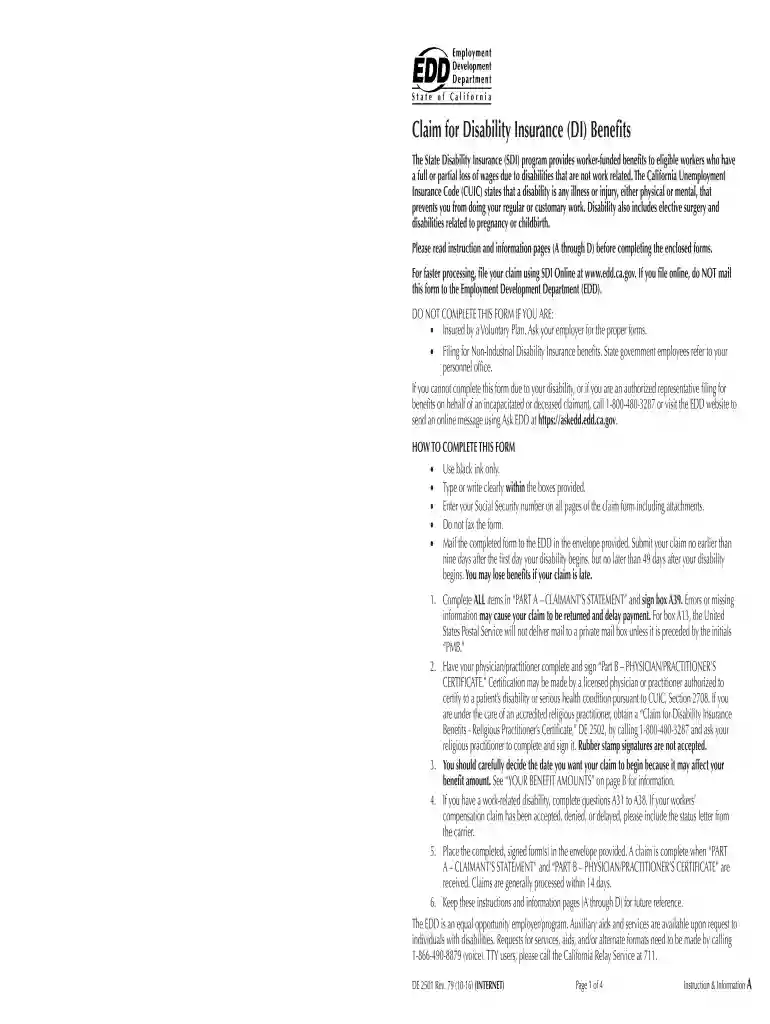
Type text, add images, blackout confidential details, add comments, highlights and more.

Draw your signature, type it, upload its image, or use your mobile device as a signature pad.

Send de 2501 part b physician practitioner s certificate via email, link, or fax. You can also download it, export it or print it out.

Start using our platform today to easily fill out and submit your de 2501 part b form for free!
eSignatures are an excellent alternative to traditional signing, as they save time, effort, and money people spend on printing, scanning, and paper delivery. You can electronically sign your de 2501 part b pdf utilizing a reliable and powerful online document management tool like DocHub. It complies with main eSignature policies (ESIGN and UETA), so all forms approved there are legally binding and have the same validity as physically signed ones.
You can easily edit and complete your de 2501 form on any iOS gadget. Open an internet browser of your liking, visit the DocHub site, authorize or create a new account, upload your file for editing, and make your required changes. Our service is mobile-friendly, so utilizing its functions on your phone will be a no-brainer, even on the first try.
At DocHub, your data security is our priority. We follow HIPAA, SOC2, GDPR, and other standards, so you can work on your documents with confidence.
Feb 9, 2024 PROVIDER submits Part B Physician/Practitioners Certificate on Form DE. 2501 Claim for Disability Insurance (DI) Benefits. SAMPLE DERead more
As part of WMs 2023 iGEM project, we developed Mycobacterium smegmatis mc2155 as a novel synthetic biology chassis. M. smegmatis is both geneticallyRead more
Claim for Disability Insurance (DI) Benefits (DE 2501) (sample claim form). Fill out and submit Part B Physician/Practitioners Certificate. Access this formRead more


