




Here's how it works

01. Edit your form online
Type text, add images, blackout confidential details, add comments, highlights and more.

02. Sign it in a few clicks
Draw your signature, type it, upload its image, or use your mobile device as a signature pad.

03. Share your form with others
Send it via email, link, or fax. You can also download it, export it or print it out.
How to use or fill out icpc 100a form and instructions with our platform

- Click ‘Get Form’ to open the ICPC 100A form in the editor.
- Begin by filling out Section I - Identifying Data. Enter the child's name, Social Security Number, sex, and date of birth. Ensure you accurately select the ethnicity and race options provided.
- Complete the details for both parents, including their names and contact information. This section is crucial for establishing legal guardianship.
- In Section II - Placement Information, specify where the child will be placed. Choose from options like Foster Family Home or Group Home Care, and provide relevant addresses.
- Indicate the current legal status of the child and any services requested in Section III. Be thorough in detailing any supervisory services needed.
- Finally, ensure all signatures are completed in Section IV before distributing copies as outlined in the document instructions.
Start using our platform today to fill out your ICPC 100A form easily and for free!
Fill out icpc 100a form and instructions online
It's free
It's free
See more icpc 100a form and instructions versions
We've got more versions of the icpc 100a form and instructions form. Select the right icpc 100a form and instructions version from the list and start editing it straight away!
Security and compliance
At DocHub, your data security is our priority. We follow HIPAA, SOC2, GDPR, and other standards, so you can work on your documents with confidence.
Learn more


Related forms
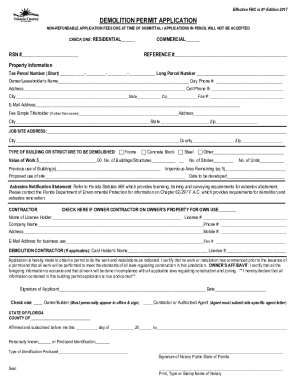
Demolition permit volusia county
The document is a Demolition Permit Application form for both residential and commercial properties, requiring detailed ...
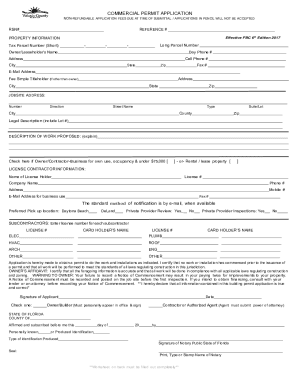
NON-REFUNDABLE APPLICATION FEES DUE AT TIME OF SUBMITTAL APPLICATIONS
The document is a Commercial Permit Application form that outlines the necessary information and requirements for obtain ...

Electrical fill in the blanks 3 docx
The document is an Electrical Permit Application form from the Building Inspection Division, detailing the necessary inf ...
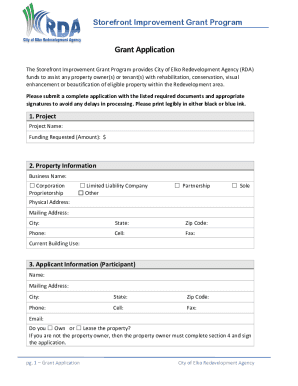
Business phila mediaSIP-Application-andStorefront Improvement Program Application - Philadelphia
Business phila mediaSIP-Application-andStorefront Improvement Program Application - Philadelphia
The Storefront Improvement Grant Program, managed by the City of Elko Redevelopment Agency, offers financial assistance ...

Business License Application
The document outlines the requirements and procedures for obtaining a business license in Oak Grove, Missouri. It specif ...

HEALTHCARE ORGANIZATIONS AND
The document is a new business application for healthcare organizations and providers seeking liability insurance. It ou ...
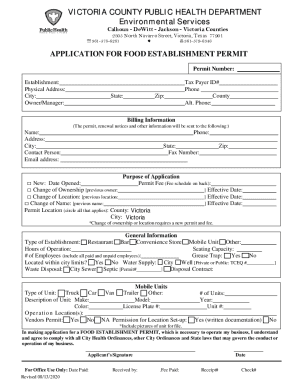
Fsis usda sites defaultFSIS 9060-6 APPLICATION FOR EXPORT CERTIFICATE
The document is an application form for a Food Establishment Permit from the Victoria County Public Health Department, c ...

DocHub 518752281--Form-AH-047-ampquotFillable Online Form AH-047 "Livestock Dealer License
DocHub 518752281--Form-AH-047-ampquotFillable Online Form AH-047 "Livestock Dealer License
The document is a Livestock Dealer License Application from the Michigan Department of Agriculture and Rural Development ...