




01. Edit your florida highway patrol crash reports online
Type text, add images, blackout confidential details, add comments, highlights and more.

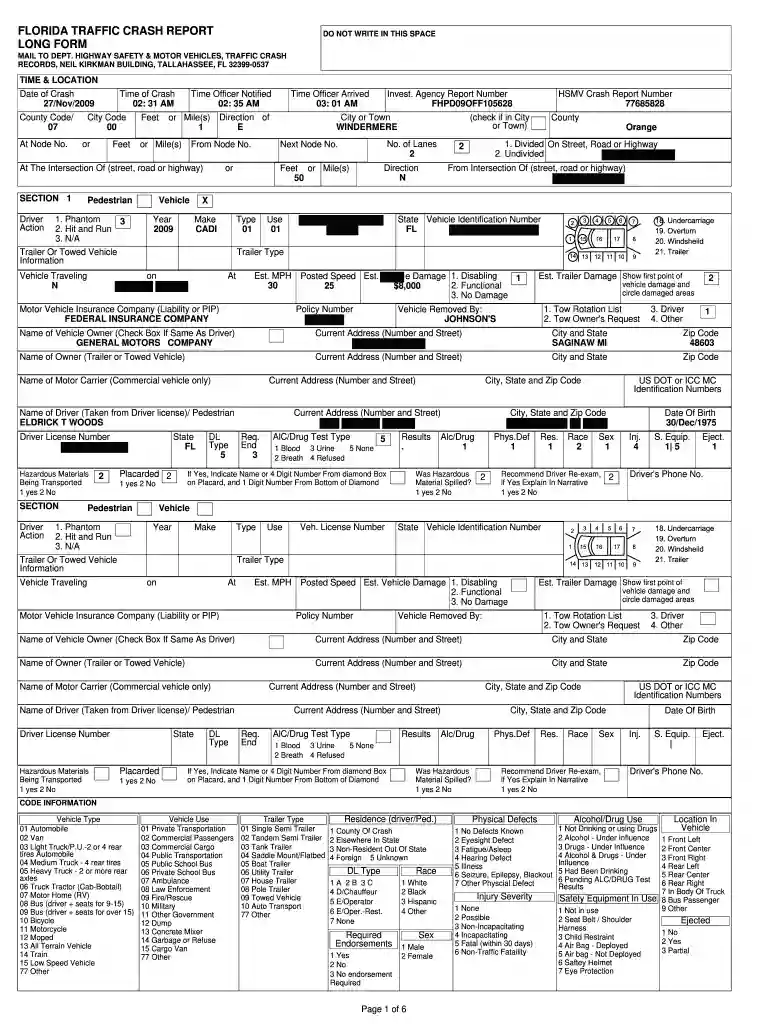
Type text, add images, blackout confidential details, add comments, highlights and more.

Draw your signature, type it, upload its image, or use your mobile device as a signature pad.

Send buy florida crash report via email, link, or fax. You can also download it, export it or print it out.

Start using our platform today to fill out your Florida Crash Report quickly and efficiently!
At DocHub, your data security is our priority. We follow HIPAA, SOC2, GDPR, and other standards, so you can work on your documents with confidence.
The annual report provides an overview of the projects funded during the year and the status of the performance measures identified in the. FY2014 HighwayRead more
In order to obtain a crash report, you must pay the statutorily required fee of $10.00 per report, plus an additional $2.00 convenience fee for each paymentRead more
The Florida Crash Portal provides comprehensive information about purchasing a crash report, reporting a crash and accessing Florida crash data.Read more


