



Here's how it works
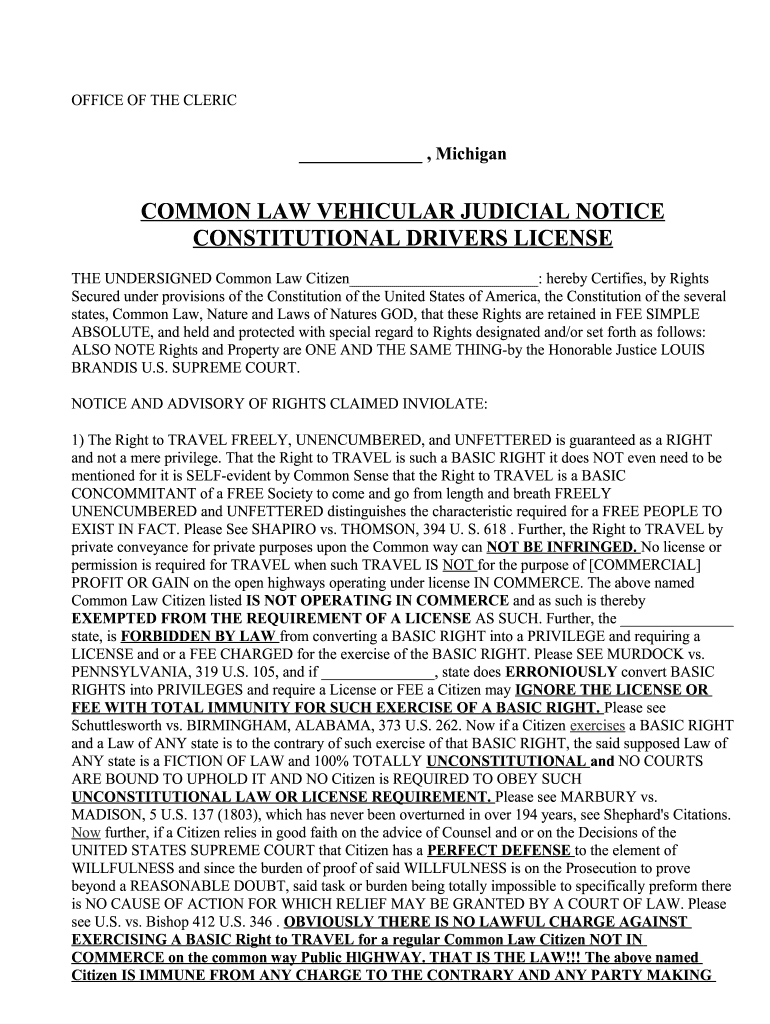
How to use or fill out constitutional driver's license with our platform

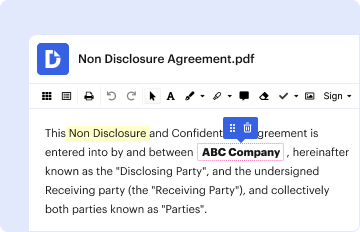
- Click ‘Get Form’ to open the constitutional driver's license document in the editor.
- Begin by entering your name as the Common Law Citizen in the designated field. This is crucial as it identifies you as the individual certifying your rights.
- In the section regarding your rights, clearly state your understanding of the Right to Travel freely. You may paraphrase or summarize the legal references provided, ensuring they reflect your stance.
- Fill in any additional fields that require information about your residency or jurisdiction, ensuring accuracy to avoid any legal discrepancies.
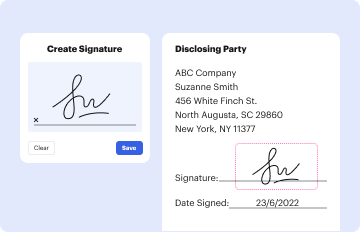
- Sign and date the document at the bottom where indicated. If applicable, have a witness or notary public sign as well to validate your claim.
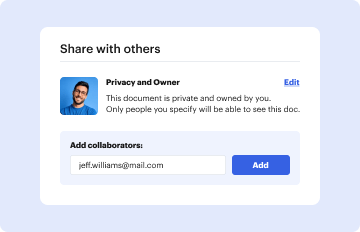
- Finally, review all entries for completeness and correctness before saving or exporting your completed form for submission.
Start using our platform today to effortlessly complete your constitutional driver's license form online for free!
It's free
Got questions?
How can I eSign my 14th amendment right to travel without license from Gmail?
With DocHub, it’s quite simple. The service offers users an add-on called DocHub for Gmail, which you can find in the Google Workspace Marketplace free of charge. Install it and grant it access to your Google account. Open your email with your 14th amendment right to travel without license attached and click on the add-on button in the right-side panel. Log in to your DocHub account, and import the file to our editor, where you can fill it out and sign.
What internet browser do I need to edit common law vehicular judicial notice online?
If you need to edit your common law vehicular judicial notice online swiftly, it does not matter what browser you employ. DocHub’s simple editing instruments are available using any internet browser. Simply open the appropriate tab in the editor, add your file, and fill it out without stress.
Security and compliance
At DocHub, your data security is our priority. We follow HIPAA, SOC2, GDPR, and other standards, so you can work on your documents with confidence.
Learn more