




Here's how it works

01. Edit your free online baptism class for godparents online
Type text, add images, blackout confidential details, add comments, highlights and more.

02. Sign it in a few clicks
Draw your signature, type it, upload its image, or use your mobile device as a signature pad.

03. Share your form with others
Send free online catholic baptism class for godparents via email, link, or fax. You can also download it, export it or print it out.
How to use or fill out online baptism class for godparents with our platform

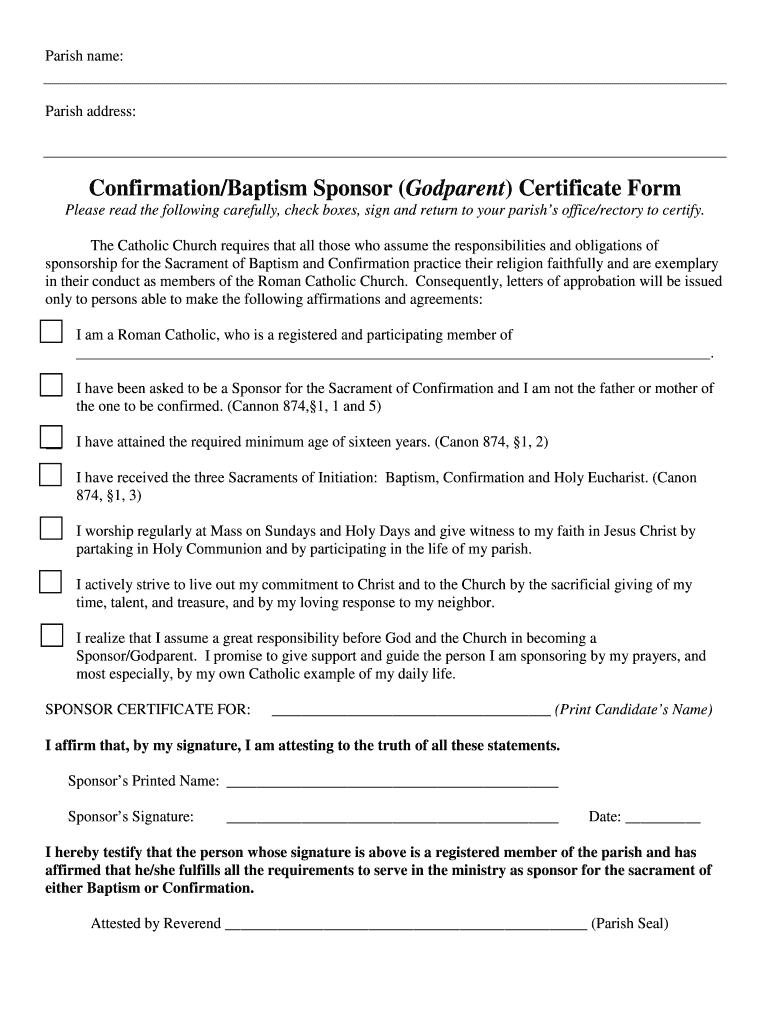
- Click ‘Get Form’ to open the online baptism class for godparents in the editor.
- Begin by entering your parish name and address at the top of the form. This information is essential for proper identification.
- In the section labeled 'Confirmation/Baptism Sponsor (Godparent) Certificate Form', carefully read through the requirements outlined. Ensure you meet all criteria before proceeding.
- Check each box next to the affirmations to confirm your eligibility as a sponsor. This includes being a registered member of your parish and having received the Sacraments of Initiation.
- Print the candidate’s name clearly in the designated area, ensuring accuracy for official records.
- Sign and date the form where indicated, affirming that all statements are true. Your signature is crucial for validation.
- Finally, ensure that a parish representative attests to your membership and eligibility by signing in the appropriate section, along with their parish seal if required.
Start filling out your online baptism class for godparents today using our platform for free!
Fill out online baptism class for godparents online
It's free
Security and compliance
At DocHub, your data security is our priority. We follow HIPAA, SOC2, GDPR, and other standards, so you can work on your documents with confidence.
Learn more


Related forms
Instructions clerk
The document PNW-0100 outlines the procedures for clerks regarding the transmission of return of service information rel ...
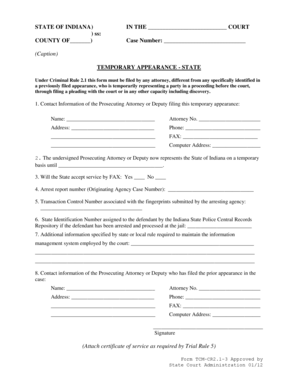
STATE OF INDIANA ) ) ss: COUNTY OF ) IN THE COURT Case Number: (Caption) TEMPORARY APPEARANCE - STAT
STATE OF INDIANA ) ) ss: COUNTY OF ) IN THE COURT Case Number: (Caption) TEMPORARY APPEARANCE - STAT
The document is a legal form used in the State of Indiana for a temporary appearance by a prosecuting attorney or deputy ...
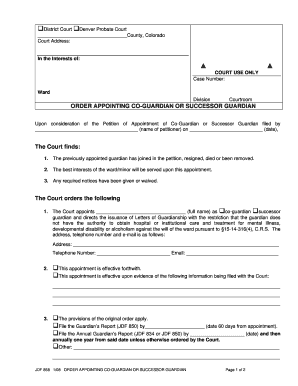
Colorado co guardian succesor form
The document is a court order from the Denver Probate Court in Colorado, appointing a co-guardian or successor guardian ...

2008 CA ADOPT-330
The document ADOPT-330 is a form used to request the appointment of a confidential intermediary for individuals seeking ...

Dfas certificate
The document is a certificate for establishing the identity of an annuitant, issued by the Defense Finance and Accountin ...

Ngr 600 200
National Guard Regulation 600-200 provides comprehensive guidelines for the management of enlisted personnel in the Army ...
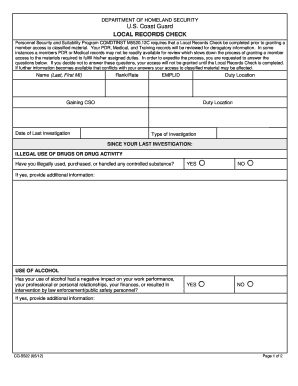
Form 5522
The document outlines the requirements for a Local Records Check as part of the Personnel Security and Suitability Progr ...
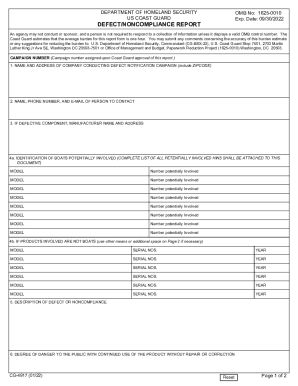
DEPARTMENT OF HOMELAND SECURITY OMB No: 1625-0010 US COAST
The document is a Defect/Noncompliance Report from the U.S. Coast Guard, detailing the process for reporting safety defe ...