




Here's how it works

01. Edit your kenya visa application form online
Type text, add images, blackout confidential details, add comments, highlights and more.

02. Sign it in a few clicks
Draw your signature, type it, upload its image, or use your mobile device as a signature pad.

03. Share your form with others
Send kenya visa application form pdf via email, link, or fax. You can also download it, export it or print it out.
How to use or fill out visa kenya form with DocHub

- Click ‘Get Form’ to open the visa kenya form in our editor.
- Begin by specifying the type of visa required: Single, Multiple, or Transit. This is crucial for processing your application correctly.
- Fill in your personal details. Start with your Surname/Family Name and Other Names in Full. Indicate your sex and provide the full names of your parent(s) or spouse(s).
- Enter your Date of Birth using the specified format (DD/MM/YYYY), along with your Country and Place of Birth, and your current Profession/Occupation.
- Provide information about your nationality at birth, present nationality if different, and country of residence. Include a contact address, telephone number, and email.
- Complete the passport section by entering the passport number, place of issue, date of issue, expiry date, and issuing authority.
- Specify reasons for entry into Kenya, proposed date of entry, and duration of stay.
- List full names and addresses of hotels or contacts you will visit in Kenya along with their contact details.
- Answer questions regarding previous visits to Kenya and any past issues with entry or legal convictions.
- Finally, review all entries for accuracy before signing and dating the application at the bottom.
Start filling out your visa kenya form today on our platform for free!
Fill out visa kenya form online
It's free
It's free
Security and compliance
At DocHub, your data security is our priority. We follow HIPAA, SOC2, GDPR, and other standards, so you can work on your documents with confidence.
Learn more


Related forms

G 88a1 form
The document is a request from the United States Railroad Retirement Board for verification of the last working dates of ...
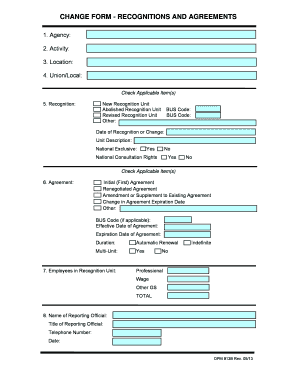
Opm opm change agreements
The document is a CHANGE FORM for RECOGNITIONS AND AGREEMENTS, detailing the process for recognizing or changing union u ...
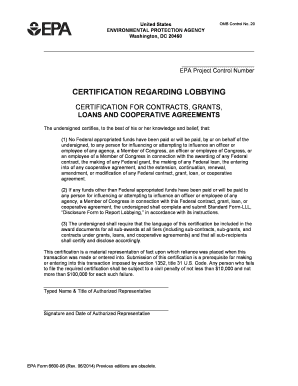
Form 6600
The document is a certification form from the U.S. Environmental Protection Agency (EPA) regarding lobbying activities r ...
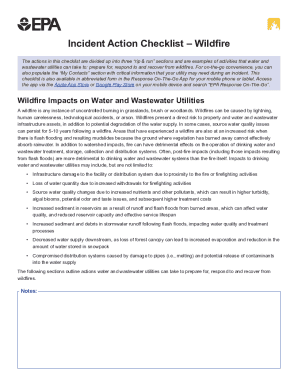
Water Sector Utility Incident Action ChecklistWildfire Examples of activities that water and wastewa
Water Sector Utility Incident Action ChecklistWildfire Examples of activities that water and wastewa
The document provides a comprehensive Incident Action Checklist for water and wastewater utilities to prepare for, respo ...

Dairy chain analysis
The USAID-KAVES Dairy Value Chain Analysis report, prepared by Fintrac Inc. in August 2015, examines the Kenyan dairy se ...

Trip change form
The document is a Trip Change Permit Form for Ector County Independent School District in Odessa, Texas. It allows paren ...
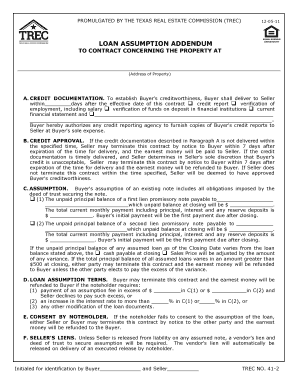
Trec loan assumption addendum
The document is a Loan Assumption Addendum promulgated by the Texas Real Estate Commission (TREC) that outlines the term ...
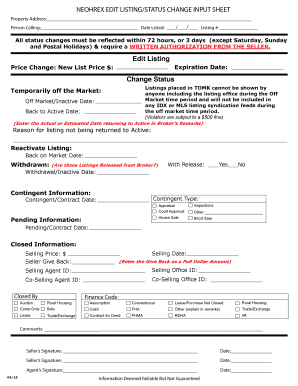
Neohrex form
The document is a NEOHREX Edit Listing/Status Change Input Sheet used for real estate listings. It outlines procedures f ...