




Here's how it works



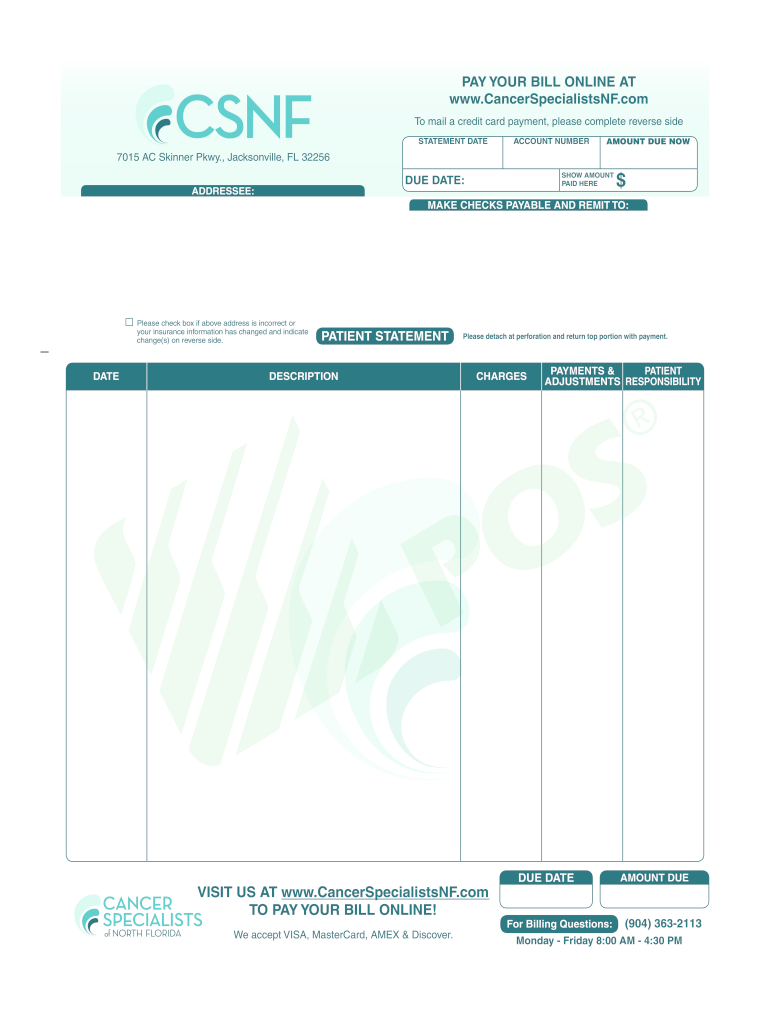
How to use or fill out cancerspecialistsnf with our platform

- Click ‘Get Form’ to open the cancerspecialistsnf document in the editor.
- Begin by entering your personal information in the 'ABOUT YOU' section. Fill in your name, address, and contact details accurately.
- Next, provide your insurance information. Include both primary and secondary insurance company names, addresses, and policy details as required.
- If you are paying by credit card, complete the payment section. Enter your card number, expiration date, and authorization code. Ensure all fields are filled correctly to avoid payment issues.
- Review all entered information for accuracy. If any details have changed since your last statement, check the appropriate box and indicate changes on the reverse side of the form.
- Finally, sign the form where indicated to authorize payment and submit it as instructed.
Start using our platform today to easily fill out your cancerspecialistsnf form online for free!
It's free
Got questions?
Is it secure to sign my cancerspecialistsnf electronically?
You should use only trusted software solutions with strong data protection compliance to approve your documents electronically. DocHub is just the type of editor you need! It stores data on Amazon Web Servers and complies with all required security standards and eSignature regulations, so it’s a trustworthy way to electronically sign your cancerspecialistsnf or other forms using this tool.
How do you edit cancerspecialistsnf on Android?
Document editing with DocHub is equally convenient on desktop and mobile devices. You just need an internet browser to modify your cancerspecialistsnf on Android. Open our site and sign in to access the instruments you require. Add your file and introduce your intended changes. After that, you can keep your form in your file storage or send it out instantly.
Who owns Cancer Specialists of North Florida?
Is Florida Cancer Specialists part of US Oncology?
How many employees does Florida Cancer Specialists have?
Security and compliance
At DocHub, your data security is our priority. We follow HIPAA, SOC2, GDPR, and other standards, so you can work on your documents with confidence.
Learn more


