
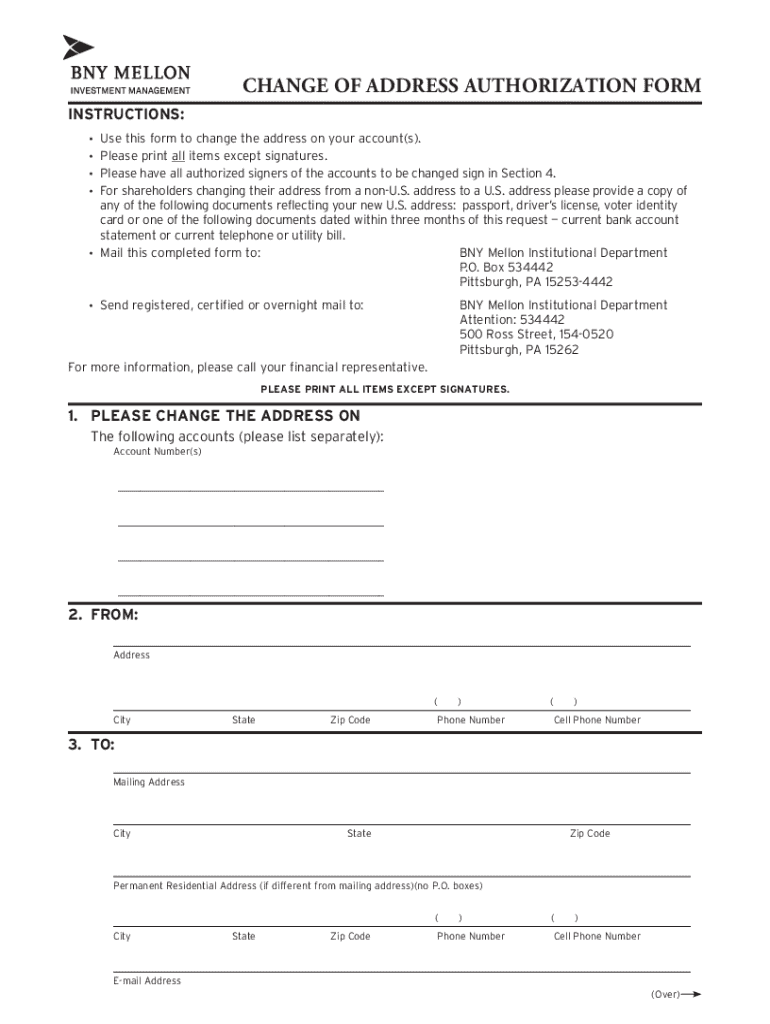







Definition & Meaning of Form Online
Form online refers to the digital process of accessing, filling out, and submitting various types of forms electronically. This includes forms for tax purposes, business applications, legal documents, and more. By completing forms online, individuals and businesses streamline the documentation process, thus saving time and resources. The form online option often includes functionalities like digital signatures and fillable fields, enhancing user experience and ensuring efficiency for data submission and storage.
Importance of Form Online
- Accessibility: Individuals can access forms at anytime from anywhere with an internet connection, eliminating the need to visit physical offices.
- Efficiency: Automated processes reduce errors and process times, allowing quicker review and approval.
- Cost-Effectiveness: Electronic submissions often reduce overhead costs associated with printing, mailing, and storage.
- Environmentally Friendly: Reduces paper usage, supporting eco-friendly initiatives.
How to Use the Form Online
Utilizing forms online typically involves a few straightforward steps. First, users need to access the platform hosting the form — this could be a government portal or a service like DocHub. Once located, the form can be accessed directly via a web browser.
- Access the Platform: Visit the appropriate website to find the specific form you need.
- Fill Out the Form: Use the online tools to complete all required fields, including text, checkboxes, and dropdowns. Tools like annotation or text insertion may be available.
- Review for Accuracy: Verify that all entries are correct and complete to avoid processing delays.
- Sign the Form Electronically: Applicable forms may require an electronic signature, which can be added using a trackpad, mouse, or touchscreen.
- Submit the Form: Follow the instructions for submitting the form, which might involve uploading documents or sending them via an integrated submission button.
Supported Platforms
- Web Browsers: Chrome, Firefox, Safari, and Edge.
- Mobile Devices: Ensure the platform supports the mobile device being used.
How to Obtain the Form Online
To obtain a form online, start by identifying the specific form required for your need — whether it’s for taxes, business applications, or other purposes.
- Government Websites: Most official forms are available on relevant governmental websites. For instance, IRS forms can be found on the IRS.gov website.
- Dedicated Platforms: Services like DocHub offer access to a wide variety of forms with additional editing and signing capabilities.
- Searchability: Use the search functionality on these platforms to locate the specific form by name or number, ensuring you have the most current version.
Steps to Complete the Form Online
Initial Preparation
- Research the Form: Understand the purpose and requirements of the form to ensure all necessary information and documents are gathered.
- Setup an Account: Some platforms may require you to create an account for access and submission.
Form Completion Process
- Start the Form: Open the form in the platform's editor.
- Provide Information: Input all requested data accurately, including names, addresses, and other specifics.
- Add Attachments: Upload supplementary documents if required, such as identification or proof of eligibility.
- Electronic Signature: Apply a digital signature if needed, ensuring its compliance with legal standards.
Finalizing and Submitting
- Review: Double-check all entries for completeness and accuracy.
- Submit: Use the online submit feature, ensuring you receive confirmation of receipt.
Troubleshooting
- Technical Issues: Check internet connectivity and browser compatibility.
- Form Accessibility: Ensures the form is activated for online completion.
Why You Should Form Online
Online forms are advantageous for many reasons, particularly for businesses and individuals who need efficient document management.
- Speed: Online processes often have faster turnaround times compared to paper forms.
- Streamlined Workflows: Integration with software like DocHub allows for smooth transitions between different documents and submissions.
- Security Measures: Enhanced security protocols protect sensitive information.
- Tracking and Records: Online platforms provide tracking capabilities and records of submitted forms.
Who Typically Uses the Form Online
A wide array of individuals and organizations benefit from using forms online:
- Business Professionals: For tasks like corporate filings, permit applications, and regulatory compliance.
- Taxpayers: Easily submit tax forms such as the W-9 or others required by the IRS.
- Legal Entities: Attorneys and firms frequently use online forms for contracts and agreements.
- Educational Institutions: For faculty and student applications, admissions, or grants.


Legal Use of the Form Online
The legal validity of completing forms online is often equal to traditional paper forms if all regulatory requirements are met:
- Compliance with ESIGN Act: Electronic forms that adhere to this act are legally binding.
- Authentication Protocols: Use of verified digital signatures satisfies legal identity verification.
- Secure Submissions: Handles sensitive data with encryption to maintain confidentiality and authenticity.
Legal Considerations
- Jurisdiction: Ensure the form's acceptance in relevant state or federal laws.
- Record-Keeping: Maintain copies of submissions and confirmations for legal purposes.
Key Elements of the Form Online
Forms online contain essential elements designed to guide the user:
- Fillable Fields: Include sections for inputting text, selecting from dropdown menus, and more.
- Validation Checks: Alert users to missing or incorrectly formatted information for error-free submission.
- Digital Signature Capability: Facilitates secure and verifiable signing processes.
Enhancements
- Dynamic Forms: Some platforms allow responsive forms that adjust fields based on prior selections.
- Guided Assistance: Tooltips and instructions provide real-time assistance to users.




