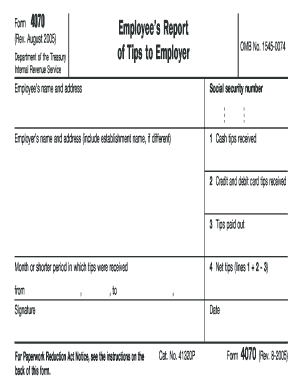
01. Edit your form online
Type text, add images, blackout confidential details, add comments, highlights and more.


Type text, add images, blackout confidential details, add comments, highlights and more.

Draw your signature, type it, upload its image, or use your mobile device as a signature pad.

Send it via email, link, or fax. You can also download it, export it or print it out.
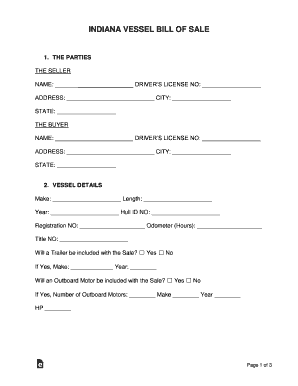
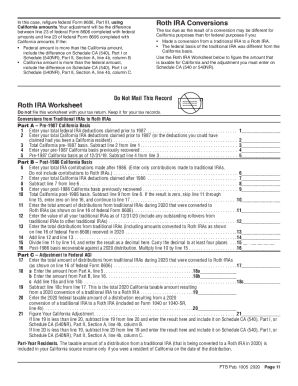
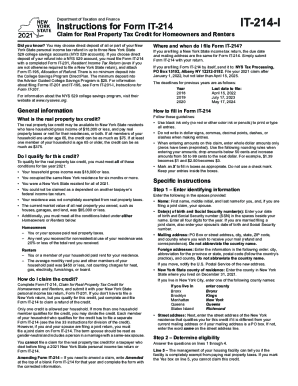
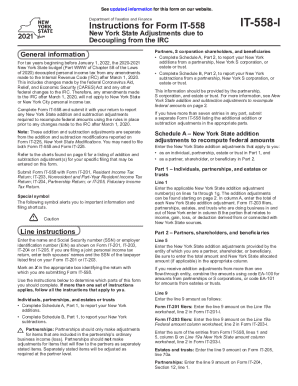
Forms online refer to digital versions of traditional paper forms that can be filled out, submitted, and processed over the internet. These forms are designed to streamline the way individuals and businesses gather information, process applications, and complete transactions without the need for physical paperwork. Online forms can be utilized for various purposes such as job applications, tax submissions, legal agreements, and customer surveys. They allow users to input data directly into fields and submit the information electronically, enhancing efficiency and reducing the likelihood of manual errors.
Using an online form is a straightforward process that involves accessing the form through a web browser, entering the required information, and submitting it for processing. Firstly, you must locate the specific form you need on the relevant website and open it. Typically, the form will display fields for entering data, such as names, dates, and other relevant information. Users follow the prompts to fill out each section accurately. Some platforms allow you to save and resume filling the form at a later time. Once all information is complete, you can review the entered data before clicking a submit button to send the form to the respective organization or system.
Online forms typically consist of several key elements designed to guide users through the process and ensure the right data is collected. These include:
Forms can vary greatly depending on state-specific regulations and requirements. Some states may have unique forms for processes like business registrations or taxation. For instance, different states might require varied documentation for similar processes, adjusted to comply with local laws. It's essential to check state-specific rules when filling out online forms related to legal or financial matters. Websites hosting these forms often provide guidelines or links to official resources that outline specific state differences, ensuring compliance and accuracy.
Understanding the terminology associated with online forms is crucial:
Online forms hold legal significance, especially when involving contracts, agreements, and transactions. Legally binding forms must comply with national and international e-signature standards, such as those stipulated by the ESIGN Act in the United States. When forms include a field for digital signatures, the signatures are legally recognized, provided the platform adheres to compliance regulations. Businesses must ensure their online form practices align with legal standards, protecting both the user and the company from potential disputes.
Transitioning from paper to digital forms brings numerous advantages, such as increased speed, reduced paper costs, and environmental benefits. Digital forms can be completed and processed rapidly, with automated systems often issuing immediate responses or confirmations. They are easily accessible from various devices, enhancing flexibility. While paper versions might be required in specific scenarios for archival or legal requirements, digital forms significantly improve overall efficiency and are largely recognized as the modern standard for both personal and professional interactions.
We've got more versions of the Living Promise Whole Life Insurance form. Select the right Living Promise Whole Life Insurance version from the list and start editing it straight away!
At DocHub, your data security is our priority. We follow HIPAA, SOC2, GDPR, and other standards, so you can work on your documents with confidence.