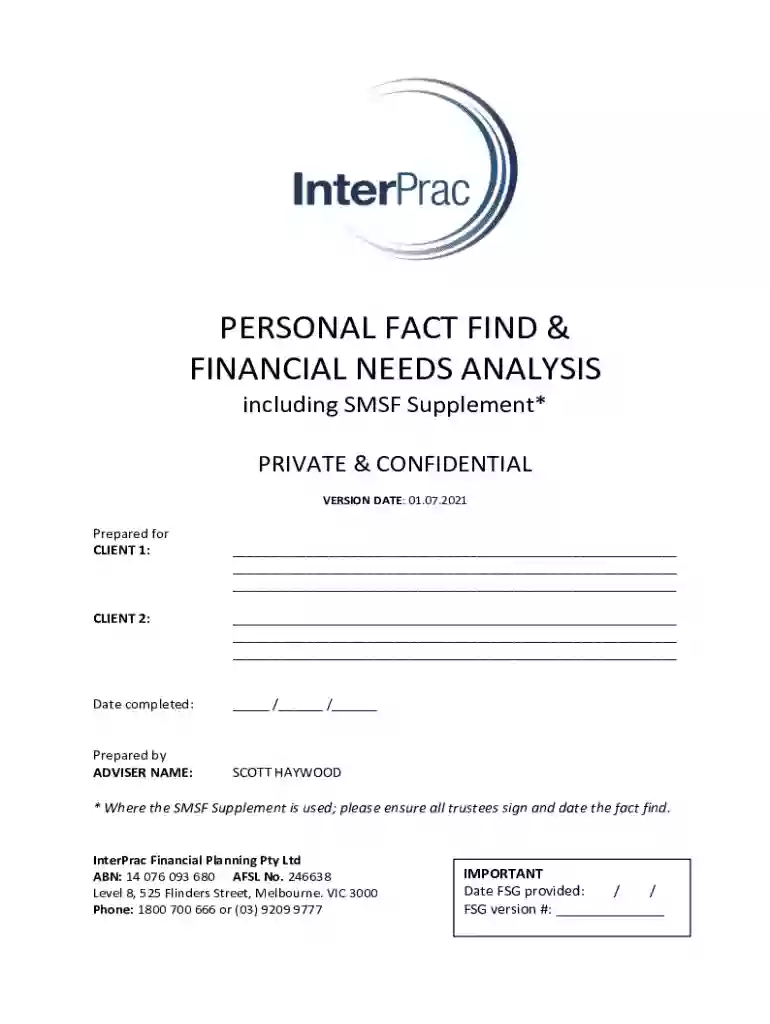
Personal Fact Find and Financial Needs Analysis 2026

Get Form
Personal Fact Find and Financial Needs Analysis Preview on Page 1

Here's how it works

01. Edit your form online
Type text, add images, blackout confidential details, add comments, highlights and more.

02. Sign it in a few clicks
Draw your signature, type it, upload its image, or use your mobile device as a signature pad.

03. Share your form with others
Send it via email, link, or fax. You can also download it, export it or print it out.

Definition & Meaning

The term "form online" refers to digital or electronic forms that can be accessed, filled, and submitted over the internet. Unlike traditional paper forms, online forms offer convenience by allowing users to input their information using a computer or mobile device. This method streamlines data collection and processing, facilitating a swift and efficient workflow. Online forms cover a wide array of uses, from simple contact forms on a website to complex government tax forms, each serving to collect and organize user data in a structured format.

Understanding the precise definition and scope of an online form is crucial for users to leverage their capabilities optimally. For example, an online tax form provides all the necessary sections required by the IRS for individual income filing, ensuring compliance with federal regulations. By grasping how online forms function, users can make informed decisions about when and how best to utilize them, maximizing accuracy and efficiency in data handling.

How to Use the Form Online

To use a form online effectively, one must follow several key steps ensuring accuracy and completeness. Begin by selecting the appropriate form for your needs, which might be available on a government website, a service portal like DocHub, or another platform related to the form's purpose. Once the relevant form is located, users must first understand its sections and requirements.

  1. Review Instructions: Before filling out the form, review any available instructions or guidelines to avoid common pitfalls.
  2. Gather Necessary Information: Accumulate all required documentation and data beforehand. This preparation step can significantly decrease the chances of errors.
  3. Complete Sections Carefully: Fill in each section carefully, ensuring that every field is accurate. Most online forms will guide you through mandatory fields, preventing submission until they are complete.
  4. Utilize Tools for Validation and Correction: Many platforms offer tools to validate inputs or provide suggestions for correcting potential mistakes.
  5. Submit and Save Confirmation: Once completed, submit the form as instructed, and save any confirmation numbers or submission receipts for personal records.

Following these steps helps users ensure that their form submission process is smooth and that the data provided is correct, capitalizing on the streamlined nature of digital platforms.

How to Obtain the Form Online

Accessing and obtaining a form online is a straightforward process that requires attention to detail to ensure the correct document is selected. Here is a step-by-step guide to obtaining an online form:

  1. Identify the Purpose: Determine the specific purpose the form serves, such as tax filing, application for service, or data collection in a specific area.
  2. Visit the Correct Website: Access the website hosting the form, often a government portal, financial institution, or a specialized platform like DocHub.
  3. Search for the Form: Use the website’s search function or browse available categories to locate the desired form.
  4. Download or Open the Form: Once found, either download the form to your device for offline use or open it directly in the browser if it is designed for online completion.
  5. Verify Authenticity: Ensure that you have accessed the official version of the form, checking the source's legitimacy to protect against unauthorized or outdated versions.

These careful steps ensure users obtain the correct forms required for their needs, safeguarding against potential errors or submission delays due to incorrect document usage.

Steps to Complete the Form Online

Completing a form online requires diligence and an understanding of the content required. Here is a detailed breakdown of the typical process:

  1. Read Instructions: Begin by reading any available instructions to understand the form's requirements.
  2. Fill Out Personal Information: Provide correct personal details, such as name, address, and contact information, ensuring these are correct.
  3. Enter Specific Data: Input all required data pertinent to the form's purpose, paying close attention to any special formatting required (e.g., social security numbers, tax IDs).
  4. Attach Required Documents: If applicable, upload any necessary documents that must accompany the form. Ensure these are in the correct format and clearly legible.
  5. Review Entries: Carefully review the information entered to ensure there are no mistakes or omissions. Many platforms offer review tools to aid this process.
  6. Submit: Once confident in the form's completeness, follow the submission instructions, submitting it digitally and ensuring that a confirmation or receipt is provided.

Completing forms accurately ensures a smooth workflow, reducing the need for revisions or re-submissions, which can be time-consuming.

Why Should You Form Online

Choosing to use a form online offers numerous advantages that make it a preferred option over traditional paper forms. These benefits include:

  • Efficiency: Online forms reduce the time spent printing and mailing paperwork.
  • Accessibility: Accessible from anywhere with internet access, allowing for greater flexibility in completing forms at your convenience.
  • Error Reduction: Many online forms include validation features that help prevent common mistakes, improving data accuracy.
  • Cost-Effective: Eliminates the need for paper, postage, and other physical materials, reducing overall expenses associated with form handling.
  • Environmentally Friendly: Opting for online forms reduces paper waste, contributing to environmental sustainability efforts.

These benefits underscore why individuals and organizations increasingly opt for digital forms as part of their operations.

Important Terms Related to Form Online

Understanding terminologies associated with online forms is crucial for effective use. Here are key terms:

  • SSL Encryption: A security protocol that encrypts the data transmitted during the form submission process, ensuring confidentiality.
  • OAuth 2.0: A standard protocol for authorization, commonly employed for secure account access during form submission.
  • Fillable Fields: Areas within a form designated for user input, such as text boxes or dropdown menus, ensuring data is input a structured manner.
  • E-signature: A digital representation of a signature, allowing for legally binding agreements or approvals within online forms.
  • Validation: A process that checks the accuracy and format of data entered into a form, helping to reduce user errors.

Familiarity with these terms enhances the user's ability to complete and submit forms efficiently and securely.

Legal Use of the Form Online

Forms made available online often have legal considerations that users must be aware of to ensure compliance:

  • ESIGN Act Compliance: The Electronic Signatures in Global and National Commerce Act allows electronic signatures on forms to be legally binding in the U.S.
  • Data Privacy Laws: Compliance with data protection regulations, such as HIPAA for healthcare forms or GDPR if handling data from European residents, is crucial.
  • Retention Requirements: Legal mandates may require retaining copies of submitted forms for a specified period.
  • Authenticity Verification: Institutions may require additional verification to ensure already provided data is authentic and attributed to the correct individual.

Understanding these legal aspects helps ensure that users meet all regulatory requirements, avoiding legal issues.

Form Submission Methods (Online / Mail / In-Person)

Forms can typically be submitted in various methods, each tailored to the user's preferences or requirements:

  1. Online Submission: The most convenient option, allowing immediate electronic submission through a platform or email.
  2. Mail Submission: Printing and mailing forms provide a physical record, but the process is slower and may incur mailing costs.
  3. In-Person Submission: Suitable for sensitive forms that require personal verification or when additional documents need to be presented.

Each submission method has its use case advantages and scenarios where it is most appropriate, offering flexibility to user choice and necessity.

be ready to get more

Complete this form in 5 minutes or less

Get form

Got questions?

We have answers to the most popular questions from our customers. If you can't find an answer to your question, please contact us.
Contact us
Electronic forms are online web pages or electronic documents designed to capture, validate, and submit data in forms processing. Electronic forms (eforms) provide a series of fields where data is collected, often using a Web browser.
Online forms are used to achieve the following: Collect customer data as part of sales and marketing processes. Process financial details during checkout, especially on ecommerce stores. Respond to customer support tickets. Request information and signatures in contracts and proposals.
How to Create a Request Form Define Your Use Case and Requirements. Start Building Your Form. Add and Customize Form Fields. Personalize the Form Design. Set Up Notifications and Approvals. Publish and Share Your Form. Test and Manage Submissions.
Online Application Form means the electronic sign-up form which is available on the Companys website (the websites) and which a prospective Client has to complete in order to become the Companys Client.
An online form is an electronic application in which data is entered by the person filling it out for recording and further processing via predefined data fields. Such electronic forms can be found, for example, on websites or as attachments in e-mails.

Security and compliance

At DocHub, your data security is our priority. We follow HIPAA, SOC2, GDPR, and other standards, so you can work on your documents with confidence.

Learn more
ccpa2
pci-dss
gdpr-compliance
hipaa
soc-compliance

People also ask

To convert a PDF to fillable online, upload your document to docHub. docHub online editor instantly converts any PDF document to a fillable format online. You can fill your PDF with our various tools and features. To fill the form with text, choose the Text button and start typing.
Use docHub eSignature to fill out a PDF form and sign it Sign up for a free docHub account to fill and sign PDFs. Some PDF forms are fillable and some arent.

Related links