




Here's how it works

01. Edit your puppy data sheet printable online
Type text, add images, blackout confidential details, add comments, highlights and more.

02. Sign it in a few clicks
Draw your signature, type it, upload its image, or use your mobile device as a signature pad.

03. Share your form with others
Send free puppy forms via email, link, or fax. You can also download it, export it or print it out.
How to use or fill out puppy forms with our platform

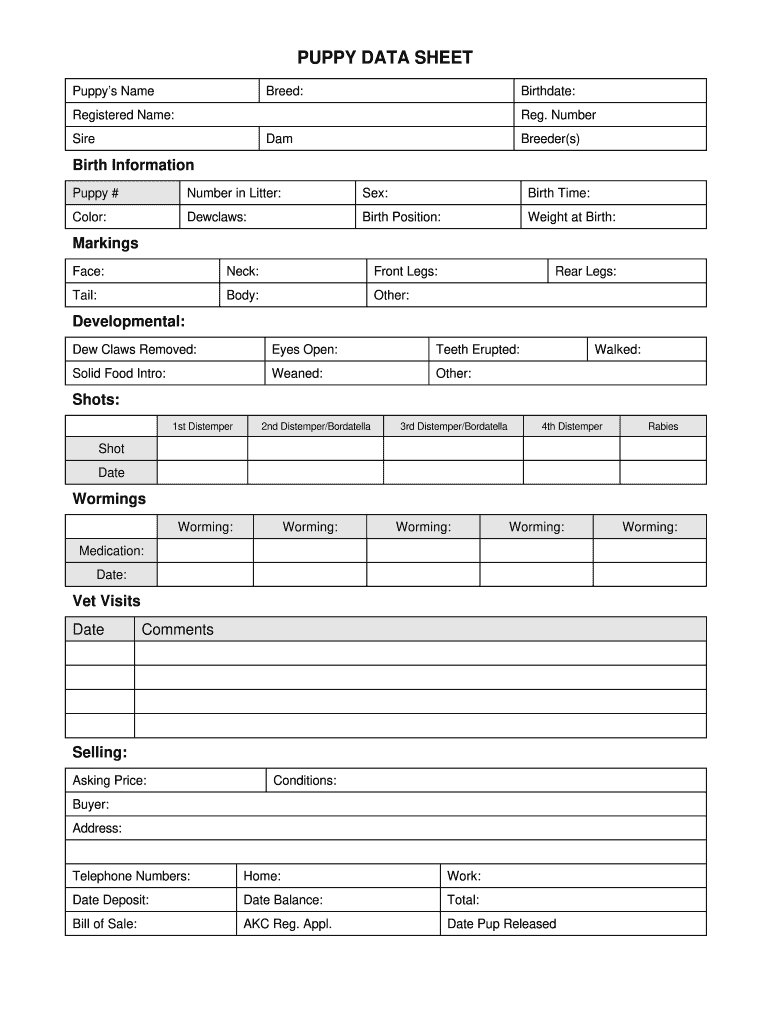
- Click ‘Get Form’ to open the puppy data sheet in the editor.
- Begin by entering the puppy’s name, breed, and birthdate at the top of the form. This information is essential for identification.
- Fill in the registered name and registration number if applicable, along with details about the sire and dam.
- In the Birth Information section, provide details such as puppy number, sex, birth time, color, dewclaws status, birth position, and weight at birth.
- Complete the Markings section by describing any distinctive features on the face, neck, front legs, tail, body, and other areas.
- For Developmental milestones, indicate whether dew claws were removed and when eyes opened or teeth erupted. Note when solid food was introduced and when weaning occurred.
- Document vaccination details under Shots by entering dates for each shot received.
- Record worming treatments and vet visits in their respective sections along with any comments necessary for future reference.
- Finally, complete the Selling section with asking price, conditions of sale, buyer's contact information, deposit date, balance date, total amount due, bill of sale details, AKC registration application date, and release date for the puppy.
Start filling out your puppy forms online for free today!
Fill out puppy forms online
It's free
Security and compliance
At DocHub, your data security is our priority. We follow HIPAA, SOC2, GDPR, and other standards, so you can work on your documents with confidence.
Learn more


Related forms
Functional assessment checklist for students
The document is a Functional Assessment Checklist for Students (FACTS) designed to identify and analyze students' streng ...
Wiffle Ball Registration Form - Revised - nelsd
The document outlines the details for the Northridge Athletic Boosters' 1st Annual Wiffle Ball Tournament scheduled for ...

Cma exam support package 2022
The document contains a series of practice questions and answers related to the Certified Management Accountant (CMA) Ex ...
Wedding officiant questionnaire pdf
The document is a pre-wedding questionnaire and agreement for couples planning to marry, requiring them to provide perso ...
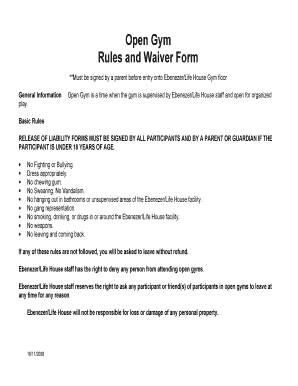
Open Gym Rules and Waiver Form - ebenezer-crc
The document outlines the rules and waiver form for participating in Open Gym at Ebenezer/Life House. It emphasizes the ...
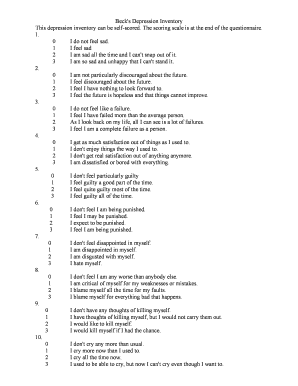
Beck's Depression Inventory
The Beck's Depression Inventory is a self-scoring questionnaire designed to assess the severity of depression through a ...
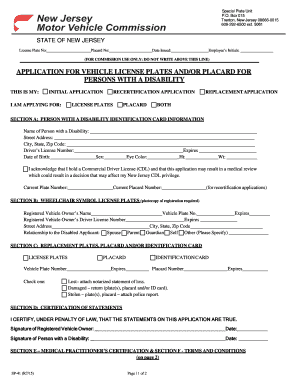
License Plate No:
The document is an application form for vehicle license plates and/or placards for persons with disabilities in New Jers ...