




01. Edit your work4illinois online
Type text, add images, blackout confidential details, add comments, highlights and more.

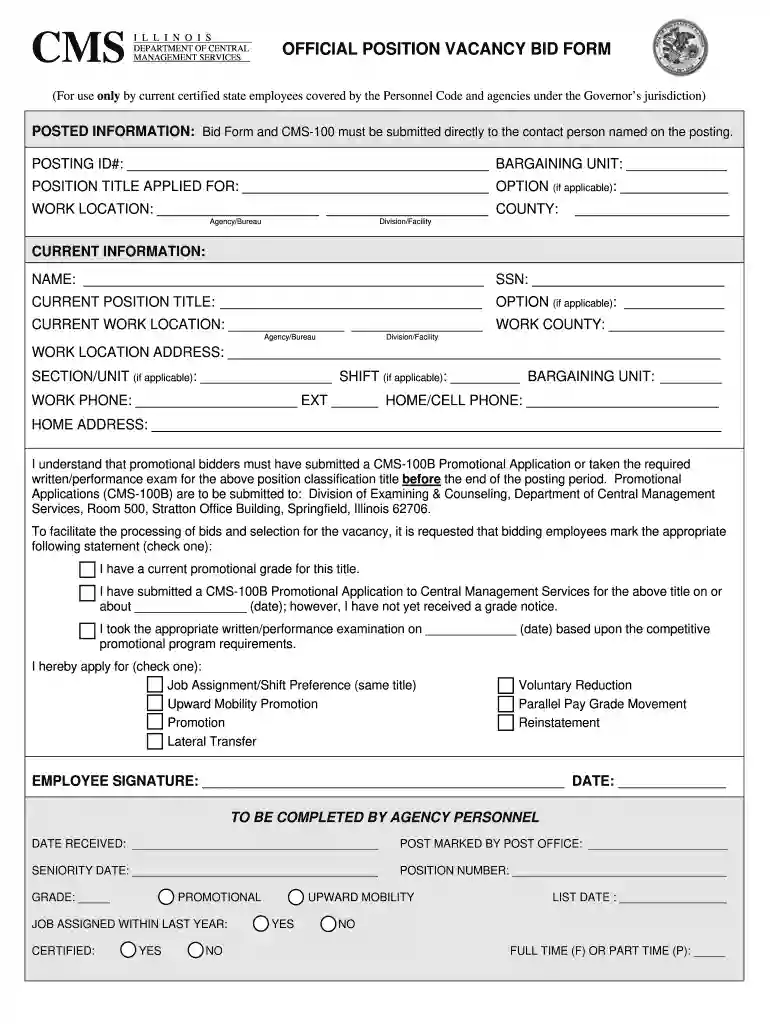
Type text, add images, blackout confidential details, add comments, highlights and more.

Draw your signature, type it, upload its image, or use your mobile device as a signature pad.

Send information submitted via email, link, or fax. You can also download it, export it or print it out.

Start using our platform today to streamline your work4illinois application process for free!
At DocHub, your data security is our priority. We follow HIPAA, SOC2, GDPR, and other standards, so you can work on your documents with confidence.


Work4Illinois@illinois.gov. Phone: (217) 782-7100. Illinois Relay Center: (800) 526-0844. Additional CMS Contact Information Web Accessibility MissingRead more
illinois lottery careers Browse 60 WORK FROM HOME ILLINOIS LOTTERY jobs - Work4illinois Jobs Lottery Sales Coordinator with the Sales Division Unlock Your
For a comprehensive online resource serving Illinois job seekers, visit: Work.Illinois.Gov, known as Work4Illinois; knownRead more


