




Here's how it works

01. Edit your positive dna test results paper pdf online
Type text, add images, blackout confidential details, add comments, highlights and more.

02. Sign it in a few clicks
Draw your signature, type it, upload its image, or use your mobile device as a signature pad.

03. Share your form with others
Send positive dna test results paper pdf free download via email, link, or fax. You can also download it, export it or print it out.
How to use or fill out positive dna test results paper with our platform

- Click ‘Get Form’ to open the positive DNA test results paper in the editor.
- Begin by entering your personal information in the designated fields, including your name, date of birth, and any identification numbers required. This ensures that the results are accurately attributed to you.
- Next, review the section detailing the testing laboratory's information. Confirm that all details are correct, as this adds credibility to your results.
- In the results section, carefully input or verify the findings provided by the lab. Ensure that all numerical values and interpretations are accurate.
- Finally, sign and date the document electronically using our platform’s signature feature. This step is crucial for validating your positive DNA test results paper.
Start using our platform today for free to easily manage your positive DNA test results!
Fill out positive dna test results paper online
It's free
Security and compliance
At DocHub, your data security is our priority. We follow HIPAA, SOC2, GDPR, and other standards, so you can work on your documents with confidence.
Learn more


Related forms
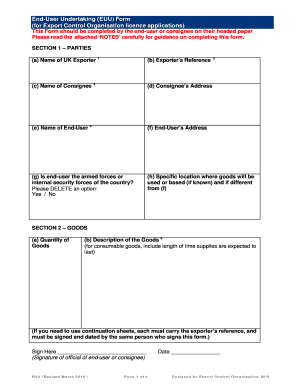
Euu form
The End-User Undertaking (EUU) Form is a document required for applying for Standard Individual Export Licences (SIEL) f ...
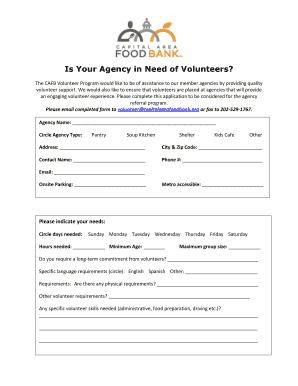
Food forward sa application form
The document is an application form for agencies seeking volunteer support from the CAFB Volunteer Program. It outlines ...
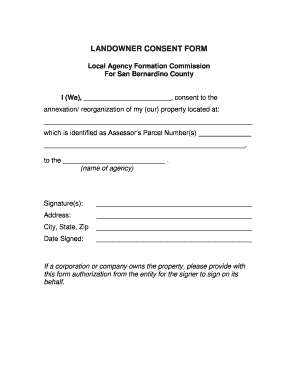
Land owner consent form
The document is a Landowner Consent Form for the Local Agency Formation Commission of San Bernardino County, allowing pr ...
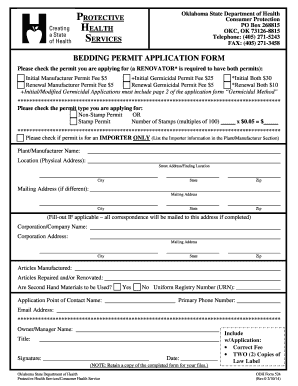
Oklahoma bedding license form
The document is a Bedding Permit Application Form from the Oklahoma State Department of Health, detailing the applicatio ...

Leave form for government employees
The document is a leave form used by the Government of Grenada, designed for employees to request various types of leave ...
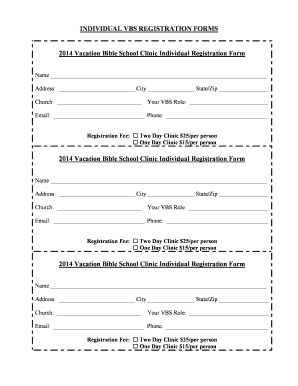
Vbs registration form template
The document consists of multiple copies of the Individual Registration Form for the 2014 Vacation Bible School Clinic, ...
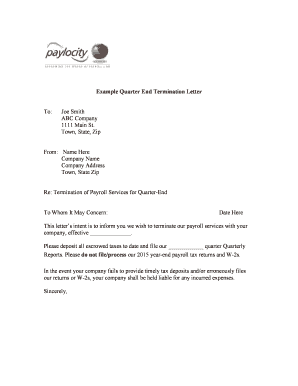
Term Letter Template - Clean Quarter Start - Paylocity
The document is a termination letter addressed to ABC Company, notifying them of the intent to end payroll services effe ...
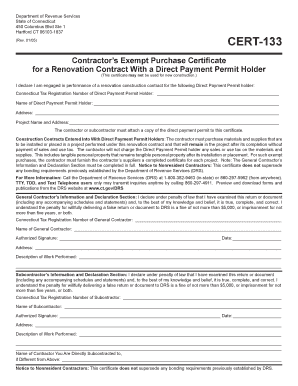
CERT-133 - CT
The document is a Contractor’s Exempt Purchase Certificate issued by the Connecticut Department of Revenue Services, spe ...