


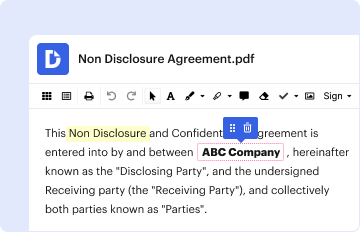
01. Edit your bni bio sheet template online
Type text, add images, blackout confidential details, add comments, highlights and more.

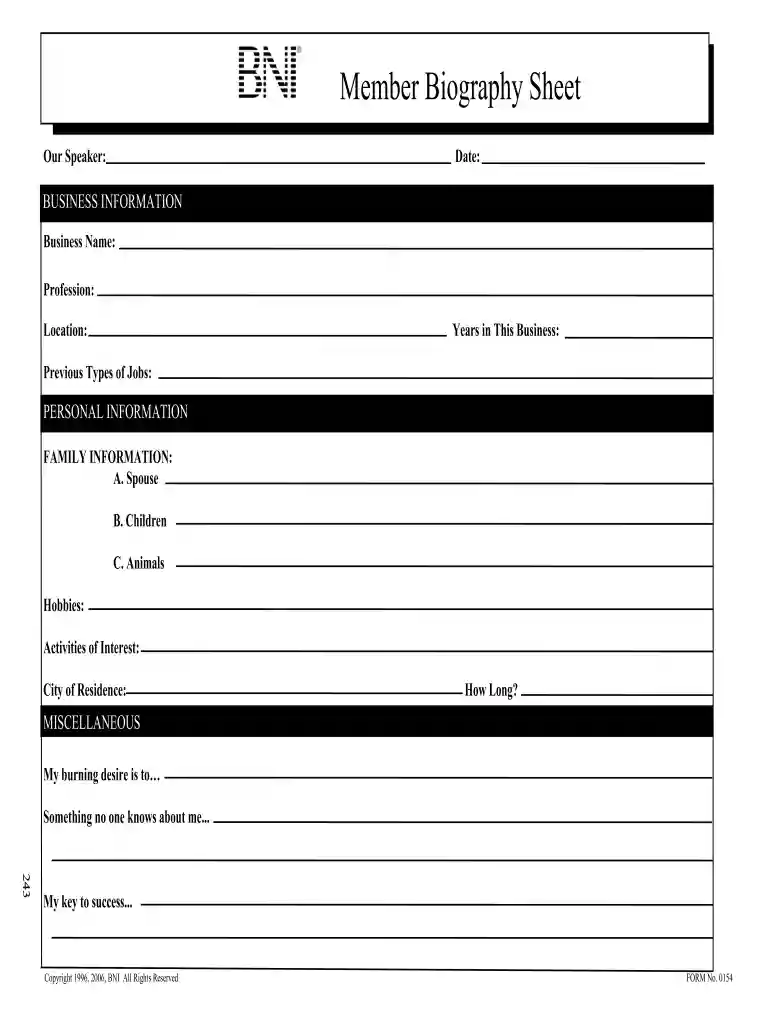
Type text, add images, blackout confidential details, add comments, highlights and more.
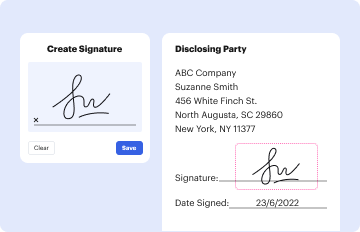
Draw your signature, type it, upload its image, or use your mobile device as a signature pad.
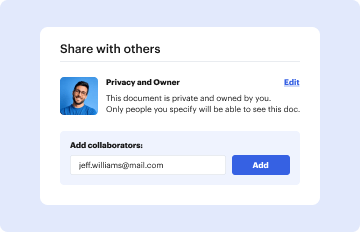
Send bni introduction sheet via email, link, or fax. You can also download it, export it or print it out.
The BNI bio sheet, also known as the BNI member bio sheet, is an essential document for members of Business Network International (BNI) to introduce themselves in a structured format. This sheet serves as a concise summary of a member's professional background, personal interests, and business aspirations. It is particularly useful during networking events, meetings, or presentations when members share their stories with potential collaborators and clients. The main purpose is to foster connections within the group by providing relevant insights about each member.
Using the BNI bio sheet effectively requires careful reflection on what to include and how to present it.
Completing the BNI bio sheet involves several clear steps that guide members in effectively collecting and presenting their information.
While drafting and sharing a BNI bio sheet, members must be aware of certain legal aspects, especially regarding privacy and data sharing.
Having access to examples of completed BNI bio sheets can be tremendously beneficial for members, providing inspiration and guidance.
By familiarizing themselves with the BNI bio sheet and utilizing it effectively, members can enhance their networking efforts, streamline introductions, and facilitate meaningful connections.
Most eSignature solutions require users to have a paid subscription. With DocHub, there are two options for you to create an electronic signature to your bni member bio sheet free of charge:
The second option, however, has limitations on the number of signatures, sign requests, emails, and forms for adjusting available per month. You can check for full information here.
You can quickly fill out, edit, and even eSign your bni bio sheet utilizing DocHub. Create a new profile and start your free trial. After that, you can upload the file with the form and easily make all the necessary edits. No need to print on paper or use a third-party application to sign it, as you can put your electronic signature on your document faster through DocHub.
At DocHub, your data security is our priority. We follow HIPAA, SOC2, GDPR, and other standards, so you can work on your documents with confidence.


Please review this checklist carefully to make sure your proposal contains all of the items listed. Mark each item after it is complete.
North Dakotas Fort Union Formation holds major amounts of coal in the center and southwestern parts of the state.Read more


