




01. Edit your alcorn anti hazing online
Type text, add images, blackout confidential details, add comments, highlights and more.

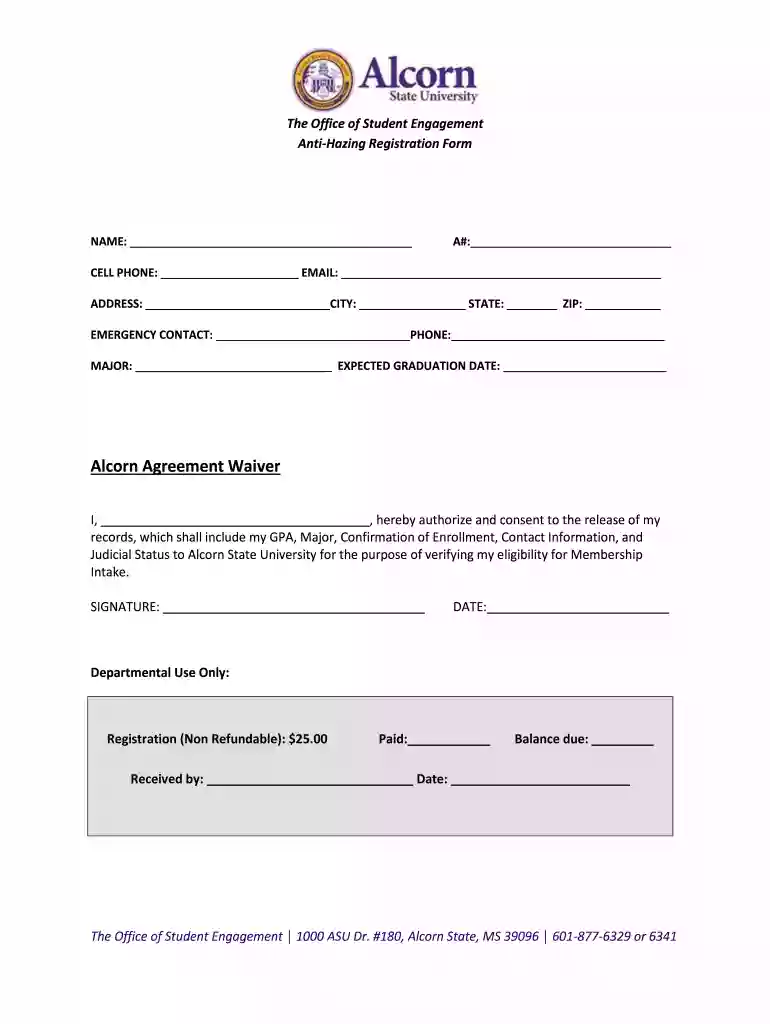
Type text, add images, blackout confidential details, add comments, highlights and more.

Draw your signature, type it, upload its image, or use your mobile device as a signature pad.

Send it via email, link, or fax. You can also download it, export it or print it out.

Start filling out The Office of Student Engagement Anti-Hazing Registration Form today using our platform for free!
If you often work with documents stored in your Google Drive, DocHub is an excellent option for you to easily and quickly fill out, adjust, and approve them. This editor integrates properly with Google apps, so you can export your The Office of Student Engagement Anti-Hazing Registration Form from your Google Drive to the editor without downloading and re-uploading it. Right-click on your file, select Open With → DocHub PDF Sign and Edit. In our editor, add and assign Signature Fields for all parties involved, then click on the Menu button above → Send → decide on how you want to share your form.
With DocHub, there are several convenient ways to edit your The Office of Student Engagement Anti-Hazing Registration Form online. You can drag and drop the form and modify it straight at the DocHub site or use our browser extension to fill out your form right away. On top of that, you can modify your PDF on your phone, as DocHub is compatible with all the accessible mobile platforms.
At DocHub, your data security is our priority. We follow HIPAA, SOC2, GDPR, and other standards, so you can work on your documents with confidence.
Student Organizations Resources. All the forms you need for club budgets, events, club leadership, and even forming a new club are found on this page.Read more
The Office of Student Affairs and Services shall coordinate the investigation of all hazing allegations. When appropriate, other college offices may handleRead more
This thesis explores the notion of a human right to higher education (HRHE) as it is articulated under public international law,


