




Here's how it works

01. Edit your dochub com fillable form online
Type text, add images, blackout confidential details, add comments, highlights and more.

02. Sign it in a few clicks
Draw your signature, type it, upload its image, or use your mobile device as a signature pad.

03. Share your form with others
Send form uia 1733 via email, link, or fax. You can also download it, export it or print it out.
How to use or fill out uia form 1733 with our platform

- Click ‘Get Form’ to open the UIA Form 1733 in the editor.
- Begin by entering your Michigan Identification Number (MIN) at the top of the form. This is essential for identifying your case.
- Indicate whether you are protesting a determination or appealing a redetermination by checking the appropriate box.
- In section one, answer if you have new information that was not provided prior to the determination. If yes, provide details in the space provided.
- Fill in the date when the determination was issued. This is crucial for processing your protest or appeal within deadlines.
- Clearly state your reasons for protesting or appealing in the designated area. Be concise and specific to strengthen your case.
- Sign and date the form at the bottom, certifying that all information provided is true and correct.
Start using our platform today to easily fill out and submit your UIA Form 1733 online for free!
Fill out uia form 1733 online
It's free
It's free
See more uia form 1733 versions
We've got more versions of the uia form 1733 form. Select the right uia form 1733 version from the list and start editing it straight away!
Security and compliance
At DocHub, your data security is our priority. We follow HIPAA, SOC2, GDPR, and other standards, so you can work on your documents with confidence.
Learn more


Related forms

Asthma DiagnosisAAFA - Asthma and Allergy Foundation
The document is a Verification of Disability Form for students with asthma or allergy conditions at Wesleyan University. ...
Your parent(s) other children if your parent(s) will provide more than half of their support from Ju
Your parent(s) other children if your parent(s) will provide more than half of their support from Ju
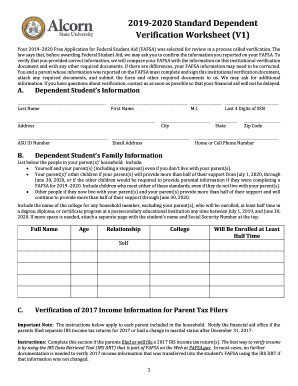
The document is the 2019-2020 Standard Dependent Verification Worksheet, which outlines the process for verifying inform ...
Unusual enrollment request form
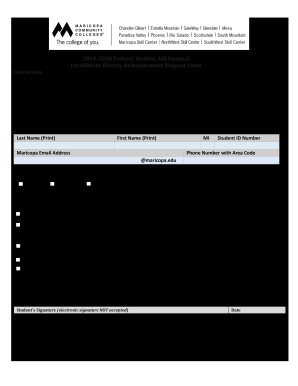
The document is a Federal Student Aid Unusual Enrollment History Reinstatement Request Form for the 2019-2020 academic y ...
Printable Forms - Refer your patientSummit Orthopedics
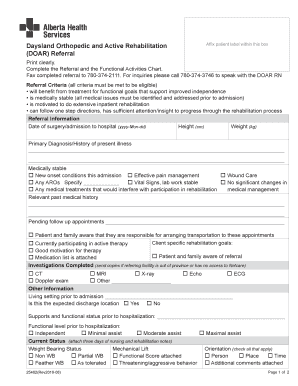
The document is a referral form for Daysland Orthopedic and Active Rehabilitation (DOAR), outlining the criteria and inf ...

IFA MASTER LEASE OF AGRICULTURAL LAND
The document is a draft Master Lease for Agricultural Land provided by the Irish Farmers Association (IFA), updated in F ...
Ageuk ukbp-assetsglobalassetsJob Application Form - Age UK
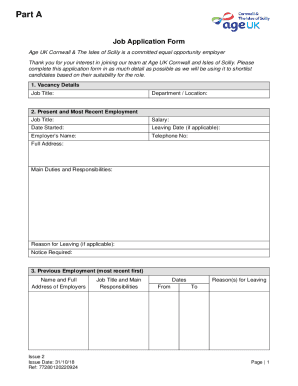
The document is a job application form for Age UK Cornwall & The Isles of Scilly, outlining the information required fro ...

Msu academic recommendation award status sample
The document is a recommendation form for the reappointment, promotion, or award of continuing appointment status for ac ...
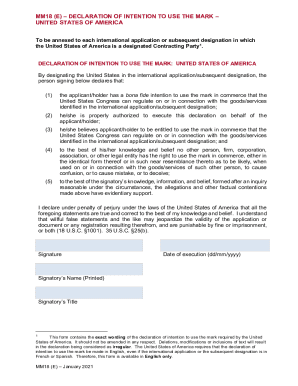
MM18(E) Wipo Templates
The document is a declaration form for individuals or entities applying to use a trademark in the United States as part ...