




01. Edit your stub format online
Type text, add images, blackout confidential details, add comments, highlights and more.

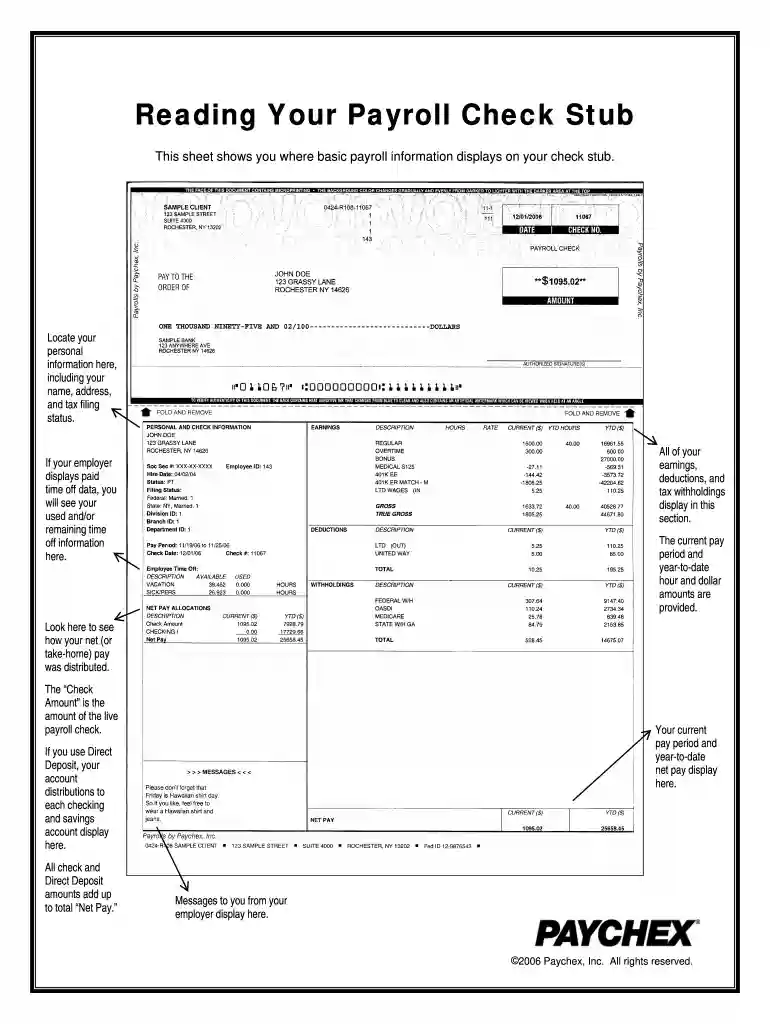
Type text, add images, blackout confidential details, add comments, highlights and more.

Draw your signature, type it, upload its image, or use your mobile device as a signature pad.

Send paychex paystub generator via email, link, or fax. You can also download it, export it or print it out.

Start using our platform today to easily create and manage your pay stubs for free!
At DocHub, your data security is our priority. We follow HIPAA, SOC2, GDPR, and other standards, so you can work on your documents with confidence.




Nov 28, 2025 A Paycheck Checkup can help you see if youre withholding the right amount of tax from your paycheck. Too little could mean an unexpected tax bill or penalty.Read more
Current employees can access a pdf of their paycheck online at any time in myHR. After logging in, click the Pay tile, and then select My Paycheck.Read more


