




Here's how it works

01. Edit your form online
Type text, add images, blackout confidential details, add comments, highlights and more.

02. Sign it in a few clicks
Draw your signature, type it, upload its image, or use your mobile device as a signature pad.

03. Share your form with others
Send it via email, link, or fax. You can also download it, export it or print it out.
How to use or fill out Washington Adoption Data with our platform

- Click ‘Get Form’ to open the Washington Adoption Data Card (DSHS 10-114) in the editor.
- Begin with SECTION I: CHILD INFORMATION. Fill in the child's place of birth, date of birth, and sex. For race, check all applicable options based on the definitions provided.
- Continue to Item 8 regarding special needs. Indicate if applicable and specify any medical conditions or disabilities in Item 10.
- Move to SECTION II: BIRTH PARENT INFORMATION. Enter the year of birth for each parent and their race, following similar instructions as in SECTION I.
- In SECTION III: PETITIONERS INFORMATION, provide details about each petitioner including year of birth and marital status.
- Proceed to SECTION IV: ADOPTION PLACEMENT INFORMATION. Indicate who had custody at the time of adoption initiation and detail the relationship between the child and adoptive parents.
- Complete any remaining sections, ensuring all items are filled accurately before saving your work.
Start using our platform today to streamline your document editing process for free!
Fill out washington adoption data online
It's free
It's free
See more washington adoption data versions
We've got more versions of the washington adoption data form. Select the right washington adoption data version from the list and start editing it straight away!
| Versions | Form popularity | Fillable & printable |
|---|---|---|
| 2001 | 4.9 Satisfied (312 Votes) |
Security and compliance
At DocHub, your data security is our priority. We follow HIPAA, SOC2, GDPR, and other standards, so you can work on your documents with confidence.
Learn more


Related forms

Laptop repair pdf
The document is a ByteSize Laptop Repair Acceptance Form that collects user and laptop information, details the conditio ...
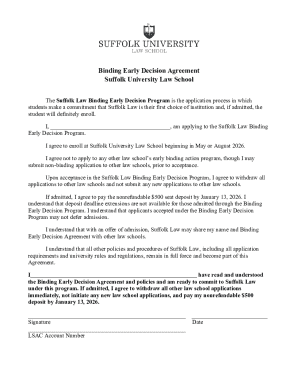
Binding Early Decision Agreement Suffolk University Law School
The document outlines the Binding Early Decision Agreement for Suffolk University Law School, where applicants commit to ...

Work Experience Form (X0005) - Texas State Board of Public - tsbpa state tx
The document is a Work Experience Form from the Texas State Board of Public Accountancy, designed for candidates seeking ...
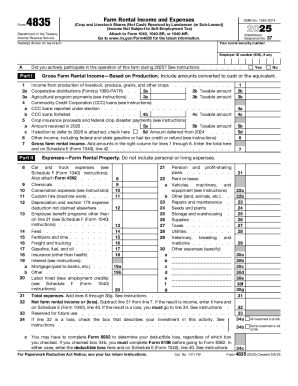
Form 4835, farm rental income and expenses (crop and
Form 4835 is used by landowners or sub-lessors who did not materially participate in farm operations to report rental in ...

Form 8824, like-kind exchanges (and non-recognition of gain
Form 8824 is used for reporting like-kind exchanges of real property and conflict-of-interest sales under section 1043. ...

IRS Form 14234 CAP Application
The document is the IRS Form 14234, used for the Compliance Assurance Process (CAP) application. It outlines eligibility ...
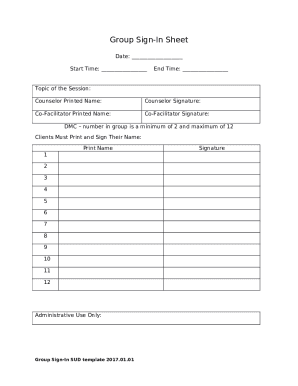
Group Counseling Sign-In Sheet
The document is a Group Sign-In Sheet used for recording attendance at a session led by a counselor and co-facilitator. ...

Black and White Letterhead Template (Word)
The document is a letter from Dr. Ruth Dennis, Principal Educational Psychologist at Bradford Council, informing headtea ...