
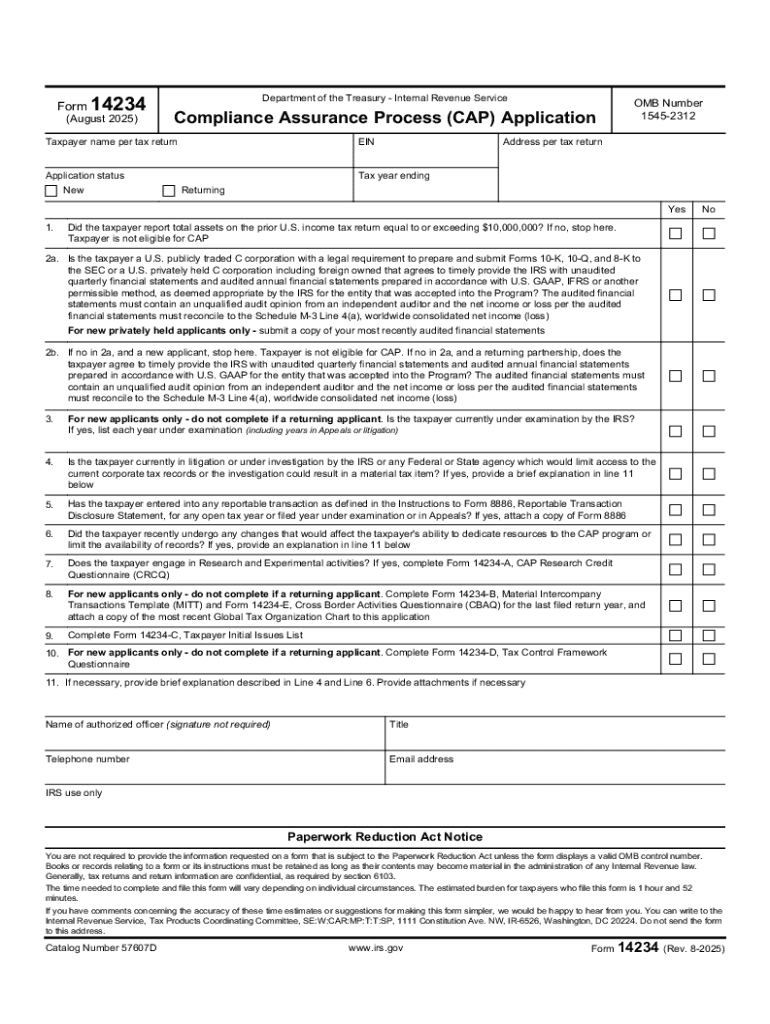







Understanding the Concept of "Form Online"
The term "form online" refers to digital documents accessible through the internet that users can complete and submit electronically. These forms are designed to streamline data collection processes by eliminating the need for physical paperwork. Popular uses include job applications, registration forms, tax filings, and customer feedback forms.
Advantages of Digital Forms
- Efficiency: Digital forms save time and reduce errors by allowing data to be input directly into a system.
- Accessibility: Users can fill out forms from any location with internet access.
- Cost-Effective: Reduces the need for paper, printing, and physical storage, leading to lower operational costs.
Steps to Complete a Form Online
To effectively complete an online form, follow these steps:
- Open the Form: Access the form through a web link or platform where it's hosted.
- Review Instructions: Carefully read any provided guidelines to understand the form’s requirements.
- Input Data: Enter required information into the specified fields, ensuring accuracy.
- Upload Necessary Attachments: Attach any required documents or files, such as identification or proof of address.
- Review and Submit: Double-check all entries for accuracy and completeness before submitting.
How to Obtain Forms Online
Obtaining forms online typically involves:
- Identifying the Needed Form: Determine the exact type of form you need.
- Accessing the Form: Visit the relevant website or online portal.
- Downloading: If the system supports it, download the form for offline completion.
- Registering an Account: Some platforms may require creating a user account for access.
Importance of Using Forms Online
Benefits of Digital Forms
- Streamlines Processes: Facilitates faster completion and processing of applications and requests.
- Enhanced Security: Offers encrypted submission of sensitive information, reducing risks related to data breaches.
Real-World Scenarios
- Tax Filing: Enables prompt submissions and processing of income tax returns.
- Job Applications: Streamlines recruitment processes for human resource departments.
Understanding IRS Guidelines for Online Forms
The IRS provides specific guidelines for completing tax-related forms online:
- Adherence to ESIGN: Forms must comply with Electronic Signatures in Global and National Commerce Act (ESIGN).
- Security Protocols: Ensure robust encryption and protection of personal data during submission.
Who Typically Uses Online Forms
Common Users
- Individuals: For tasks like tax returns, school admissions, or healthcare registrations.
- Businesses: To manage HR functions, customer onboarding, and vendor registrations.
- Government Agencies: For citizen services and regulatory compliance enforcement.


Key Elements of an Online Form
Understanding the critical components of an online form helps ensure accuracy in completion:
- Basic Details: Name, contact information, and demographic data.
- Specific Queries: Depending on the form type, industry-specific questions might be included.
- Attachments: Options to upload relevant documents like identification or proof of income.
- Privacy Notice: Information on data handling and privacy policies.
Legal Use of Forms Online
Legal considerations when using forms online include:
- Compliance with Regulations: Ensure adherence to national data protection laws like the General Data Protection Regulation (GDPR) or state-specific requirements.
- Licensed Use: Some digital forms might require licensing or subscription agreements for access or distribution.
State-Specific Rules and Differences
When using forms online, it's essential to account for variations in regulations or requirements across different states:
- Varied Thresholds: Financial criteria for eligibility often differ by state.
- State Mandates: Certain forms may be required exclusively in specific states for compliance purposes.
Digital Versus Paper Versions of Forms
- Convenience: Digital forms offer electronic storage and immediate submission capabilities.
- Availability: Although digital, paper versions of forms may be required for legal or official documentation purposes in some scenarios.
Software Compatibility with Forms Online
Forms hosted online should comply with popular software systems for ease of integration and use:
- PDF Readers: Necessary for viewing downloadable form content.
- Accounting Software: For tax forms, compatibility with systems like TurboTax or QuickBooks can streamline financial processes.
By understanding these different aspects of "form online," businesses and individuals can make effective use of digital forms to enhance operational efficiency and compliance in various procedural contexts.




