




Here's how it works

01. Edit your dochub com fillable form online
Type text, add images, blackout confidential details, add comments, highlights and more.

02. Sign it in a few clicks
Draw your signature, type it, upload its image, or use your mobile device as a signature pad.

03. Share your form with others
Send i 130 form pdf via email, link, or fax. You can also download it, export it or print it out.
How to use or fill out i130 pdf with our platform

- Click ‘Get Form’ to open the I-130 PDF in the editor.
- Begin by filling out Section A, where you will indicate your relationship to the beneficiary. Choose from options like Spouse, Parent, or Child.
- In Section B, provide your personal information including your address, place of birth, and date of birth. Ensure accuracy as this information is crucial for processing.
- Move to Section C to enter details about your relative. Include their name in capital letters, gender, marital status, and other relevant information such as previous names and U.S. Social Security Number if applicable.
- Complete Section D by answering questions regarding any prior petitions filed and providing additional information about your relative's immigration history.
- Finally, review all sections for completeness and accuracy before signing in Section E. Your signature certifies that the information provided is true.
Start using our platform today for free to streamline your I-130 form completion!
Fill out i130 pdf online
It's free
Security and compliance
At DocHub, your data security is our priority. We follow HIPAA, SOC2, GDPR, and other standards, so you can work on your documents with confidence.
Learn more


Related forms
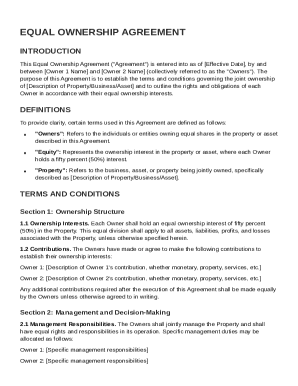
Equal Ownership Contract Template
The Equal Ownership Agreement establishes the terms for joint ownership between two owners, detailing their equal 50% ow ...
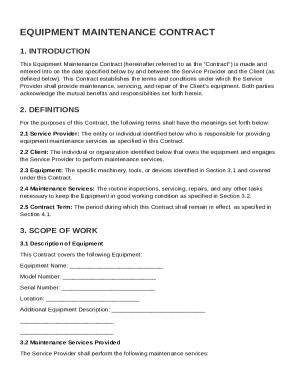
Equipment Maintenance Contract Template
The Equipment Maintenance Contract outlines the terms and conditions for maintenance, servicing, and repair of the Clien ...
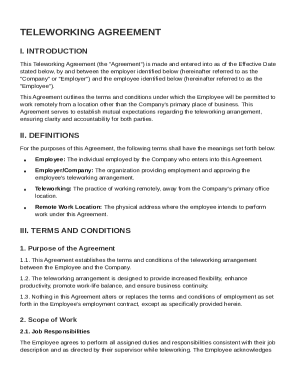
Teleworking Agreement Template
The Teleworking Agreement outlines the terms and conditions for an employee to work remotely from a location other than ...
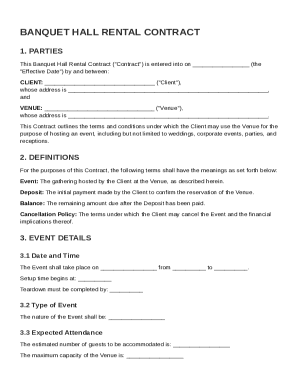
Banquet Hall Contract Template
The Banquet Hall Rental Contract outlines the terms and conditions for renting a venue for events such as weddings and c ...
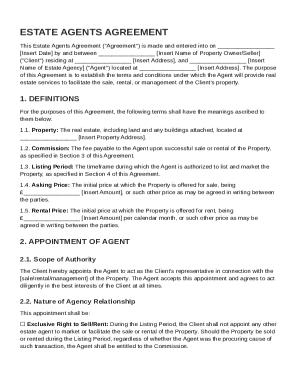
Estate Agents Contract Template
The Estate Agents Agreement outlines the terms and conditions between a property owner (Client) and an estate agency (Ag ...
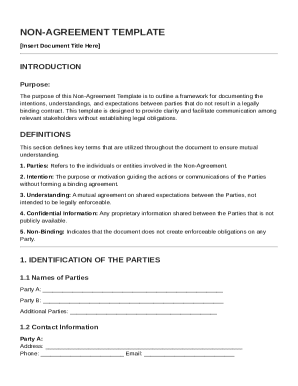
Non Agreement Template
The Non-Agreement Template serves as a framework for documenting the intentions and understandings between parties witho ...
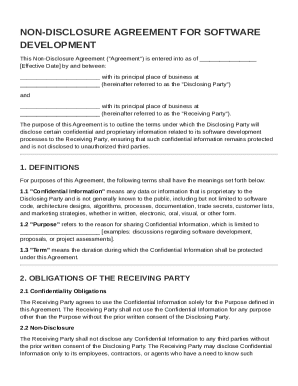
Non Disclosure for Software Development Agreement Template
This Non-Disclosure Agreement (NDA) outlines the terms for protecting confidential and proprietary information shared be ...
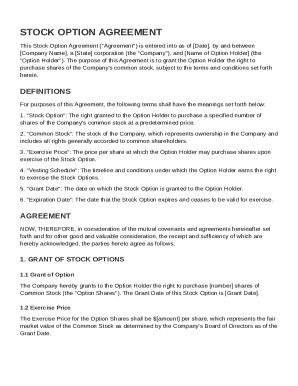
Stock Option Contract Template
The Stock Option Agreement outlines the terms under which a company grants an option holder the right to purchase shares ...