




Here's how it works

01. Edit your dshs forms online
Type text, add images, blackout confidential details, add comments, highlights and more.

02. Sign it in a few clicks
Draw your signature, type it, upload its image, or use your mobile device as a signature pad.

03. Share your form with others
Send dshs public records request via email, link, or fax. You can also download it, export it or print it out.
How to use or fill out dshs request with our platform

- Click ‘Get Form’ to open the DSHS Records Request in the editor.
- Begin by filling out your personal information in Section A. Include your name, title, organization (if applicable), mailing address, and contact details.
- In Section B, check all relevant DSHS programs from which you are requesting records. This helps specify the nature of your request.
- Proceed to Section C to provide details about the client whose records you are requesting. Fill in their name, date of birth, and any identification numbers.
- Clearly specify the records you need in Section C. You can list limitations on the records requested if necessary.
- If applicable, complete Section D for other types of DSHS records you may need, such as licensing or employment records.
- Finally, review Section E regarding access to records and sign where indicated. Ensure you understand any fees associated with obtaining copies.
Start using our platform today for free to streamline your DSHS Records Request process!
Fill out dshs request online
It's free
It's free
See more dshs request versions
We've got more versions of the dshs request form. Select the right dshs request version from the list and start editing it straight away!
Security and compliance
At DocHub, your data security is our priority. We follow HIPAA, SOC2, GDPR, and other standards, so you can work on your documents with confidence.
Learn more


Related forms
Change Request Contract Template
The Change Request Contract outlines the process for formally requesting modifications to existing agreements. It includ ...
Creative Service Retainer Agreement Template
The Creative Service Retainer Agreement outlines the terms between a Client and a Provider for ongoing creative services ...
Chauffeur Contract Template
The Chauffeur Contract Agreement outlines the terms and conditions under which a Chauffeur will provide transportation s ...
Chief Operat Officer Contract Template
The document is a Chief Operating Officer Employment Contract outlining the terms of employment between a company and it ...
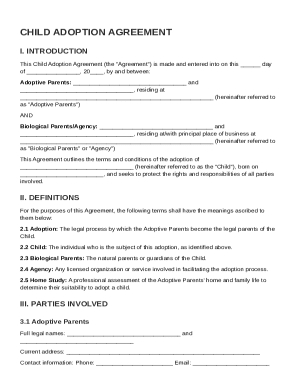
Child Adoption Contract Template
The Child Adoption Agreement outlines the legal framework for the adoption process between adoptive parents and biologic ...
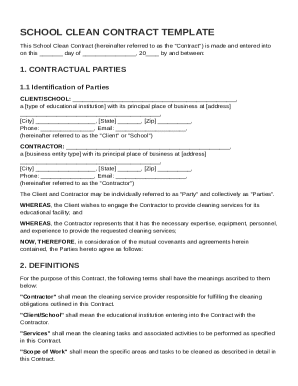
School Clean Contract Template
The document is a School Clean Contract Template outlining the agreement between a school (Client) and a cleaning servic ...

Shareholders Loan Agreement Template
The Shareholders Loan Agreement outlines the terms under which a shareholder (the Lender) provides a loan to a company, ...
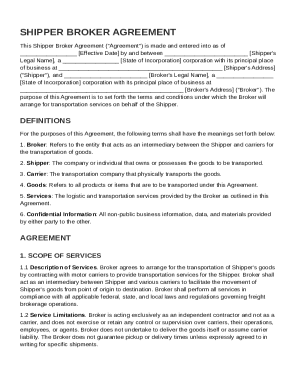
Shipper Broker Agreement Template
The Shipper Broker Agreement outlines the terms and conditions under which a broker arranges transportation services for ...