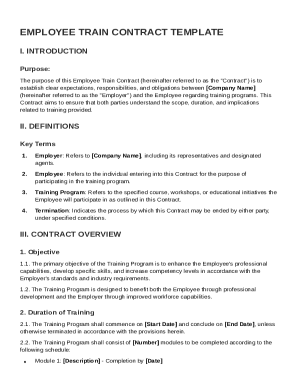
Usps letterhead 2026

Get Form
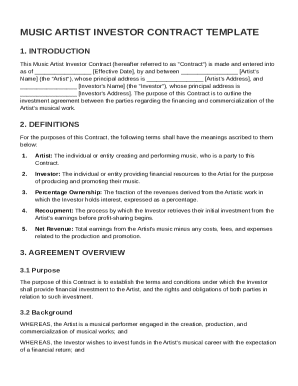
usps letterhead Preview on Page 1

Here's how it works

01. Edit your usps letterhead online
Type text, add images, blackout confidential details, add comments, highlights and more.
02. Sign it in a few clicks
Draw your signature, type it, upload its image, or use your mobile device as a signature pad.
03. Share your form with others
Send letter from usps headquarters via email, link, or fax. You can also download it, export it or print it out.

How to use or fill out USPS letterhead with our platform

Form edit decoration
9.5
Ease of Setup
DocHub User Ratings on G2
9.0
Ease of Use
DocHub User Ratings on G2
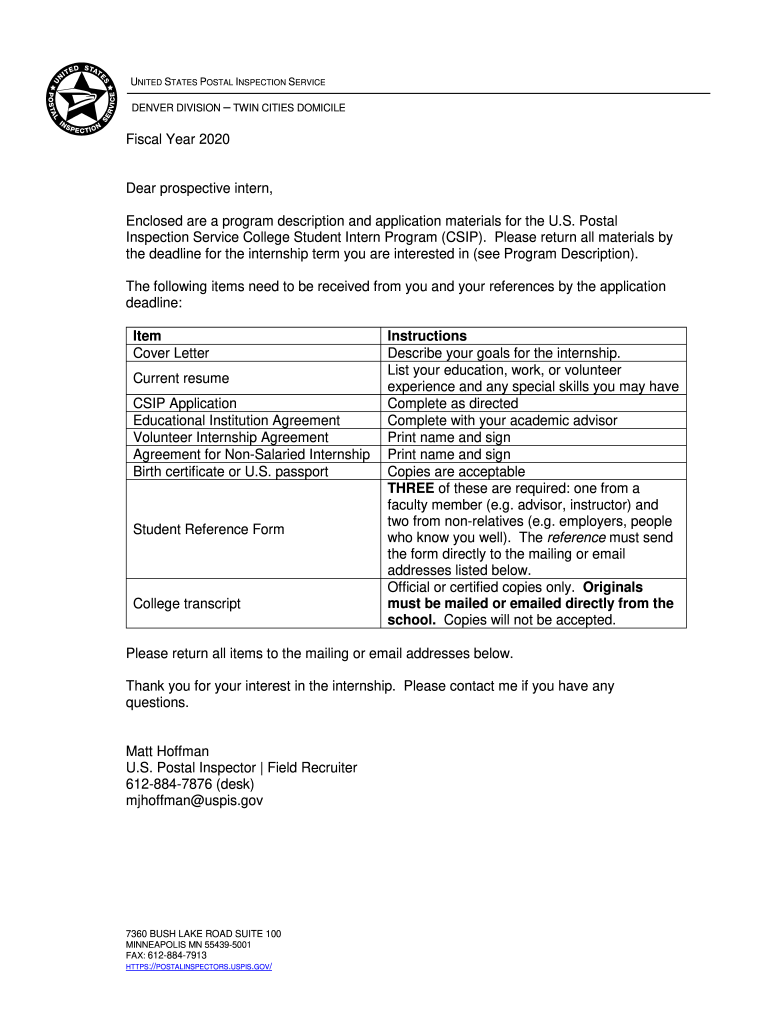
  1. Click ‘Get Form’ to open the USPS letterhead in the editor.
  2. Begin by entering your personal information in the 'Student Information' section. Fill in your name, current address, phone numbers, date of birth, and social security number.
  3. Next, specify your college or university details including your major and GPA. Indicate your expected graduation date and select the term for which you are applying.
  4. Attach required documents such as your resume and letters of recommendation. Ensure that these files are uploaded correctly using our platform's attachment feature.
  5. Complete the 'Educational Institution Agreement' and 'Volunteer College Student Intern Agreement' sections by filling in the necessary signatures and dates.
  6. Review all entered information for accuracy before submitting. Use our platform’s editing tools to make any necessary adjustments.

Start using our platform today to streamline your application process for free!

See more usps letterhead versions

We've got more versions of the usps letterhead form. Select the right usps letterhead version from the list and start editing it straight away!
Versions Form popularity Fillable & printable
2020 4.8 Satisfied (50 Votes)
2018 4.4 Satisfied (23 Votes)
be ready to get more

Complete this form in 5 minutes or less

Get form

Got questions?

We have answers to the most popular questions from our customers. If you can't find an answer to your question, please contact us.
Contact us

Sure, and it’s really easy! DocHub is an online PDF editor with advanced document management functions that allow you quickly modify your forms, fill out empty fields and insert new ones for other people to fill out, and create eSignatures in several ways. Add your usps letterhead template, give information as required, and select how you want to eSign your template - by typing your name, drawing your signature, uploading its picture, or utilizing a QR code.

If you are looking for a state-specific post office letterhead sample, you can find it in our DocHub Forms & Templates catalog. Use the search field, key in your form’s name, and search through the results for your state. You may also filter out irrelevant results while searching our catalog by groups.

Letters. Standard-sized, rectangular envelope stamps start at $0.78. Square, oversized, or unusually shaped envelope stamps start at $1.27.
A professional letterhead acts as a visual representation of a businesss brand identity. It includes the company name, logo, company address, and contact information.
(Letter)head over heels QuantityPrice per letterheadPack price 100 $1.08 $108.00 $120.00 Recommended 150 $1.08 $162.00 $180.00 200 $1.08 $216.00 $240.00 250 $0.96 $240.00 $300.005 more rows

Security and compliance

At DocHub, your data security is our priority. We follow HIPAA, SOC2, GDPR, and other standards, so you can work on your documents with confidence.

Learn more
ccpa2
pci-dss
gdpr-compliance
hipaa
soc-compliance

People also ask

Custom Letterhead features a unique heading on high quality paper for a professional look. Staples Custom letterhead is compatible with printers. Letterhead provides a distinctive appearance and is sold as 50 sheets per pack. Price shown is the starting at price for our whole assortment of Custom Letterhead.

us postal service letterhead