




Here's how it works

01. Edit your dochub com fillable form online
Type text, add images, blackout confidential details, add comments, highlights and more.

02. Sign it in a few clicks
Draw your signature, type it, upload its image, or use your mobile device as a signature pad.

03. Share your form with others
Send site dochub com u s department of homeland security via email, link, or fax. You can also download it, export it or print it out.
How to use or fill out homeland security g with our platform

- Click ‘Get Form’ to open the homeland security G-845 in the editor.
- Begin with Part 1, where the Registered Agency must provide the Case Verification Number, Date of Birth, Social Security Number, SEVIS Number, and Citizenship or Nationality. Ensure all information is accurate and clearly printed.
- Next, input the agency's name and address clearly as USCIS may use this for correspondence. Attach any required documents such as photocopies of immigration documents ensuring they are legible.
- In Part 2, leave this section blank as it is designated for USCIS responses. However, ensure that all applicant information in Part 1 is complete to facilitate processing.
- Review all entries for accuracy before submitting. Utilize our platform’s features to save your progress and make edits as needed.
Start using our platform today to streamline your form completion process for free!
Fill out homeland security g online
It's free
It's free
Security and compliance
At DocHub, your data security is our priority. We follow HIPAA, SOC2, GDPR, and other standards, so you can work on your documents with confidence.
Learn more


Related forms

Tasaci n Pericial Contradictoria
The document outlines the process for appointing an expert appraiser in a contradictory appraisal procedure, detailing t ...
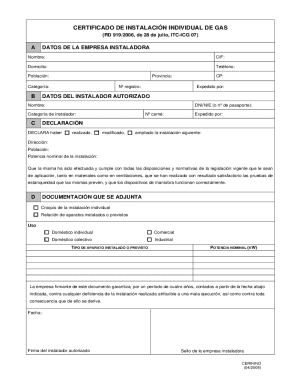
Certificado De Instalaci n Individual De Gas
The document is a Gas Installation Certificate, issued under RD 919/2006, confirming that a gas installation has been co ...
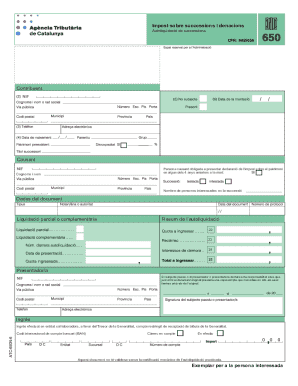
Autoliquidaci De Successions
The document outlines the self-assessment process for inheritance and donation taxes in Catalonia, detailing the necessa ...
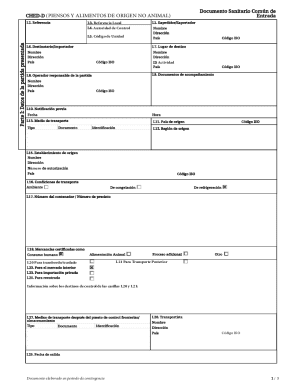
Documento Sanitario Com n De Entrada
The document is a Common Health Entry Document (CHED-D) for non-animal origin feed and food products. It includes sectio ...
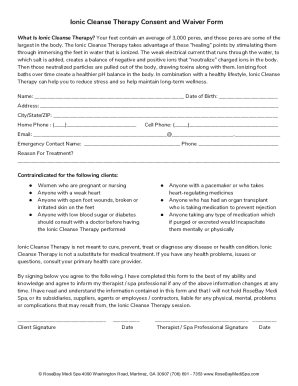
Ionic Cleanse Therapy Consent and Waiver Form
The document is an Ionic Cleanse Therapy Consent and Waiver Form that outlines the procedure of ionic foot baths, which ...
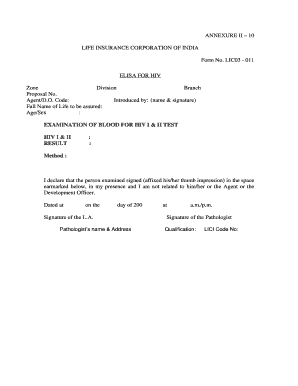
Hiv report format pdf
The document is a form from the Life Insurance Corporation of India (LIC) for conducting HIV I & II blood tests as part ...
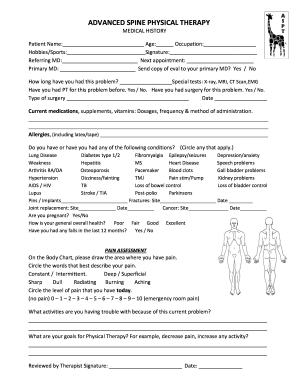
Medical History Form Orthopedics
The document is a medical history form for patients seeking physical therapy at Advanced Spine Physical Therapy. It coll ...