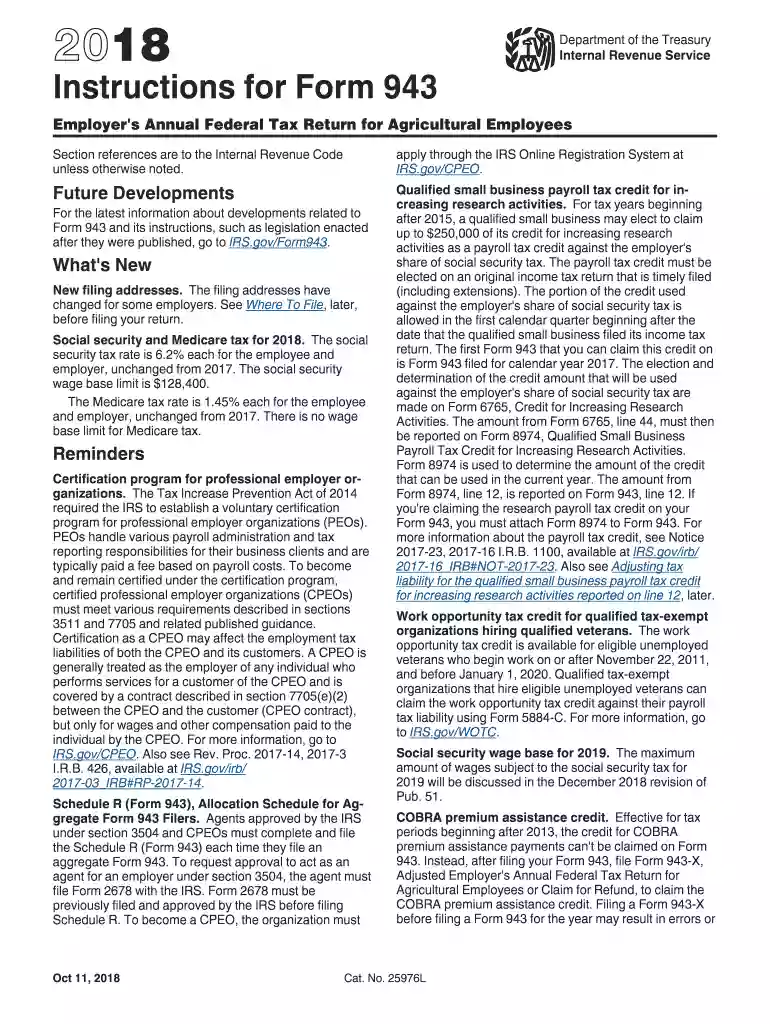
Printable us customs form 4457-2026

Get Form
cbp form 4457 Preview on Page 1

Here's how it works

01. Edit your cbp form 4457 online
Type text, add images, blackout confidential details, add comments, highlights and more.

02. Sign it in a few clicks
Draw your signature, type it, upload its image, or use your mobile device as a signature pad.

03. Share your form with others
Send where to get form 4457 signed via email, link, or fax. You can also download it, export it or print it out.

How to use or fill out printable US Customs Form 4457 with our platform

Form edit decoration
9.5
Ease of Setup
DocHub User Ratings on G2
9.0
Ease of Use
DocHub User Ratings on G2
  1. Click ‘Get Form’ to open the printable US Customs Form 4457 in the editor.
  2. Begin by entering your personal information in the designated fields, including your name, address, and contact details. Ensure accuracy to avoid any processing delays.
  3. In the section for item description, provide detailed information about each item you are declaring. Include specifics such as make, model, and serial numbers where applicable.
  4. Next, indicate the purpose of your declaration. This could be for personal use or export purposes. Select the appropriate option from the dropdown menu.
  5. Review all entered information for completeness and accuracy. Use our platform's editing tools to make any necessary adjustments before finalizing your form.
  6. Once satisfied with your entries, save your completed form. You can then print it directly or download it for future reference.

Start using our platform today to simplify filling out your US Customs Form 4457 for free!

See more printable us customs form 4457 versions

We've got more versions of the printable us customs form 4457 form. Select the right printable us customs form 4457 version from the list and start editing it straight away!
Versions Form popularity Fillable & printable
2023 4.3 Satisfied (51 Votes)
2022 4.2 Satisfied (35 Votes)
2021 4.8 Satisfied (85 Votes)
2020 4.4 Satisfied (294 Votes)
2019 4.3 Satisfied (107 Votes)
2018 4.4 Satisfied (248 Votes)
2017 4.4 Satisfied (318 Votes)
2016 4.3 Satisfied (159 Votes)
2015 4 Satisfied (41 Votes)
2014 4.1 Satisfied (56 Votes)
2013 4.4 Satisfied (64 Votes)
2012 4.1 Satisfied (57 Votes)
2011 4.4 Satisfied (38 Votes)
be ready to get more

Complete this form in 5 minutes or less

Get form

Got questions?

We have answers to the most popular questions from our customers. If you can't find an answer to your question, please contact us.
Contact us
You can get a CBP Form 4457 at the nearest CBP office prior to your departure or complete the form at the U.S. international airport from which you are departing.
If you are traveling by air, flight attendants should hand you a U.S. Customs Declaration Form (CF-6059). If you are arriving by land or sea, the immigration officer will provide you with the CF-6059 at the port of entry. Proceed to the Custom and Borders Inspection site near the terminal area.
Step 6: Create Your Customs Forms Labels You have to fill out a customs form when you send packages to other countries. All customs forms must be computer-generated: If you use Click-N-Ship service to print your own postage, it will print a customs form for you.
Filling Out Customs Forms Online You can print just a customs form and save time at the Post Office with Customs Form Online, or use Click-N-Ship service to pay for postage and print an international shipping label and customs form.

Security and compliance

At DocHub, your data security is our priority. We follow HIPAA, SOC2, GDPR, and other standards, so you can work on your documents with confidence.

Learn more
ccpa2
pci-dss
gdpr-compliance
hipaa
soc-compliance