



Here's how it works



How to use or fill out Under 15 AAC 20 with our platform

- Click ‘Get Form’ to open Under 15 AAC 20 in the editor.
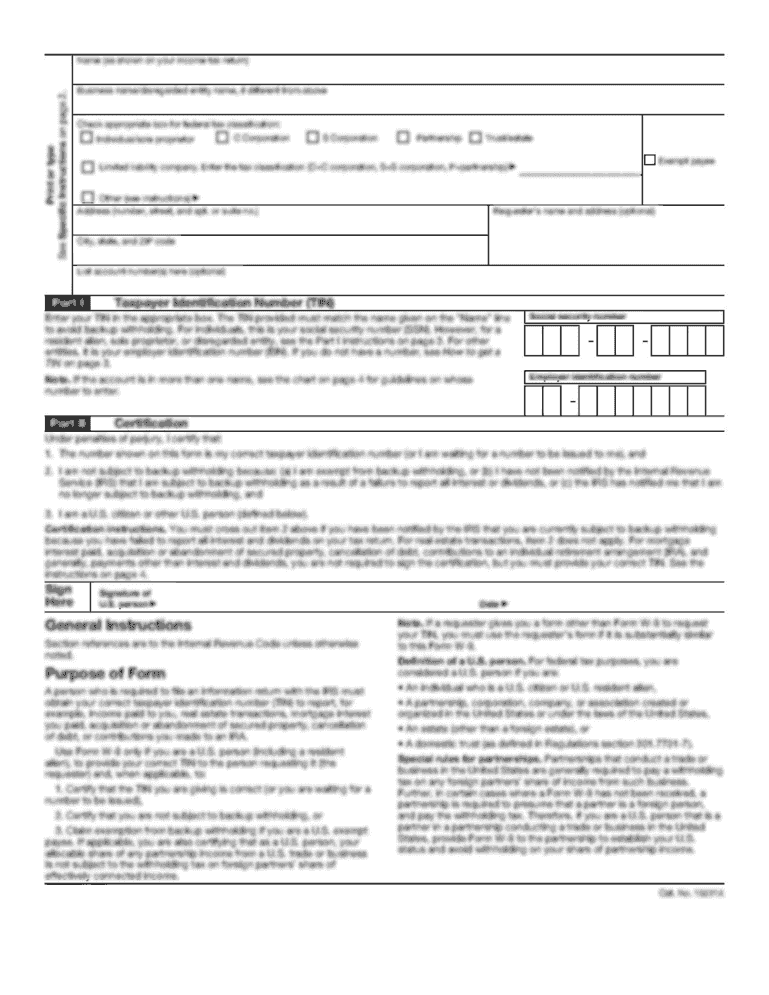
- Begin by entering your EIN and NAICS Code in the designated fields at the top of the form. Ensure that all information is accurate to avoid processing delays.
- Fill in the contact person's details, including name, title, email address, and telephone number. If there’s a new mailing address, check the appropriate box.
- In the Return Information section, check any applicable boxes such as 'Final Alaska return' or 'Amended return' based on your situation.
- Proceed to SCHEDULE A – NET INCOME TAX SUMMARY. Carefully input your Alaska income and losses from Schedule F, ensuring you calculate totals accurately.
- Continue through each schedule (B through L), filling out required information as prompted. Use our platform's features to easily navigate between sections and make edits as needed.
Start using our platform today for free to streamline your document editing and form completion!
It's free
See more Under 15 AAC 20 versions
| Versions | Form popularity | Fillable & printable |
|---|---|---|
| 2024 | 4.8 Satisfied (31 Votes) | |
| 2023 | 4.6 Satisfied (54 Votes) | |
| 2022 | 4.8 Satisfied (68 Votes) | |
| 2021 | 4.8 Satisfied (46 Votes) | |
| 2020 | 4.4 Satisfied (124 Votes) | |
| 2019 | 4 Satisfied (55 Votes) | |
| 2019 | 4.4 Satisfied (253 Votes) | |
| 2018 | 4.3 Satisfied (138 Votes) | |
| 2018 | 4.3 Satisfied (114 Votes) | |
| 2017 | 4.1 Satisfied (84 Votes) | |
| 2015 | 4.3 Satisfied (234 Votes) |
Got questions?
What is the simplest way to electronically sign my Under 15 AAC 20?
A lot of software applications are available on the market for document editing and signing. DocHub is one of the most in-demand online solutions that comply with all data protection and compliance standards and guarantees your eSigned paperwork is legally enforceable. All you need to give it a try is to create an account, add your Under 15 AAC 20, provide the requested information, and click Sign. Create your electronic signature by typing, drawing it, uploading its picture to your template, or scanning a unique QR code.
How do you edit Under 15 AAC 20 online?
With DocHub, there are several convenient methods to edit your Under 15 AAC 20 online. You can drag and drop the form and edit it directly at the DocHub site or use our browser extension to fill out your form immediately. Additionally, you can edit your PDF on your smartphone, as DocHub is compatible with all the available mobile platforms.
Security and compliance
At DocHub, your data security is our priority. We follow HIPAA, SOC2, GDPR, and other standards, so you can work on your documents with confidence.
Learn more


Related forms