




Here's how it works

01. Edit your dochub com fillable form online
Type text, add images, blackout confidential details, add comments, highlights and more.

02. Sign it in a few clicks
Draw your signature, type it, upload its image, or use your mobile device as a signature pad.

03. Share your form with others
Send form 9400 193 via email, link, or fax. You can also download it, export it or print it out.
How to use or fill out form 9400 193 with our platform

- Click ‘Get Form’ to open the Wisconsin Boat Registration and Titling Application Form 9400-193 in the editor.
- Begin by entering the Primary Owner's Name or Business Name in the designated field. Ensure you use black ink if printing.
- Fill in your WI DNR Customer Number, Date of Birth, Social Security Number or FEIN, and Mailing Address. Make sure all information is accurate.
- In Section B, provide details about the boat including its Hull Identification Number, Make, Model, Year, Length, and Type. Select the appropriate options for Propulsion Type and Fuel Type.
- Proceed to Section C to select your registration fees based on your boat's length. Mark an 'X' next to the applicable fee options.
- Complete Section D for Sales Tax Computation by entering Purchase Date, Purchase Price, and any Trade-in Amounts as necessary.
- Finally, review all sections for accuracy before signing and dating at the bottom of Section H. Save your completed form.
Start using our platform today to fill out form 9400 193 easily and for free!
Fill out form 9400 193 online
It's free
It's free
See more form 9400 193 versions
We've got more versions of the form 9400 193 form. Select the right form 9400 193 version from the list and start editing it straight away!
Security and compliance
At DocHub, your data security is our priority. We follow HIPAA, SOC2, GDPR, and other standards, so you can work on your documents with confidence.
Learn more


Related forms
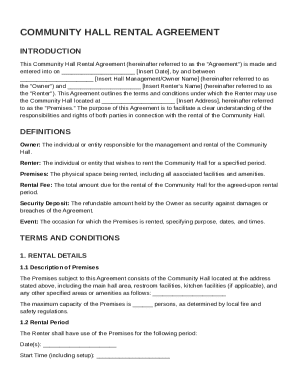
Community Hall Rental Agreement Template
The Community Hall Rental Agreement outlines the terms and conditions for renting a community hall between the Owner and ...
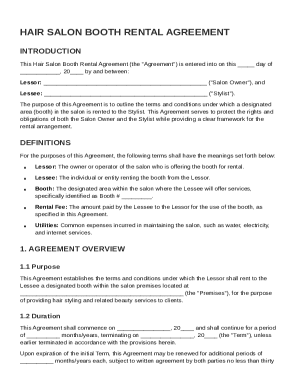
Hair Salon Booth Rental Agreement Template
The Hair Salon Booth Rental Agreement outlines the terms and conditions for renting a booth in a salon between the Salon ...
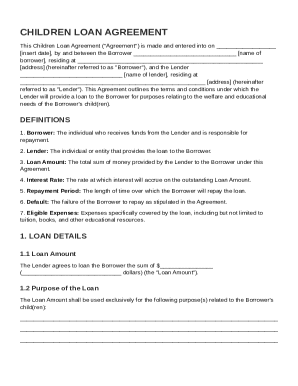
Children Loan Agreement Template
The Children Loan Agreement is a legal document outlining the terms under which a lender provides a loan to a borrower f ...
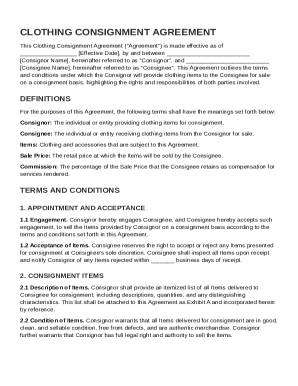
Clothing Consignment Agreement Template
The Clothing Consignment Agreement outlines the terms and conditions for a consignment arrangement between a Consignor, ...
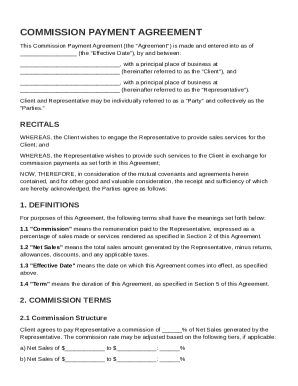
Commission Payment Agreement Template
The Commission Payment Agreement outlines the terms under which a Client engages a Representative to provide sales servi ...

Permanent Employment Contract Template
The document is a Permanent Employment Contract outlining the terms and conditions of employment between an Employer and ...
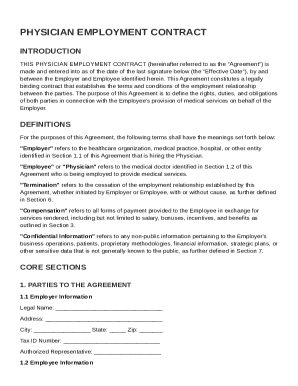
Physician Employment Contract Template
The document is a Physician Employment Contract that outlines the terms and conditions of employment between a healthcar ...
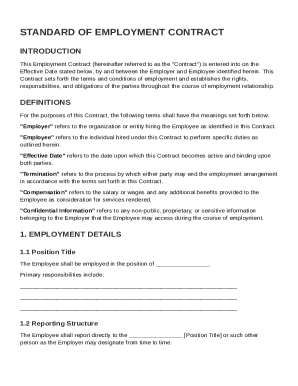
Standard Of Employment Contract Template
The document is an Employment Contract outlining the terms and conditions of employment between an Employer and Employee ...