




Here's how it works

01. Edit your form 801 online
Type text, add images, blackout confidential details, add comments, highlights and more.

02. Sign it in a few clicks
Draw your signature, type it, upload its image, or use your mobile device as a signature pad.

03. Share your form with others
Send 801 form via email, link, or fax. You can also download it, export it or print it out.
How to use or fill out 801 form oregon with DocHub

- Click ‘Get Form’ to open the 801 form in our editor.
- Begin by filling out the worker section. Enter your legal name, home phone, date of birth, and Social Security number as required.
- Indicate your education level by entering the number of years completed. If applicable, check 'Yes' for hospitalization and provide details about your injury.
- Specify the nature of your injury and identify the affected body parts. Be sure to include the actual date of the accident or when medical attention was first needed.
- In the employer section, complete items such as the employer's legal business name, BIN, and FEIN. Ensure all relevant information is accurate to avoid delays.
- Finally, review all entries for accuracy before signing. Once completed, submit the form as instructed on our platform.
Start using our platform today to fill out your 801 form Oregon easily and for free!
Fill out 801 form oregon online
It's free
It's free
See more 801 form oregon versions
We've got more versions of the 801 form oregon form. Select the right 801 form oregon version from the list and start editing it straight away!
| Versions | Form popularity | Fillable & printable |
|---|---|---|
| 2000 | 4.9 Satisfied (514 Votes) |
Security and compliance
At DocHub, your data security is our priority. We follow HIPAA, SOC2, GDPR, and other standards, so you can work on your documents with confidence.
Learn more


Related forms

Wholesale Food Trade Agreement Template
The Wholesale Food Trade Agreement outlines the terms and conditions between a Supplier and a Buyer for the purchase and ...
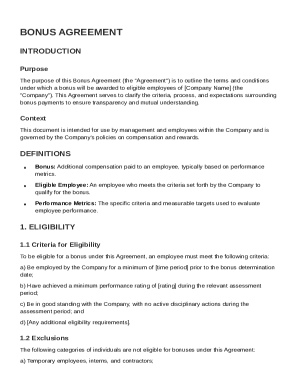
Bonus Agreement Template
The Bonus Agreement outlines the terms and conditions for awarding bonuses to eligible employees at [Company Name]. It d ...
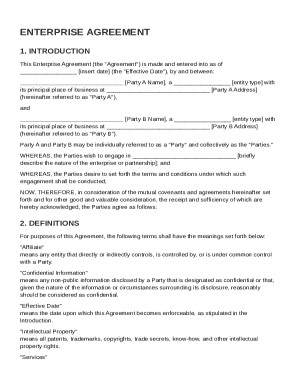
Enterprise Agreement Template
The document is an Enterprise Agreement between two parties, outlining the terms and conditions for their collaboration. ...
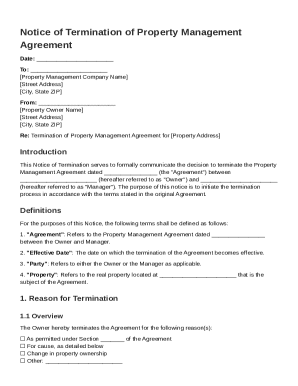
Notice to Terminate Property Management Agreement Template
This document is a Notice of Termination of a Property Management Agreement, formally notifying the property management ...
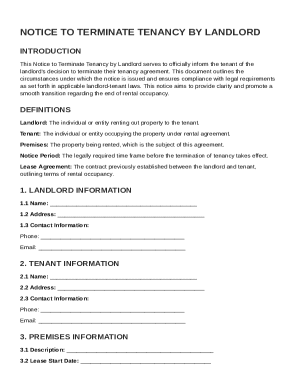
Notice to Terminate Tenancy By Landlord Agreement Template
The document is a formal Notice to Terminate Tenancy issued by a landlord to inform a tenant of the decision to end thei ...

Event Participation Agreement Template
The Event Participation Agreement outlines the terms and conditions for a participant's involvement in a specified event ...
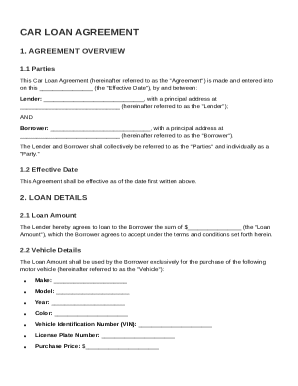
Car Loan Agreement Template
The Car Loan Agreement outlines the terms between a Lender and a Borrower for a loan to purchase a vehicle. It includes ...
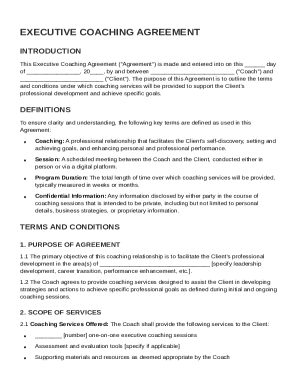
Executive Coaching Agreement Template
The Executive Coaching Agreement outlines the terms and conditions for a professional coaching relationship between a Co ...