




Here's how it works

01. Edit your hoag hospital medical records online
Type text, add images, blackout confidential details, add comments, highlights and more.

02. Sign it in a few clicks
Draw your signature, type it, upload its image, or use your mobile device as a signature pad.

03. Share your form with others
Send hoag hospital medical records authorization form via email, link, or fax. You can also download it, export it or print it out.
How to use or fill out hoag medical records with our platform

- Click ‘Get Form’ to open the hoag medical records in the editor.
- Begin by filling in your name and date of birth at the top of the form. Ensure accuracy as this information is crucial for identification.
- In the 'REQUESTING RECORDS FROM' section, enter the name and address of the office you are authorizing to release your records. Include all relevant contact details.
- Specify where to send your records by filling in 'Hoag Medical Group' and selecting one of the listed addresses. This ensures your records reach the correct location.
- Indicate the date range for which you want records sent. If left blank, only the last two years will be released.
- Check any applicable boxes for statutorily protected information that you authorize for release, such as mental health treatment or HIV test results.
- Select a purpose for requesting these records from options like Continuing Care or Patient Request.
- Fill in an expiration date for this authorization; if omitted, it will expire six months from your signature date.
- Sign and date at the bottom of the form. If a legal representative is signing, ensure they complete their section and provide proof of representation.
Start using our platform today to easily fill out your hoag medical records online for free!
Fill out hoag medical records online
It's free
It's free
Security and compliance
At DocHub, your data security is our priority. We follow HIPAA, SOC2, GDPR, and other standards, so you can work on your documents with confidence.
Learn more


Related forms
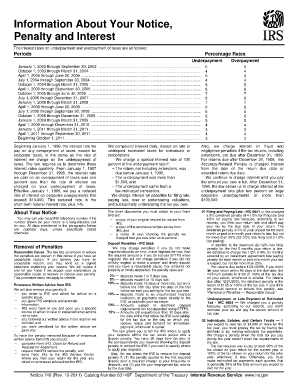
Information About Your Notice, Penalty and Interest - Internal
The document provides detailed information regarding penalties and interest rates associated with overpayment and underp ...
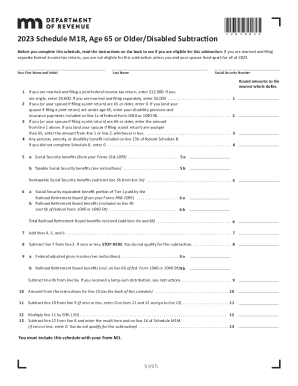
M1R taxes state mn us
The document outlines the 2023 Schedule M1R for individuals aged 65 or older or disabled, detailing eligibility criteria ...
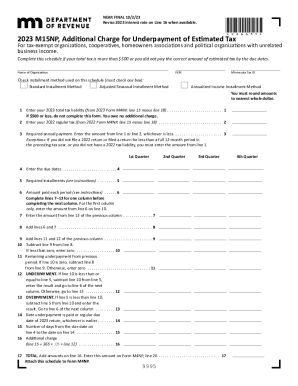
Minnesota 2023 M15NP Form
The document outlines the 2023 M15NP form for tax-exempt organizations, cooperatives, homeowners associations, and polit ...

2023 M4X, Amended Franchise Tax Return Claim for Refund
The document is the 2023 M4 Corporation Franchise Tax Return for Minnesota, detailing the necessary information and calc ...

Minnesota passes tax conformity bill
The document provides instructions for tax-exempt organizations and cooperatives on how to report net operating losses ( ...
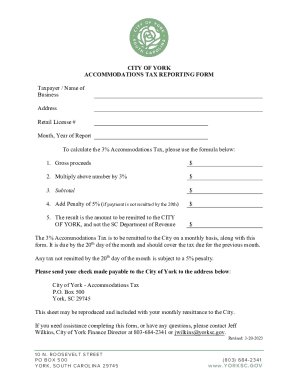
City of York Accommodations Tax Reporting Form
The document is a reporting form for the 3% Accommodations Tax required by the City of York. It outlines the calculation ...
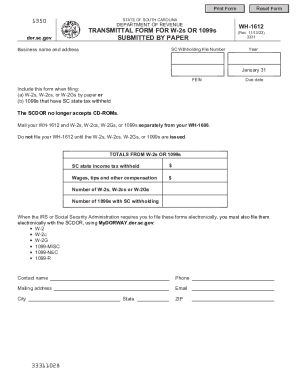
Wh 1612
The document is a transmittal form (WH-1612) for submitting W-2s and 1099s with South Carolina state tax withheld to the ...

Virginia LLC Articles of Organization - Legal Form
The document provides instructions for forming a Virginia Limited Liability Company (LLC), detailing filing options, fee ...