




Here's how it works

01. Edit your consent party online
Type text, add images, blackout confidential details, add comments, highlights and more.

02. Sign it in a few clicks
Draw your signature, type it, upload its image, or use your mobile device as a signature pad.

03. Share your form with others
Send consenting party via email, link, or fax. You can also download it, export it or print it out.
How to Use or Fill Out Consent Parties with Our Platform

- Click ‘Get Form’ to open it in the editor.
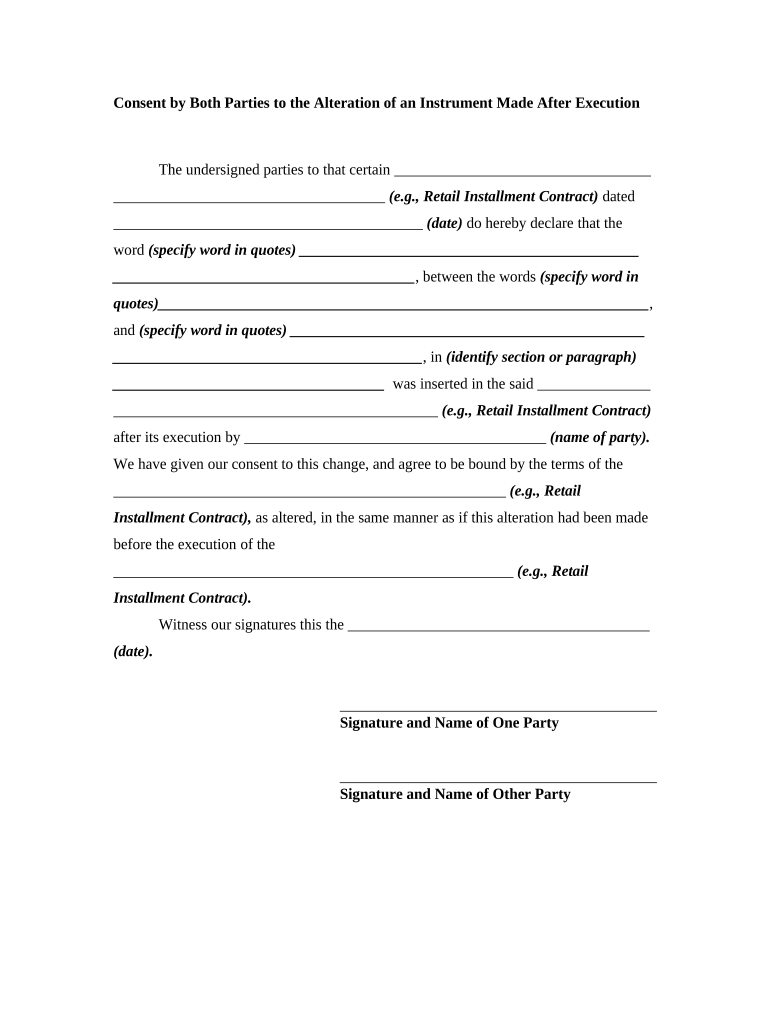
- In the first section, specify the type of instrument (e.g., Retail Installment Contract) that is being altered. This ensures clarity on what document you are referring to.
- Next, enter the date of the original contract in the designated field. Accurate dating is crucial for legal validity.
- Identify and insert the specific word or phrase that has been altered between the specified words in quotes. This detail is essential for understanding the change made.
- Indicate which section or paragraph of the document contains this alteration. This helps all parties reference the exact location of changes.
- Provide your name and signature in the respective fields for both parties involved. Ensure that both signatures are present to validate consent.
- Finally, enter the date when both parties are signing this consent form to complete the process.
Start using our platform today to streamline your document editing and signing experience for free!
Fill out consent parties online
It's free
Security and compliance
At DocHub, your data security is our priority. We follow HIPAA, SOC2, GDPR, and other standards, so you can work on your documents with confidence.
Learn more


Related forms
Personal independence payment form pdf
The Disabled Persons’ Freedom Pass scheme in the London Borough of Hounslow allows eligible individuals with specific di ...
Da form 5863
Unemployment form pdf download
The document is a referral form from the California Department of Social Services, instructing individuals to apply for ...
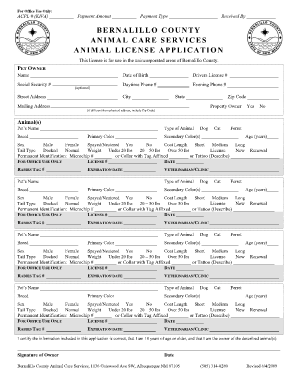
Bernalillo county ac license form pdf
The document is an animal license application for Bernalillo County, detailing the requirements and fees for licensing p ...

Statutory declaration form australia
The document is a statutory declaration for individuals sponsoring family members applying for a Skilled Regional (Subcl ...