
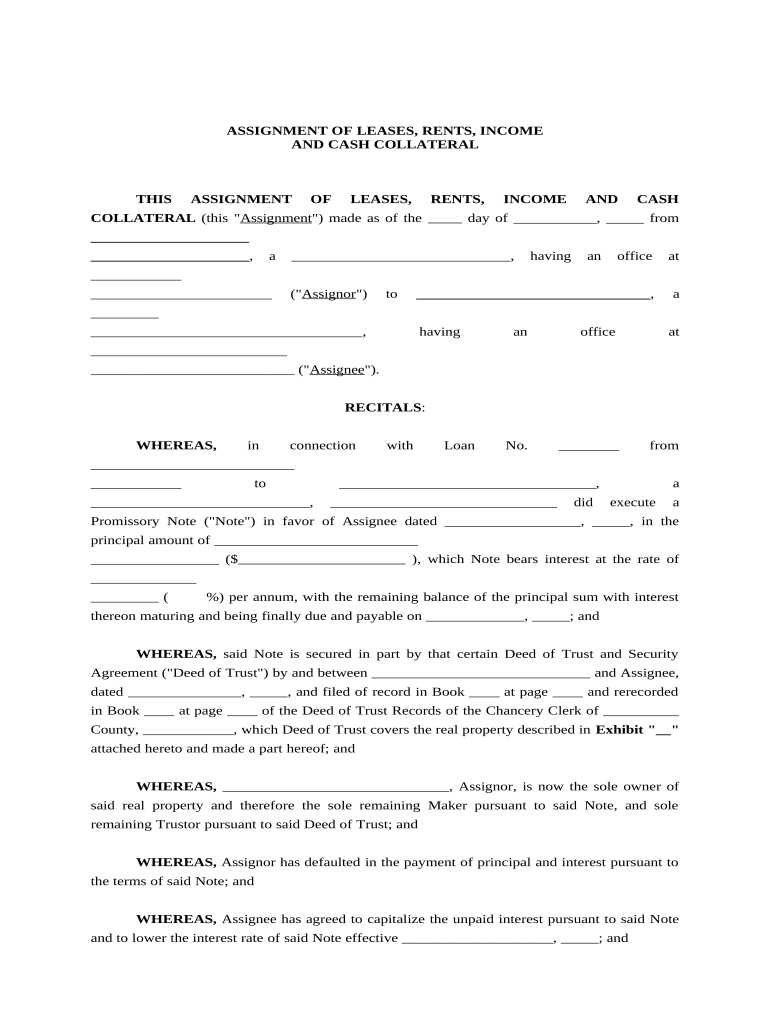




Here's how it works

01. Edit your assignment of rents example online
Type text, add images, blackout confidential details, add comments, highlights and more.

02. Sign it in a few clicks
Draw your signature, type it, upload its image, or use your mobile device as a signature pad.

03. Share your form with others
Send assignment of rents form via email, link, or fax. You can also download it, export it or print it out.
How to use or fill out assignment of rents with our platform

- Click ‘Get Form’ to open the assignment of rents document in the editor.
- Begin by filling in the date at the top of the form. This is crucial as it establishes the effective date of the assignment.
- In the 'Assignor' section, enter the name and address of the party assigning the rents. Ensure all details are accurate to avoid future disputes.
- Next, complete the 'Assignee' section with the name and address of the party receiving the assignment. This identifies who will benefit from this agreement.
- Proceed to fill in details regarding any loans associated with this assignment, including amounts and interest rates. This information is vital for clarity on obligations.
- Review sections related to rights and remedies carefully. Make sure you understand what actions can be taken in case of default.
- Finally, ensure that all parties sign and date where indicated. Use our platform’s e-signature feature for a seamless signing experience.
Start using our platform today to easily complete your assignment of rents for free!
Fill out assignment of rents online
It's free
Security and compliance
At DocHub, your data security is our priority. We follow HIPAA, SOC2, GDPR, and other standards, so you can work on your documents with confidence.
Learn more


Related forms
Volleyball tryout evaluation form excel
The document is a pre/post season evaluation form for coaches in USA Volleyball, designed to assess their performance ac ...
Ex vessel value
The document is an IFQ Registered Buyer Ex-vessel Value and Volume Report issued by the U.S. Department of Commerce/NOAA ...
Regarding change form
The document is Form FOC 116, which serves as a response to a motion regarding a change of domicile or legal residence. ...
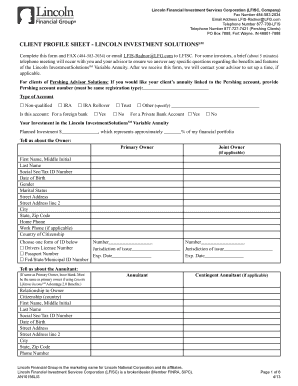
Client profile sheet - Lincoln Financial Group Fulfillment
The document is a Client Profile Sheet for Lincoln Investment Solutions, detailing the information required from clients ...

Jac contest entry form
The document outlines the judging criteria for a contest involving children, categorizing entries into three groups: Gif ...
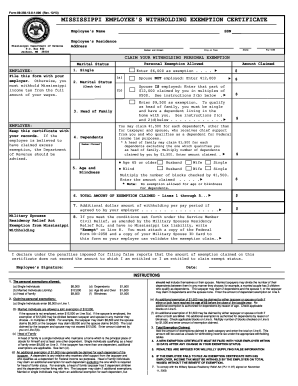
Mississippi withholding tax forms 2013
The document is the Mississippi Employee's Withholding Exemption Certificate (Form 89-350-13-8-1-000), which allows empl ...
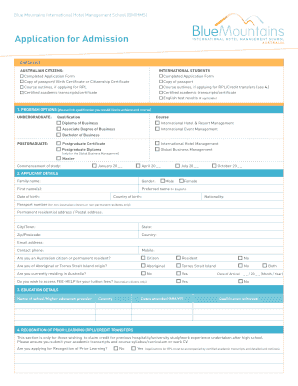
Help to fill application form blue mountain school australia
The document is an application checklist for admission to the Blue Mountains International Hotel Management School (BMIH ...