




01. Edit your security guard contract online
Type text, add images, blackout confidential details, add comments, highlights and more.

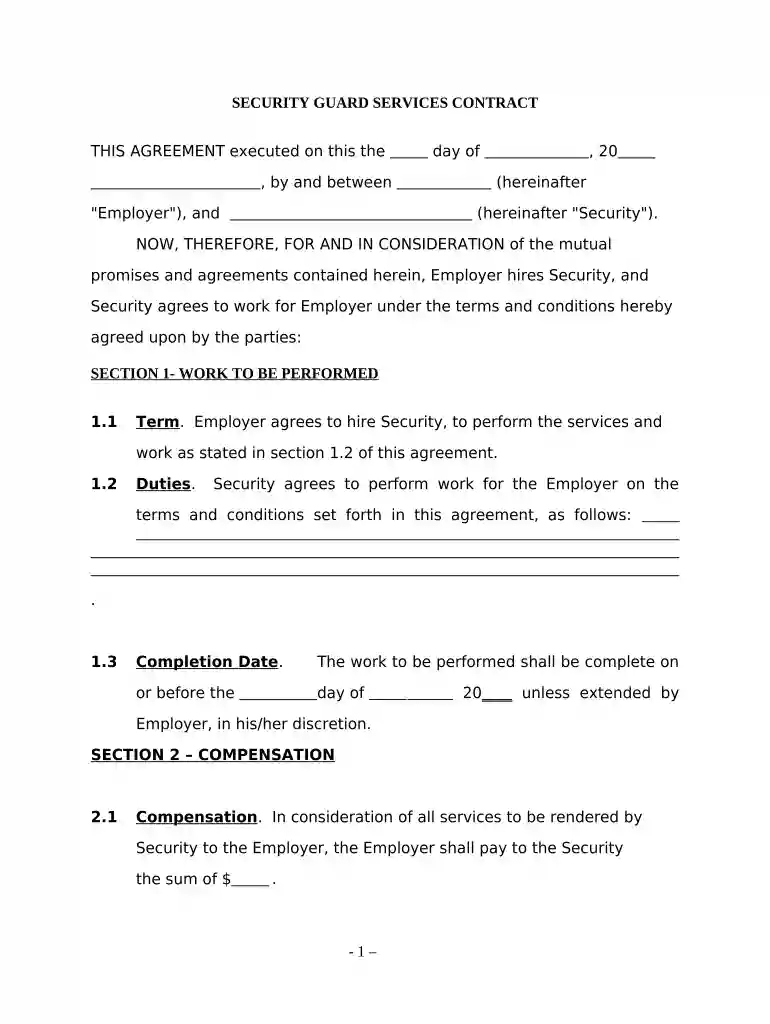
Type text, add images, blackout confidential details, add comments, highlights and more.

Draw your signature, type it, upload its image, or use your mobile device as a signature pad.

Send free security guard contract template via email, link, or fax. You can also download it, export it or print it out.

Start editing your security contract online for free today!
At DocHub, your data security is our priority. We follow HIPAA, SOC2, GDPR, and other standards, so you can work on your documents with confidence.


There is a four (4) hour minimum commitment per Special Event. All sums will be due within 14 days following receipt of an invoice for services rendered. ForRead more
This Virtual Private Network Agreement is entered into between the User and (^Company^), effective the date this agreement is executed by (^Company^)sRead more
Feb 17, 2026 Learn about DHS security policies and the training requirements contractors must comply with to safeguard sensitive information provided orRead more


