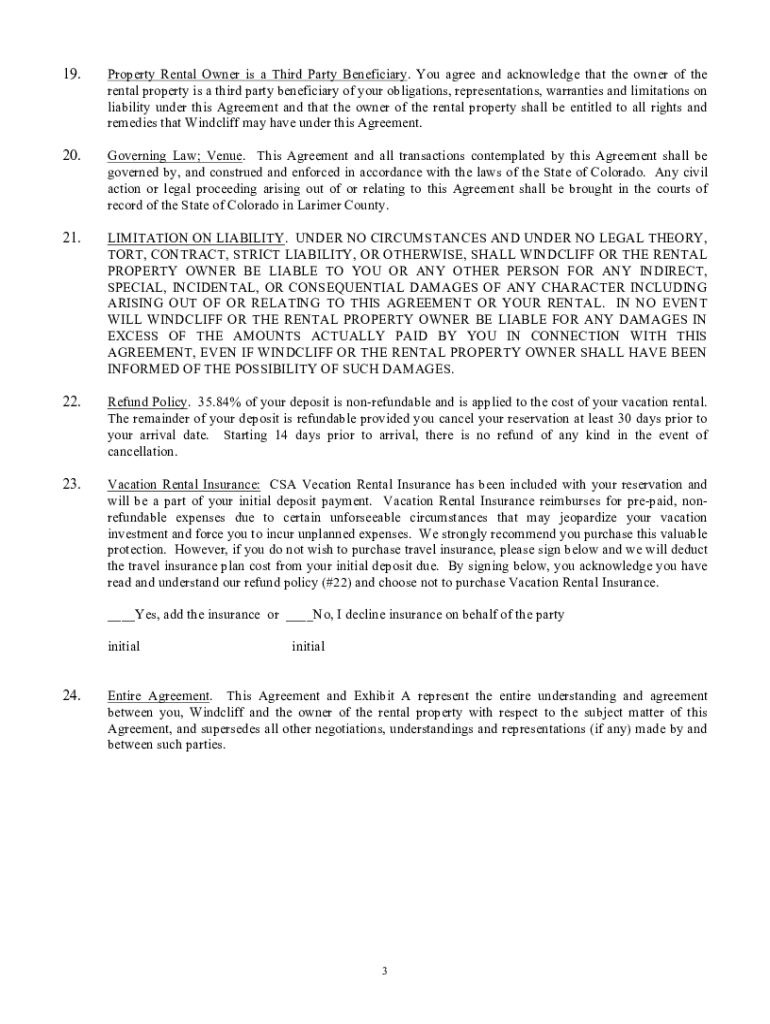
01. Edit your free short term rental agreement online
Type text, add images, blackout confidential details, add comments, highlights and more.
02. Sign it in a few clicks
Draw your signature, type it, upload its image, or use your mobile device as a signature pad.
03. Share your form with others
Send short term rental agreement via email, link, or fax. You can also download it, export it or print it out.
How to use or fill out rental short term lease with our platform
Ease of Setup
DocHub User Ratings on G2
Ease of Use
DocHub User Ratings on G2
Click ‘Get Form’ to open the rental short term lease in the editor.
Begin by entering your personal information, including your name and contact details. Ensure accuracy as this will be used for communication regarding your reservation.
Fill in the reservation requirements section, noting the payment details and deadlines. Be sure to understand the deposit amount and payment terms outlined in the agreement.
Review the damage protection options available. If you choose to opt-in, indicate your preference clearly in the designated field.
Complete any additional guest information required, ensuring that you adhere to maximum occupancy rules stated in the agreement.
Sign and date the document electronically using our platform’s signature feature, confirming your acceptance of all terms outlined in the lease.
Start filling out your rental short term lease today for free on our platform!
Rental short term lease near meApartment rental short term leaseRental short term lease by ownerCheap rental short term leaseFurnished short term rentals New OrleansMonth to month rentals Lake Charles, LAFurnished short term rentals baton rougeShort term lease Baton Rouge
Security and compliance
At DocHub, your data security is our priority. We follow HIPAA, SOC2, GDPR, and other standards, so you can work on your documents with confidence.
In Baltimore City, a Short-Term Rental is a rental of all or a portion of your home for periods of less than 90 nights. Both hosted (owner-occupied) andRead more
A lease provides the security of a long-term tenancy at a fixed rent, while a rental agreement allows for greater freedom to end or alter the arrangement
Search the Off Campus Housing website for any short-term leases or month to month stays using the following filters: Flexible/Other lease; 9 month lease; Month-Read more
Cookie consent notice
This site uses cookies to enhance site navigation and personalize your experience.
By using this site you agree to our use of cookies as described in our Privacy Notice.
You can modify your selections by visiting our Cookie and Advertising Notice.