




Here's how it works



How to use or fill out a visit to grandmother pdf with our platform

- Click ‘Get Form’ to open the document in the editor.
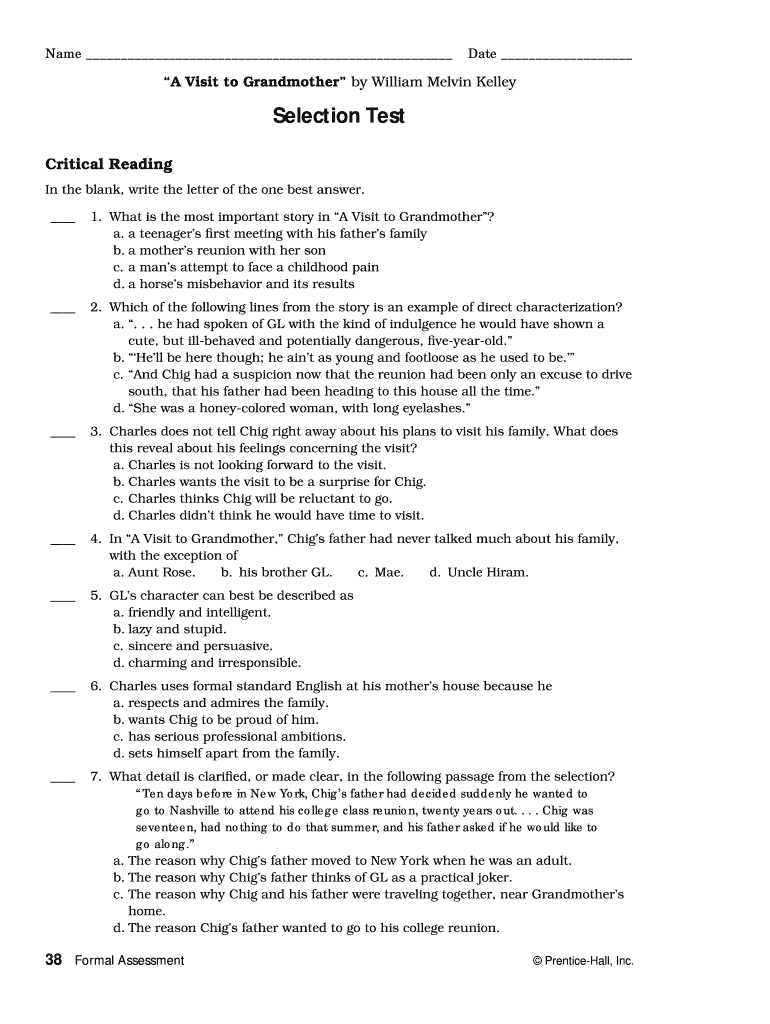
- Begin by entering your name in the designated field at the top of the form. This personalizes your document and ensures proper identification.
- Next, fill in the date of your visit. This is important for record-keeping and helps contextualize your responses.
- Proceed to answer each question in the selection test section. For each question, select the letter corresponding to your chosen answer and write it in the blank provided.
- For essay questions, utilize the text box provided to articulate your thoughts clearly. Make sure to structure your responses logically, addressing all parts of each question.
Start using our platform today for free and streamline your document editing experience!
It's free
Got questions?
Can I use DocHub to generate legal eSignatures on my a visit to grandmother summary?
Yes, you can utilize DocHub for signing any business and private paperwork, including your a visit to grandmother summary. All eSignatures you generate with our tool are legally binding and court-admissible, as DocHub complies with criteria required by ESIGN and UETA. Save your completed form with a detailed Audit Trail if needed.
Do I need to install software to modify my site dochub com the story?
If you edit your site dochub com the story with DocHub, you merely need a stable web connection and virtually any browser installed on your device. No need to install any third-party software or research guides. Just open a tab with DocHub, drag and drop your file, and edit it on the spot.
What is the main conflict in a visit to grandmother?
What is a visit to grandmother about?
What lesson about life can be learned from a visit to grandmother?
Security and compliance
At DocHub, your data security is our priority. We follow HIPAA, SOC2, GDPR, and other standards, so you can work on your documents with confidence.
Learn more


