




Here's how it works

01. Edit your send 9 12 form marathi pdf download it export it or print it out online
Type text, add images, blackout confidential details, add comments, highlights and more.

02. Sign it in a few clicks
Draw your signature, type it, upload its image, or use your mobile device as a signature pad.

03. Share your form with others
Send 9 12 form marathi pdf download via email, link, or fax. You can also download it, export it or print it out.
How to use or fill out 9 12 form with our platform

- Click ‘Get Form’ to open the 9 12 form in the editor.
- Begin by filling in the 'Parties' section, entering the names of the Seller and Buyer. Ensure accuracy as this identifies who is involved in the transaction.
- In the 'Property' section, specify the lot number, block number, addition, city, and county details. This information is crucial for identifying the property being sold.
- Next, complete the 'Sales Price' section. Enter both cash and financing amounts accurately to reflect the total sales price.
- Fill out the 'Earnest Money' field with the amount being deposited and include details about the escrow agent handling this deposit.
- Review sections regarding title policy and survey requirements carefully. Check appropriate boxes based on your agreement with Seller regarding these aspects.
- Finally, ensure all signatures are added where required before saving or sending your completed form for further processing.
Start using our platform today to fill out your 9 12 form online for free!
Fill out 9 12 form online
It's free
It's free
See more 9 12 form versions
We've got more versions of the 9 12 form form. Select the right 9 12 form version from the list and start editing it straight away!
| Versions | Form popularity | Fillable & printable |
|---|---|---|
| 2015 | 4.8 Satisfied (229 Votes) |
Security and compliance
At DocHub, your data security is our priority. We follow HIPAA, SOC2, GDPR, and other standards, so you can work on your documents with confidence.
Learn more


Related forms

TEC Connections Academy Student Handbook
The TEC Connections Academy Student Handbook for the 2020-2021 school year provides comprehensive guidelines for student ...
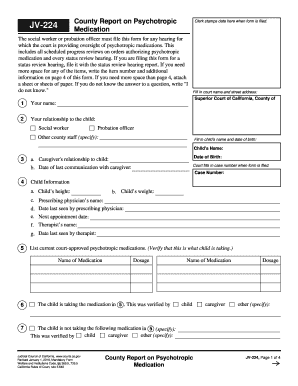
JV-224 County Report on Psychotropic Medication - California Courts - courts ca
The document is an order from the Superior Court of California regarding a child's eligibility for Special Immigrant Juv ...

Gahanna wp-content uploadsFENCE PERMIT APPLICATION - Gahanna
The document is a Fence Permit Application from the Zoning Division of Gahanna, Ohio. It outlines the necessary informat ...
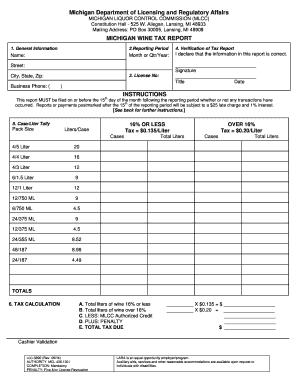
Michigan wine tax report lcc 3890 form
The document is a Michigan Wine Tax Report issued by the Michigan Liquor Control Commission (MLCC), detailing the requir ...
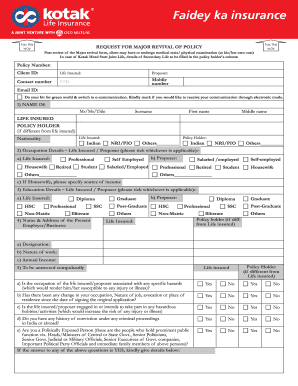
Request for Major Revival of Policy Form - Kotak Life Insurance
The document is a 'Request for Major Revival of Policy' form from Kotak Mahindra Old Mutual Life Insurance, detailing th ...

Blm form de 4
The document is a Notice of Intent (NOI) and Authorization form for conducting oil and gas geophysical exploration opera ...

Form ct 990t 2014
The document is the Connecticut Unrelated Business Income Tax Return (Form CT-990T) for the year 2014, which organizatio ...
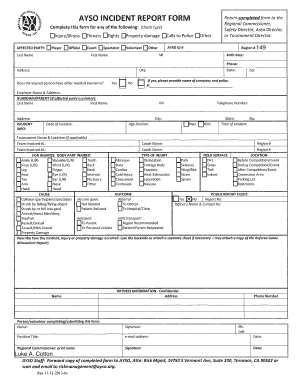
Avso incident report form i - AYSO Corvallis Soccer
The AYSO Incident Report Form is designed for documenting personal injuries, property damage, or threats of violence occ ...