
Application Business Forms
Gather and arrange your business data with Application Business Forms. Eliminate manual errors and improve your document accuracy with the DocHub online editor.

Create a new Application Business Form
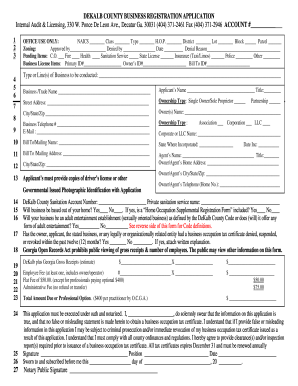
Ga business registration application dekalb county
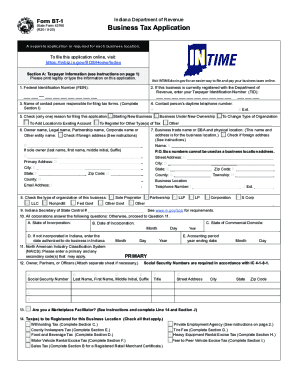
Bt 1 indiana
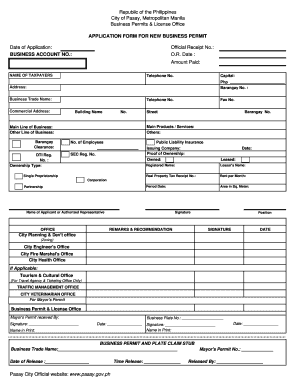
Business permit application form
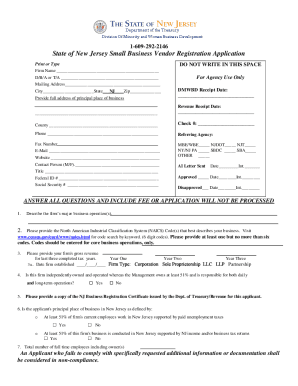
Nj sbe application
Seda funding
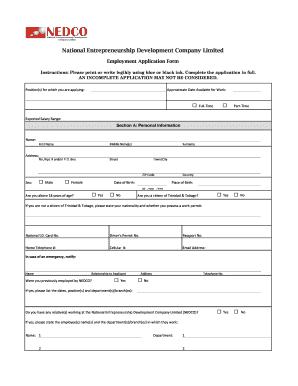
Nedco application form

Tustin business license
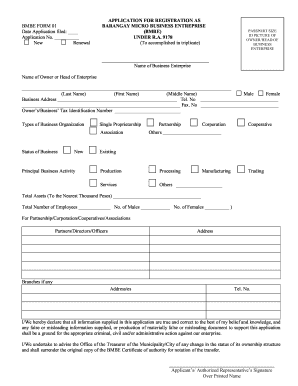
Bmbe application form

Business License Application Business Licensing - leedstownutah
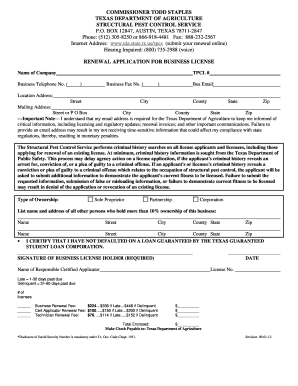
Texas business license application form
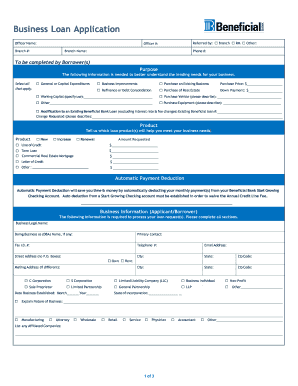
Business loan applications
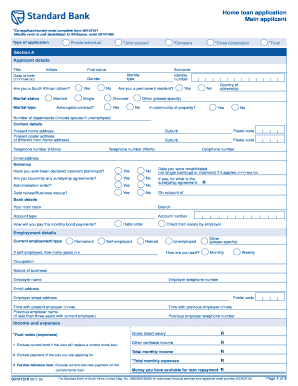
Standard bank forms download

Wbdc business loan application form printable

Commercial Business Tax Receipt Application - davie-fl
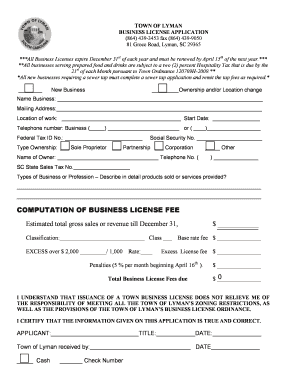
T OWN OF LYMAN BUSINESS LICENSE APPLICATION
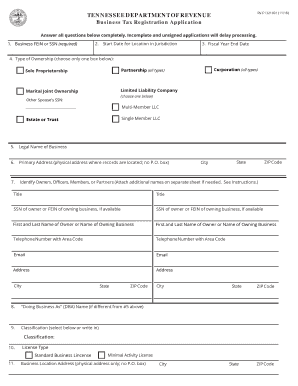
Business registration application form
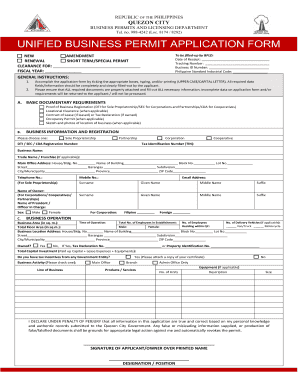
Unified application form for business permit
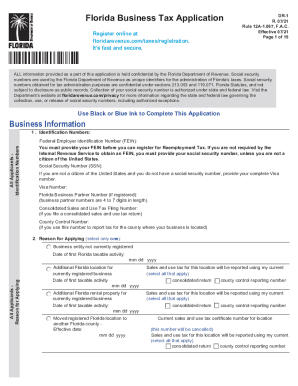
PDF Florida Business Tax Application Business Information - Florida ...
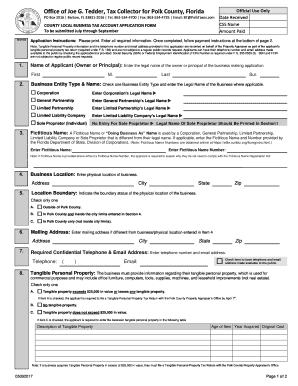
Polk county local business tax account application
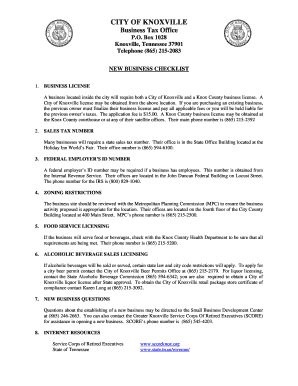
Tennessee business license application
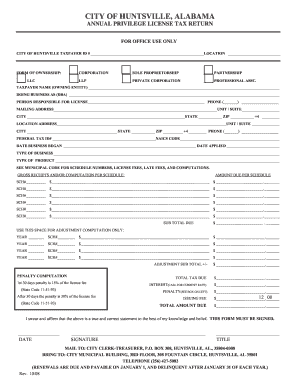
Business license huntsville al
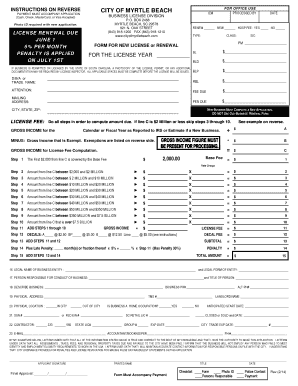
Business License Application Packet - the City of Myrtle Beach
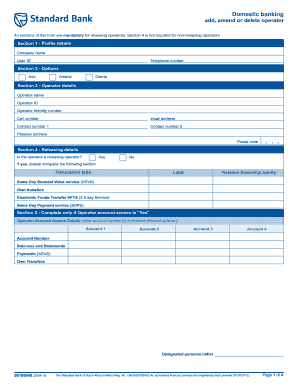
Business application form of fnb
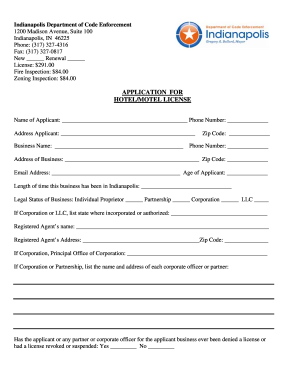
Indianapolis business neighborhood hotel motel license application
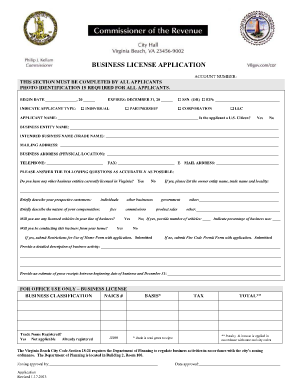
Va business license application

Business loan application form
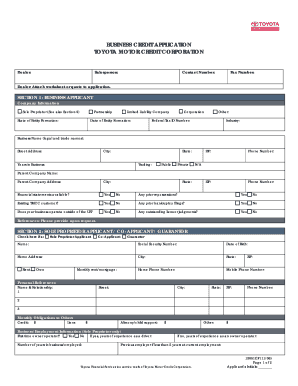
Business credit application form
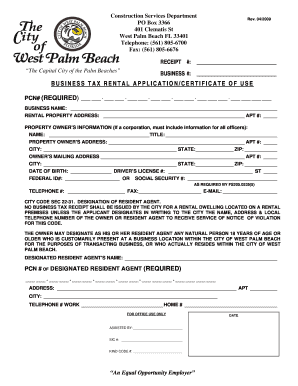
Business tax rental application/certificate of use - City of West Palm ... - wpb
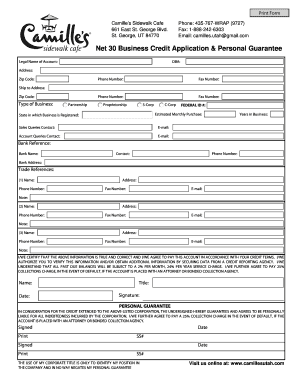
Business credit application with personal guarantee
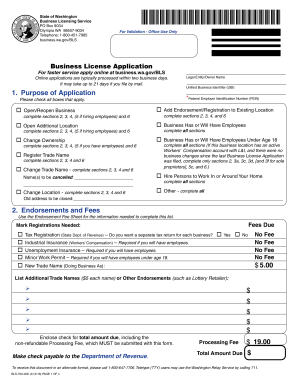
Washington business license

City of long beach business license
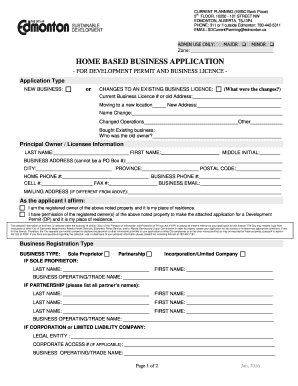
Home Based Business Application Form - City of - edmonton
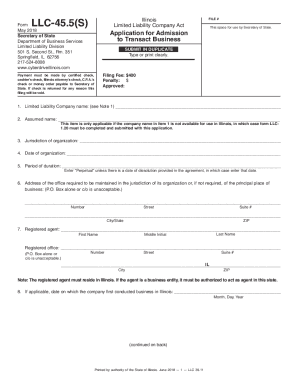
Illinois application transact business
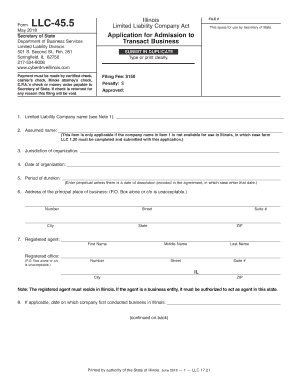
Illinois application business
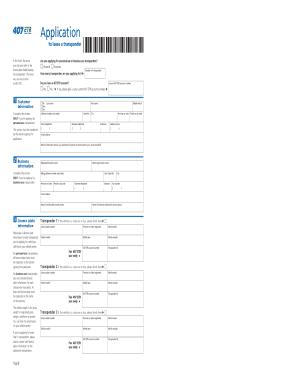
407 business transponder application
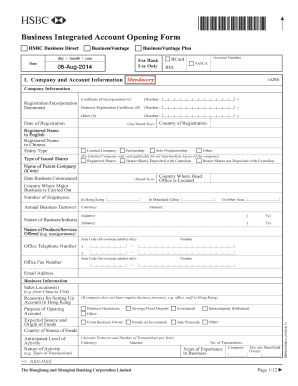
Hsbc business account application form
-
1
- 2
Enhance your template managing with Application Business Forms
Your workflows always benefit when you can locate all the forms and files you need at your fingertips. DocHub gives a vast array of templates to relieve your everyday pains. Get a hold of Application Business Forms category and easily discover your document.
Begin working with Application Business Forms in a few clicks:
- Browse Application Business Forms and get the document you need.
- Click on Get Form to open it in our editor.
- Start modifying your document: add more fillable fields, highlight sentences, or blackout sensitive information.
- The app saves your modifications automatically, and once you are ready, you can download or share your file with other contributors.
Enjoy fast and easy record management with DocHub. Discover our Application Business Forms collection and discover your form right now!
Video Guide on Application Business Forms management

Commonly Asked Questions about Application Business Forms
What software is best for creating forms?
Top 14 Form Builder Software ClickUp. ClickUp is the worlds leading project management and form builder tool. Jotform. Via Jotform. Google Forms. Via Google Forms. Microsoft Forms. Via Microsoft Forms. Elementor Form Builder. Via Elementor. Feathery. via Feathery. Paperform. Via Paperform. Gravity Forms. Gravity Forms.
What are forms used for in business?
Forms are all about collecting and presenting information that organizations rely on to conduct their business operations, whether these are with customers, the public or internal staff.
How do I create an employee application form?
How to structure an effective job application form Name of applicant. Contact information (phone and email) Education. Work experience. Professional references (optional) Availability (e.g., weekends, night shift) Applicants signature and date.
What is a business form?
A quick definition of business form: A business form is a type of document that is used for record-keeping and other business purposes. It is usually blank and needs to be filled in with information before it can convey any meaning. Blank forms are not protected by copyright law.
How do I fill out an application form?
How to fill out a job application Read the application before filling it out. Take your time. Answer completely and truthfully. Include your resume. Fill out job information chronologically. Put in the extra effort. Research your salary.
How to create an online form for free?
Login to your Canva account and search for form templates. Pick a design or start with a blank template. Choose a pre-made form template design. Customize your form. Edit your form by adding text, labels, logos, and other graphic elements. Download and print. Publish and share your form.
How do I create an application form?
How to create a job application form Step 1: Create a new form. Navigate to your Google Forms. Step 2: Add an appropriate title and description. Step 3: Add necessary questions. Step 4: Customize theme to your branding.
What is the best way to create an application form?
Application Form Best Practices Be straight to the point. Dont waste applicants time with unnecessary questions or wordy statements. Think about the information you need. Use personalization. Create an organized form structure. Use automation.
What is a sample application form?
A sample application form is filled out by an applicant to apply for a specific job, course, or other opportunities. Sample applications can be used by employers and educational institutions to recruit and screen applicants.
Related Templates
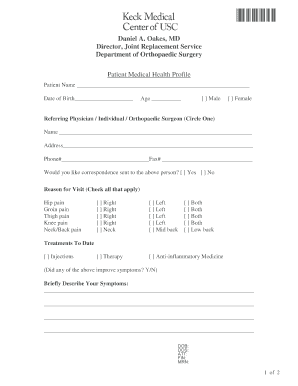
Daniel A Oakes, MD - Los Angeles, CA - Hip and Knee
The document is a comprehensive patient medical health profile used by the Joint Replacement Service in the Department o ...
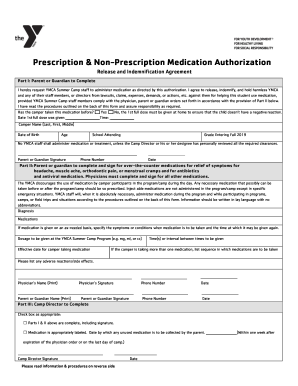
Ymca medication
The document outlines the procedures for administering medications at the YMCA Summer Camp, emphasizing that medications ...
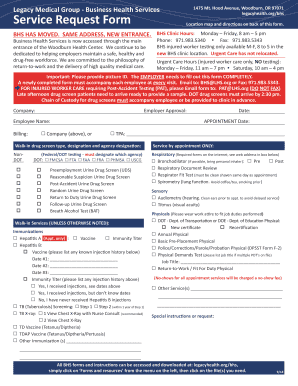
Legacy bhs
The document outlines the services provided by Legacy Medical Group's Business Health Services (BHS) at their new clinic ...

Sutter health radiology images
The document is a patient authorization form for the release of radiology images from Sutter Health. It includes section ...

Fire and Emergency Management ProgramOklahoma State
The document is an Emergency Contact and Insurance Information Form for participants of the Design Institute at Oklahoma ...
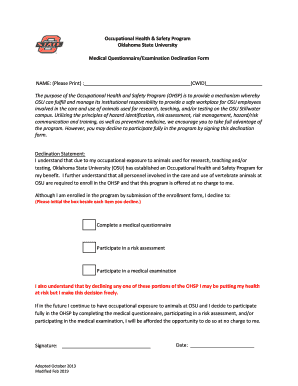
Medical declination form
The document outlines the Occupational Health and Safety Program (OHSP) at Oklahoma State University, designed to ensure ...

CMS 1500 and UB-04 Claim Form Top Billing Errors - Blue
The document is a Dermatology Referral Form used for patient information, including personal details, diagnosis codes, a ...

2020 Kroger Specialty Pharmacy Urology Referral Form
The document is a prescription form for urology medications, specifically for prostate cancer treatment. It includes sec ...