
Adams Business Forms
Access easy-to-customize Adams Business Forms in our comprehensive online catalog. Browse for the appropriate form, open it, and start editing it right away with DocHub free account.

Create a new Adams Business Form
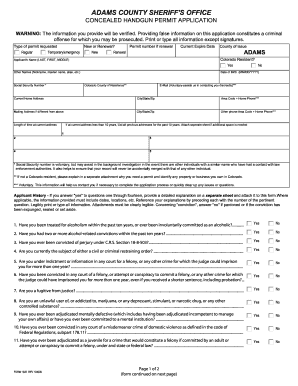
Colorado adams form concealed application
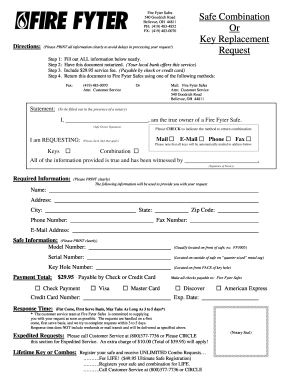
Fire fyter safe lost combination
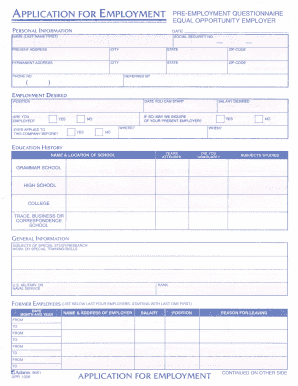
Application for employment form
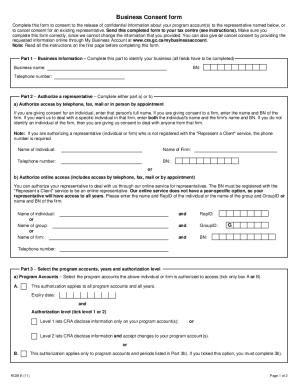
Rc59 2011 form

Adams county concealed carry permit
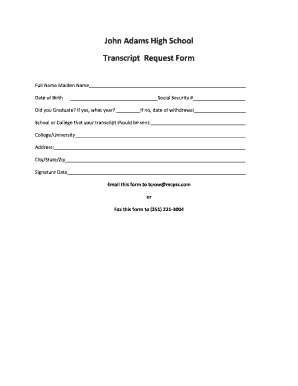
John adams virtual high school transcript request
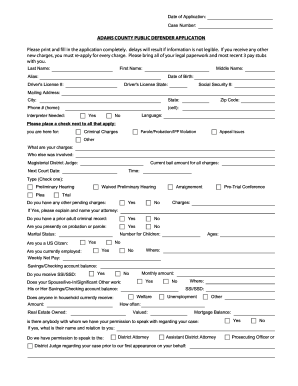
Adams public defender application
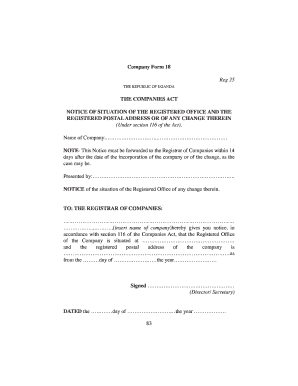
Company form 18 uganda
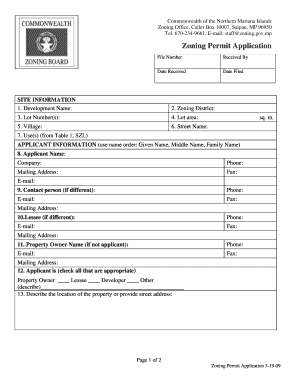
Cnmi zoning forms
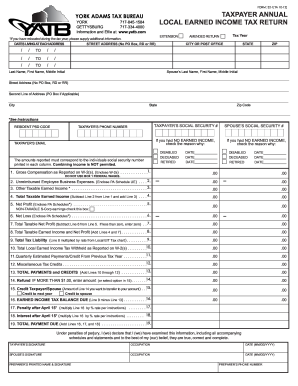
York adams tax bureau completed form 2012

Adam and eve return form
Ceda business plan
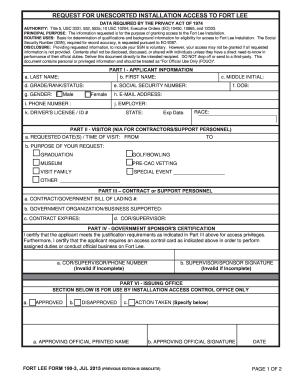
Fort Lee Form 190-3 - lee army
Hsbc forms download
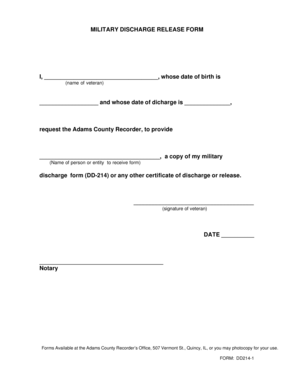
Adams county inmate search
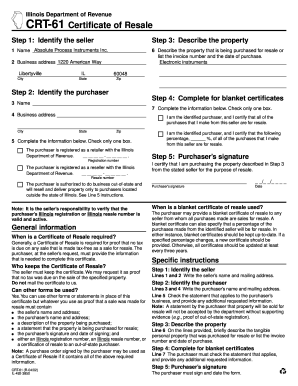
Crt 61
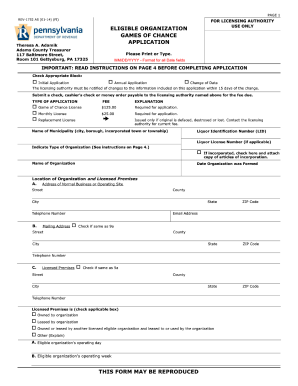
Small Games of Chance - Adams County
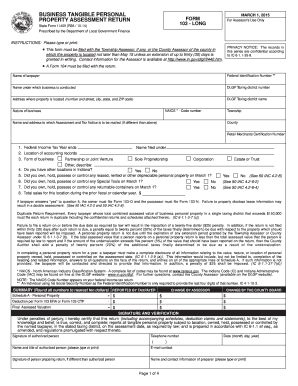
Form 103 - Long - State of Indiana - wellscounty

ADM-Application-for - Adams Construction Company
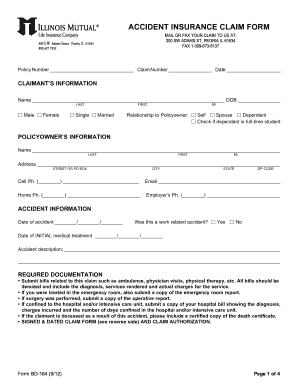
Illinois mutual life insurance company forms

Release and Waiver of Liability - Shred the Gnar, North Carolina

Unclaimed accounts application form - Birmingham Midshires - birminghammidshires co
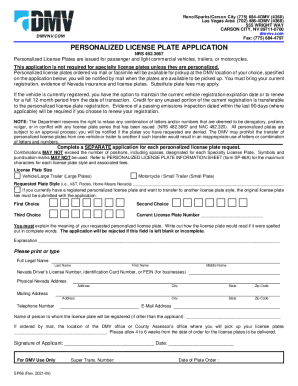
Personalized plates nevada

Consumer Complaint Form - Utah Division of Consumer Protection

Ameritrade trading liability company download
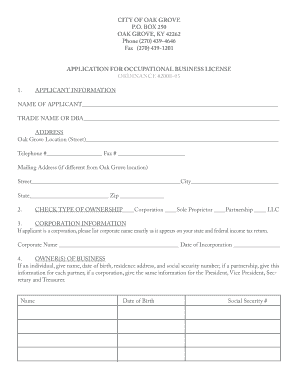
City of oak grove ky business license
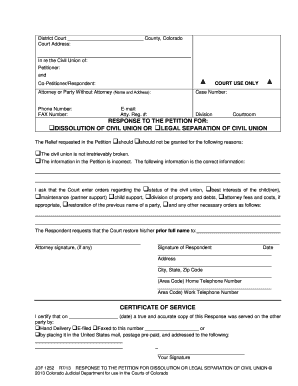
Colorado dissolution form
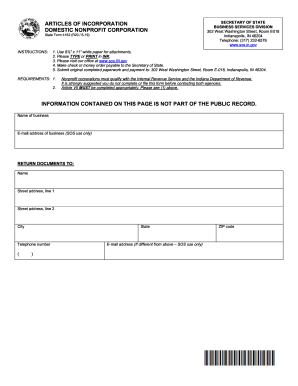
Indiana incorporation search
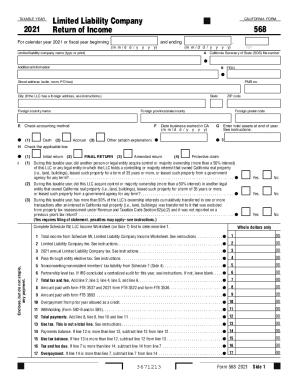
2021 FORM 568 Limited Liability Company Return of Income. 2021, FORM 568, Limited Liability Company Return of Income

Adams county colorado initiate judgement to foreclose lien

Customer setup form
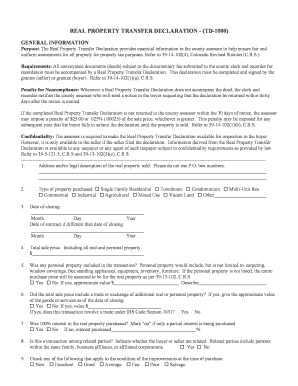
Real property transfer declaration - (td-1000) - Adams County - co adams co
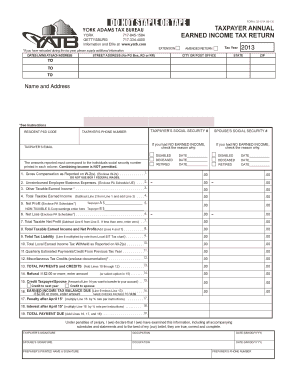
York adams tax bureau
Adams Radio Group Internship Application
Get and handle Adams Business Forms online
Speed up your form administration with the Adams Business Forms collection with ready-made templates that meet your requirements. Get the document template, alter it, fill it, and share it with your contributors without breaking a sweat. Begin working more effectively together with your forms.
How to use our Adams Business Forms:
- Open our Adams Business Forms and find the form you require.
- Preview your form to ensure it’s what you want, and click on Get Form to start working on it.
- Alter, include new text, or point out important information with DocHub features.
- Prepare your form and preserve the adjustments.
- Download or share your document with other people.
Discover all the possibilities for your online file management using our Adams Business Forms. Get your free free DocHub profile today!
Video Guide on Adams Business Forms management

Commonly Asked Questions about Adams Business Forms
Are Adams tax forms safe?
Its secure, safe and, in just a few clicks, your forms are electronically submitted to the IRS. Technical Support - Adams Tax Forms Adams Tax Forms tech-support Adams Tax Forms tech-support
Do Adams tax forms work with QuickBooks?
From the new Adams Tax Forms Helper, users can connect to a QuickBooks Online account to upload Payers and Recipients. From your dashboard, go to Payers. From the Import dropdown menu, select Quickbooks Online. Importing from QuickBooks Online - Adams Tax Forms Help Center Adams Tax Forms Help Center articles 5877740-i Adams Tax Forms Help Center articles 5877740-i
What 1099 Forms are compatible with QuickBooks Online?
Pre-printed 1099-NEC kits are compatible with QuickBooks Online, QuickBooks Online Payroll, QuickBooks Desktop 2020 or later, and QuickBooks for Mac 2020 or later.
Which tax form do I use?
Form 1040 is used by U.S. taxpayers to file an annual income tax return. About Form 1040, U.S. Individual Income Tax Return - IRS IRS forms-pubs about-form-1040 IRS forms-pubs about-form-1040
Which 1099 form versions are supported in QuickBooks payments?
The 1099 e-file service is only for federal 1099-MISC and 1099-NEC filings. For more info about what states require a 1099 filing or support combined filings see File your state 1099 forms. Contact your state for more information and to learn how to file.
Does QuickBooks prepare tax forms?
If youre using QuickBooks Desktop Payroll Assisted, we pay and file your taxes and forms for you.
What is Adams tax form helper?
Adams Tax Forms Helper is still a web-based tax filing service that helps small businesses prepare tax forms.
How to eFile with Adams tax forms?
eFile your forms From the dashboard, go to Filings. Next, check the box or boxes of the filing(s) youd like to eFile. Here, were selecting a 1099-MISC to eFile. Next, click the Checkout File button. Federal eFiling - Adams Tax Forms Help Center Adams Tax Forms Help Center articles 5696089-f Adams Tax Forms Help Center articles 5696089-f
Are Adams tax forms compatible with QuickBooks?
From the new Adams Tax Forms Helper, users can connect to a QuickBooks Online account to upload Payers and Recipients. From your dashboard, go to Payers. From the Import dropdown menu, select Quickbooks Online.
Related Templates
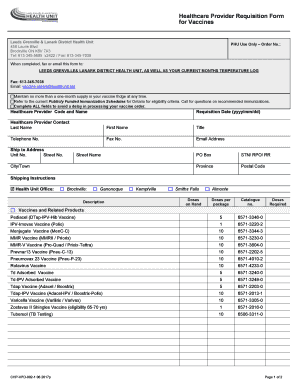
Chpvpd 002 1
The document is a Healthcare Provider Requisition Form for vaccines from the Leeds Grenville & Lanark District Health Un ...
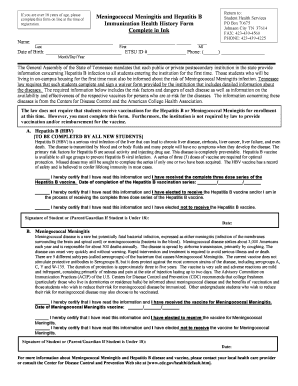
Meningococcal hepatitis
The document is a health history form for new students at a Tennessee postsecondary institution, requiring them to ackno ...

Amerigroup patient form
The document is a Patient Intake Form that must be completed in full for healthcare requests. It includes sections for m ...
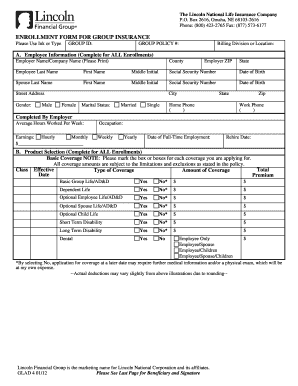
Lincoln group insurance
The document is an enrollment form for group insurance provided by The Lincoln National Life Insurance Company. It inclu ...
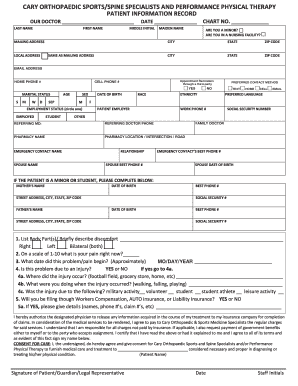
Offering Patients Messages Via Their Preferred Method of
The document outlines the patient intake and financial policies for Cary Orthopaedic & Sports Medicine Specialists. It i ...
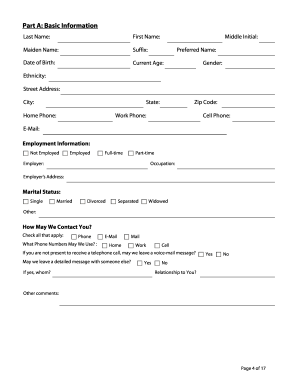
Hereditary Cancer Genetics at the Harvey Institute for Human
The document outlines the Hereditary Cancer Risk Assessment Program at Greater Baltimore Medical Center, providing infor ...

Fillable Online April 2013 E Short-Form-247 1 15 616 CLEAN
The document is a General Medical and Dental Consent for Treatment form used by Cornerstone Family Healthcare. It outlin ...

Consent to use or disclose health information - Tower Hematology
The document is a consent form from Tower Hematology Oncology Medical Group, authorizing the use and disclosure of a pat ...