Get and handle Property Booking Templates online

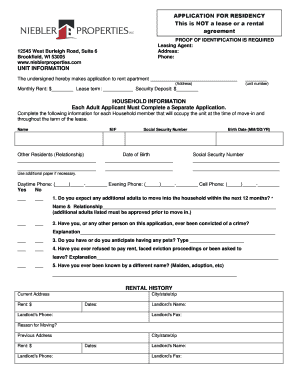
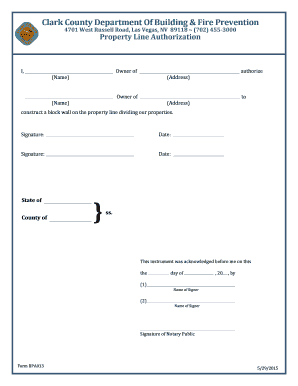
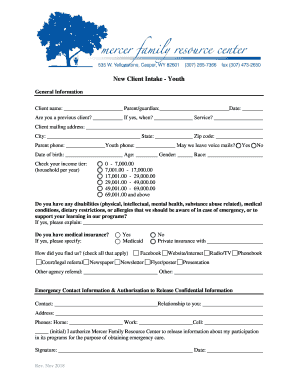
Boost your document operations with the Property Booking Templates collection with ready-made form templates that suit your requirements. Access the document, edit it, complete it, and share it with your contributors without breaking a sweat. Begin working more efficiently together with your documents.

The best way to manage our Property Booking Templates:

  1. Open our Property Booking Templates and look for the form you need.
  2. Preview your form to ensure it’s what you want, and click on Get Form to start working on it.
  3. Edit, add new text, or highlight important information with DocHub tools.
  4. Complete your form and save the changes.
  5. Download or share your document with other people.

Explore all the opportunities for your online document administration with the Property Booking Templates. Get your totally free DocHub profile today!

Video Guide on Property Booking Templates management

video background

Commonly Asked Questions about Property Booking Templates

A restaurant reservation form is used to simplify the way your customers book tables at your restaurant. You can offer them a better experience when making the booking instead of asking them to make phone calls.
You need to complete your registration on our platform before you can set your propertys status to open/bookable. This means you shouldve already: Added at least five photos of your property. Checked your propertys description, facilities, and room amenities.
What should be on a Booking Request Form? The information that should be on a booking form depends on what type of booking youre collecting information for. Some common fields to include are customers contact details (name, email, phone number), date and time of booking, and payment information.
booking form in British English (ˈbʊkɪŋ fɔːm ) noun. a form used to book a holiday, accommodation, etc. Enter the type of hotel room you want on the booking form.