
Create your Non profit income statement Balance Sheet Template from scratch
Start Building Now




Here's how it works
A quick guide on how to set up a polished Non profit income statement Balance Sheet Template
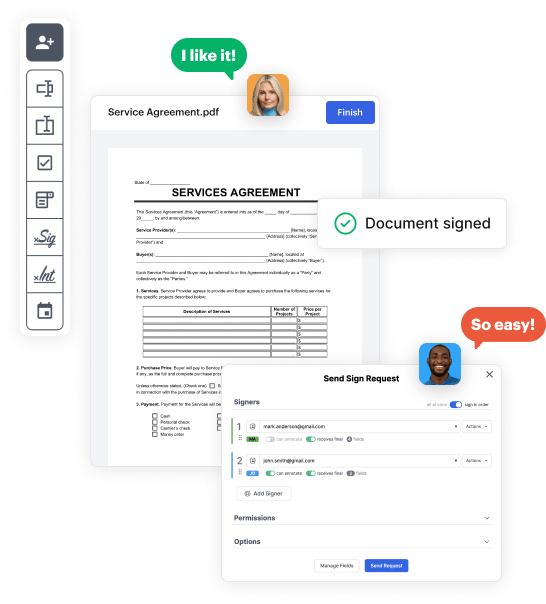
Step 1: Log in to DocHub to create your Non profit income statement Balance Sheet Template.
First, sign in to your DocHub account. If you don't have one, you can simply register for free.
Step 2: Go to the dashboard.
Once you’re in, access your dashboard. This is your primary hub for all document-related tasks.
Step 3: Initiate new document creation.
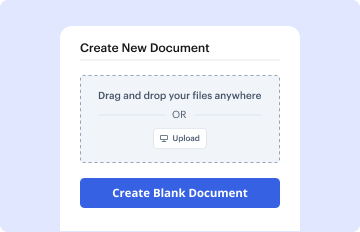
In your dashboard, click on New Document in the upper left corner. Select Create Blank Document to design the Non profit income statement Balance Sheet Template from a blank slate.
Step 4: Add template elements.
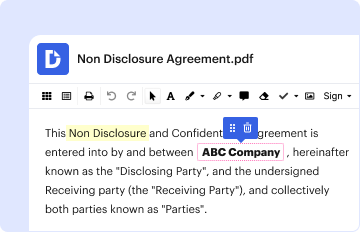
Place numerous elements like text boxes, images, signature fields, and other fields to your template and designate these fields to certain individuals as needed.
Step 5: Personalize your form.
Personalize your template by inserting guidelines or any other necessary information leveraging the text tool.
Step 6: Review and modify the form.
Carefully review your created Non profit income statement Balance Sheet Template for any inaccuracies or essential adjustments. Take advantage of DocHub's editing capabilities to fine-tune your form.
Step 7: Distribute or download the form.
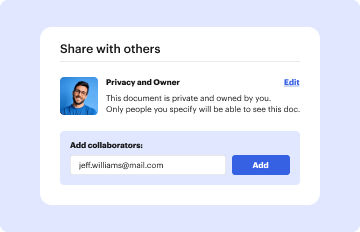
After finalizing, save your copy. You can choose to retain it within DocHub, transfer it to various storage platforms, or forward it via a link or email.
