
Clothing brand Balance Sheet Templates - Page 2
Collaborate and adjust Clothing brand Balance Sheet Templates in real-time. Get a free DocHub and manage your financial records with precision, stay ahead your competition, and safeguard your records.



- 1
-
2
Get and manage Clothing brand Balance Sheet Templates online
Improve your form management with our Clothing brand Balance Sheet Templates online library with ready-made document templates that meet your requirements. Access the form, change it, complete it, and share it with your contributors without breaking a sweat. Start working more effectively together with your documents.
The best way to use our Clothing brand Balance Sheet Templates:
- Open our Clothing brand Balance Sheet Templates and look for the form you require.
- Preview your form to ensure it’s what you want, and click on Get Form to begin working on it.
- Edit, include new text, or point out important information with DocHub features.
- Complete your form and save the adjustments.
- Download or share your form with other recipients.
Explore all the possibilities for your online file management with the Clothing brand Balance Sheet Templates. Get your totally free DocHub profile right now!
Video Guide on Clothing brand Balance Sheet Templates management

Commonly Asked Questions about Clothing brand Balance Sheet Templates
Does Excel have a balance sheet template?
The Excel Balance Sheet Template easily integrates with Microsoft Office Suite, enabling you to import/export data effortlessly and collaborate with colleagues using familiar tools. You can also use Excels advanced analysis features, such as pivot tables and charts, to gain deeper insights into your financial data.
Does Excel have built in templates?
You can use pre-built Excel templates for time management, budgeting, project planning, and much more.
How to make a balance sheet in Excel template?
Open a new Excel spreadsheet and label the columns and rows. In the first column, label the rows with Assets, Liabilities, and Equity. This creates the main sections of the balance sheet. Arrange the assets above liabilities and equity to maintain a standard format.
How to do a balance sheet for a small business template?
Follow these steps: Step 1: Pick the balance sheet date. Step 2: List all of your assets. Step 3: Add up all of your assets. Step 4: Determine current liabilities. Step 5: Calculate long-term liabilities. Step 6: Add up liabilities. Step 7: Calculate owners equity. Step 8: Add up liabilities and owners equity.
Do brand names appear on balance sheet?
While in most cases, brands do not appear on the balance sheet. There is one exception, when a business has acquired a brand, then it will appear as goodwill on the balance sheet and be expensed over time. The goodwill essentially signifies value.
How do I make a balance sheet for a shop?
How to make a balance sheet Invest in accounting software. Create a heading. Use the basic accounting equation to separate each section. Include all of your assets. Create a section for liabilities. Create a section for owners equity. Add total liabilities to total owners equity.
How do you make a PL and a balance sheet in Excel?
How to Create a Profit and Loss Statement in Excel Download, Open, and Save the Excel Template. Input Your Company and Statement Dates. Calculate Gross Profit. Input Sales Revenue to Calculate Gross Revenue. Input the Cost of Goods Sold (COGS) Calculate the Net Income. Input Your Business Expenses.
Does Excel have an accounting template?
If you open up Excel and then use the relevant keyword in the Search All Templates box, you should be able to find a basic template that will fit your needs. For example, Excel has an inbuilt profit and loss statement template, business expenses budget template, budget planner template, and more.
Related Templates
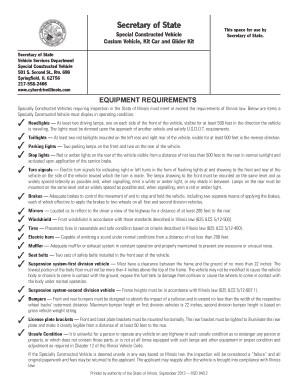
Illinois car glider
The document outlines the equipment requirements for Specially Constructed Vehicles in Illinois, detailing necessary saf ...
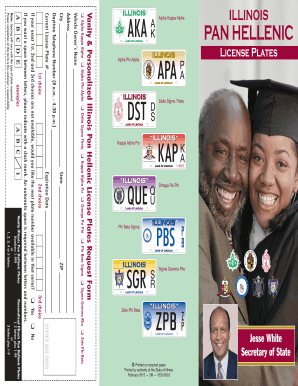
Pan license form
The document outlines the process for requesting Illinois Pan Hellenic vanity and personalized license plates, which sup ...
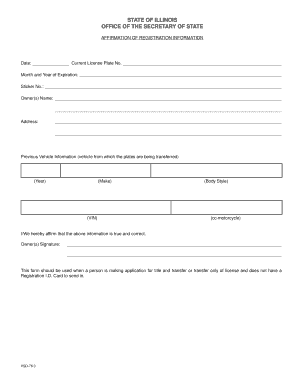
Illinois affirmation information
The document is an 'Affirmation of Registration Information' form from the State of Illinois Office of the Secretary of ...
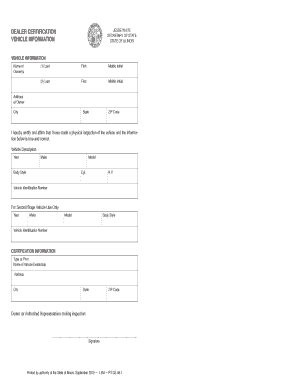
Certify illinois vehicle
The document is a Dealer Certification form from the Secretary of State of Illinois, used for certifying vehicle informa ...
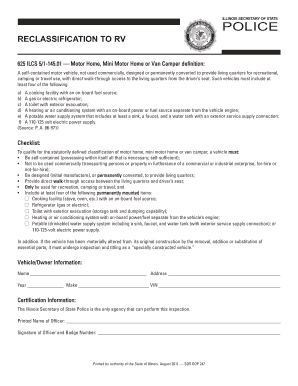
Classification checklist recreational
The document outlines the definition and requirements for classifying a vehicle as a motor home, mini motor home, or van ...
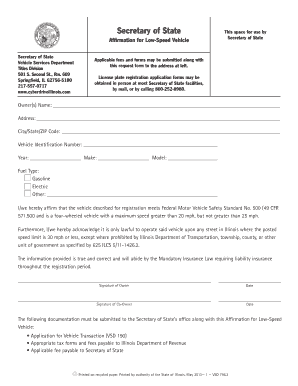
Illinois low speed vehicle
The document is an affirmation form for registering a low-speed vehicle with the Secretary of State in Illinois. It outl ...
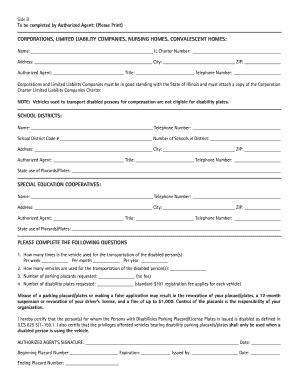
Illinois affirmation disabilities placards
The document outlines the process for obtaining parking placards and license plates for organizations that transport per ...
Illinois education plates
The document is a request form for Vanity and Personalized Education License Plates in Illinois, detailing the applicati ...