
Etrade and Application Forms
Choose from dozens of ready-made Etrade and Application Forms documents and streamline your workflows with a few clicks. Obtain, upload, and complete your form wherever you are with DocHub.

Create a new Etrade and Application Form
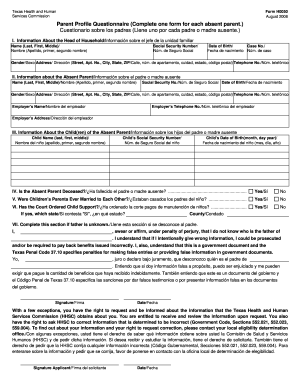
Form h0050
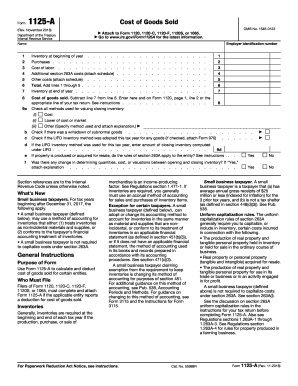
Form 1125 a
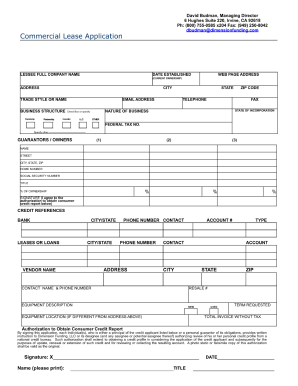
Commercial lease application
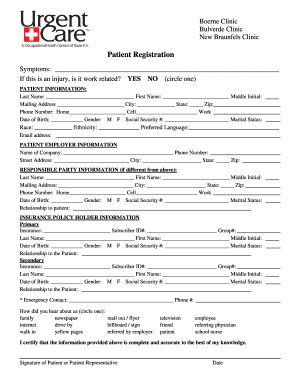
New patient forms printable for rapid urgent care
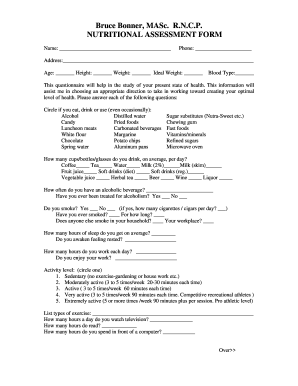
Nutritional assessment questionnaire forms

Etradecomonlinedistribution form
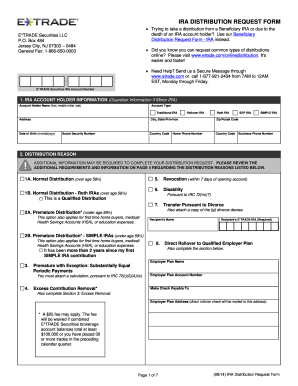
Etrade com onlinedistribution
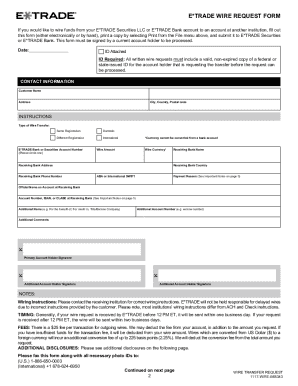
COMPLETE YOUR E*TRADE WIRE REQUEST FORM IN FOUR EASY

New caney isd physical form
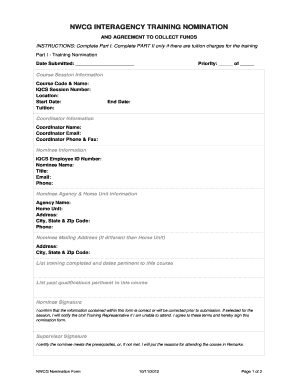
Nwcg interagency training nomination form
Guaranteed income supplement form
Friends in need application
Washington practitioner application
Ncl shareholder benefit form

Us army application forms 2015

DE-111 Petition for Probate
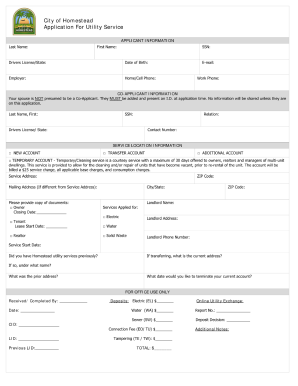
City of homestead utilities application
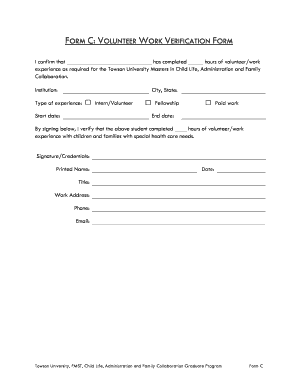
Student volunteer verification form printable
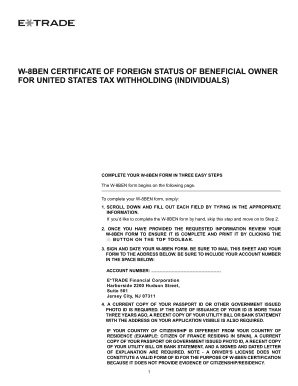
Etrade w8ben

Shortwood teachers college

Complaint for violation of civil rights non prisoner
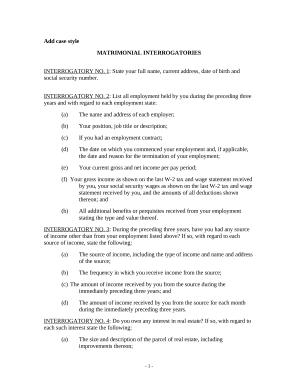
Discovery Interrogatories for Divorce Proceeding for either Plaintiff or Defendant - Another Form - Kentucky
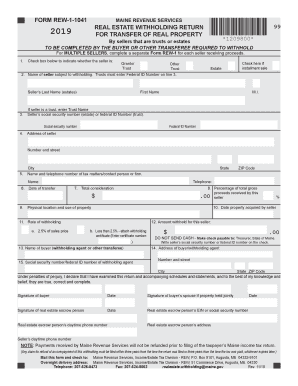
Maine real estate withholding
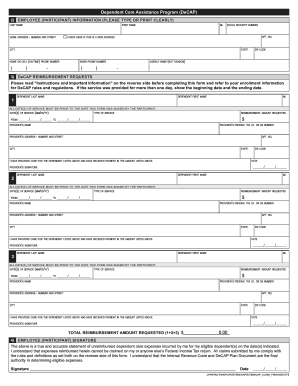
New york decap

2021 PLUMBING Journeyman - Apprentice Application
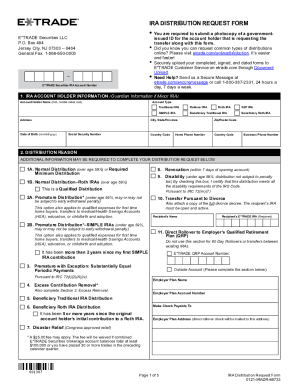
Etrade distribution
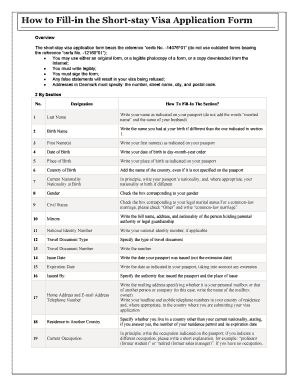
Sample schengen visa application form filled
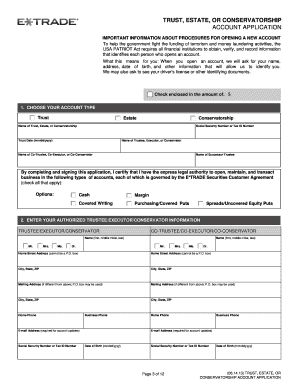
Etrade estate account application
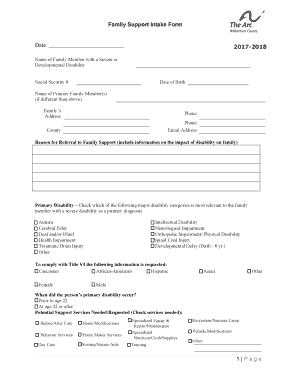
Family Support Intake Form

Employee drivers permit
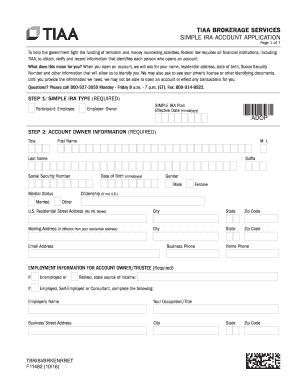
Tiaa brokerage application

Design Review Board Application for Certificate of Appropriateness
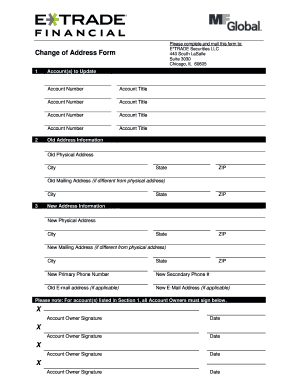
Etrade change address
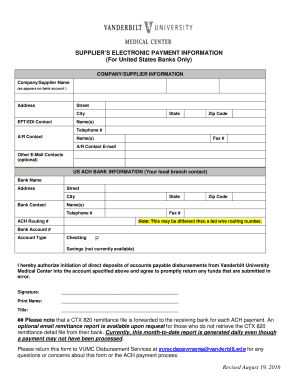
Vendor bank information request form

Documents, Forms and Applications
Supercharge your productiveness with Etrade and Application Forms
Papers management consumes to half of your business hours. With DocHub, you can easily reclaim your office time and increase your team's efficiency. Get Etrade and Application Forms collection and explore all templates related to your everyday workflows.
Effortlessly use Etrade and Application Forms:
- Open Etrade and Application Forms and employ Preview to obtain the appropriate form.
- Click Get Form to start working on it.
- Wait for your form to upload in our online editor and begin editing it.
- Add new fillable fields, icons, and images, change pages, and many more.
- Fill out your form or prepare it for other contributors.
- Download or share the form by link, email attachment, or invite.
Boost your everyday document management using our Etrade and Application Forms. Get your free DocHub account today to explore all forms.
Video Guide on Etrade and Application Forms management

Commonly Asked Questions about Etrade and Application Forms
Why is ETRADE charging me a commission?
Broker assisted trades You will be charged one commission for an order that executes in multiple lots during a single trading day. Orders that execute over more than one trading day, or orders that are changed, may be subject to an additional commission.
How do I get my tax forms from Etrade?
Go to the E*TRADE website and log in to your account. Select the Tax Account Records menu item under the Accounts menu. Click the Tax Documents link.
What is the minimum to open an ETRADE account?
Focus on your future, not on fees It all starts with $0 commissions for online US-listed stock, ETF, mutual fund, and options trades. And there are no account minimums or maintenance fees.
How do I open a new ETRADE account?
Download an application and then print it out. Complete and sign the application. Send the application with a check made payable to E*TRADE from Morgan Stanley or Morgan Stanley Private Bank (depending on the type of account youre opening) to the appropriate address.
What is going on with etrade right now?
User reports indicate no current problems at E-Trade E-Trade is an online discount stock broker, allowing its customers to trade equities including stock, bonds and exchange traded funds (ETFs) online and over the phone. E-Trade also offers banking services such as checking and savings accounts as well as credit cards.
How do I get $600 from Etrade?
For example, if you deposit $250,000 into your new E*TRADE account, then you will receive a cash credit of $600 within seven business days after the date of your deposit.
How do I set up a bank account with ETRADE?
Step-by-Step Guide to Add a Bank Account to E*TRADE Step 1: Log in to Your E*TRADE Account. Step 2: Go to the Banking Tab. Step 3: Select External Accounts Step 4: Click on Add a New External Account Step 5: Choose the Type of Account to Add. Step 6: Enter Your Bank Account Information.
What documents do I need to open an etrade account?
The process of entering personal information for account setup involves providing details such as your full name, date of birth, address, and Social Security number to verify your identity and comply with regulatory requirements. As you go through the account setup, E*TRADE offers various account types to choose from.
Related Templates
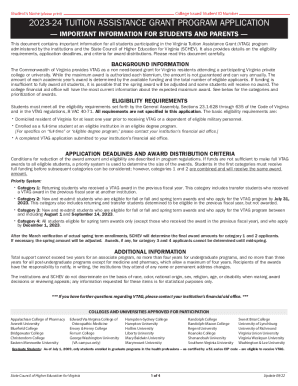
2023-24 VTAG Application - Eastern Mennonite University
The document is an application for the Virginia Tuition Assistance Grant (VTAG) program, which provides non need-based f ...
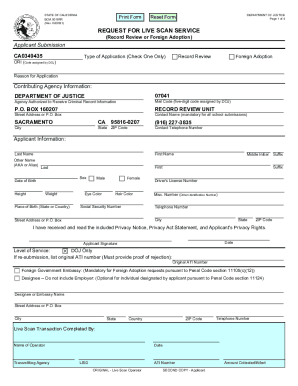
California-criminal-record-review-live-scan-form
The document is a Request for Live Scan Service form from the California Department of Justice, intended for applicants ...
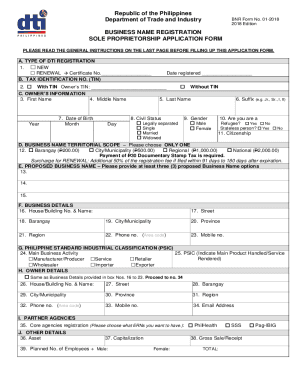
Dti online registration
The document is a Business Name Registration application form for sole proprietorships in the Philippines, issued by the ...
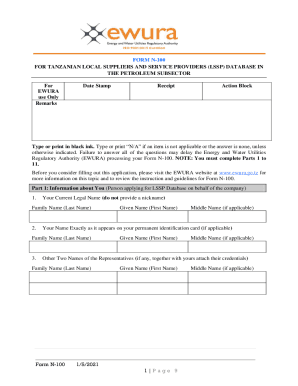
Tanzania Form N-100 for Local Suppliers
The document is Form N-100, an application for Tanzanian local suppliers and service providers to register in the LSSP d ...
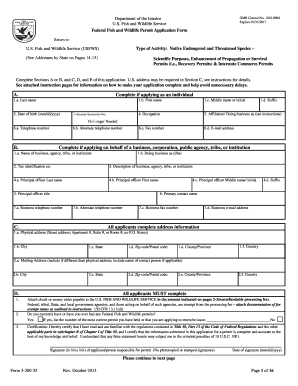
Usfws permit 3 200 55 form
The document is a Federal Fish and Wildlife Permit Application Form (OMB Control No. 1018-0094) issued by the U.S. Fish ...

USDA Rural Development Iowa 2017 Performance Report USDA 2017 Performance Report
The USDA Rural Development Iowa 2017 Performance Report highlights the agency's commitment to enhancing rural prosperity ...
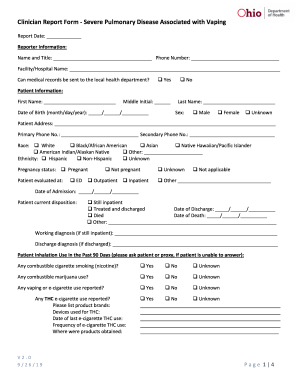
Clark County Combined Health District - Ohio Department of
The document is a health alert from the Clark County Combined Health District regarding severe pulmonary disease associa ...
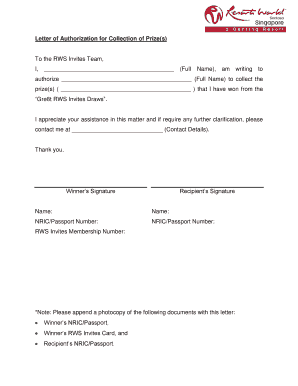
Authorization letter for claiming prize
The document is a Letter of Authorization allowing a designated individual to collect prizes on behalf of the winner fro ...